How We Gangsheet at Transfersuperstars: A Complete DTF Transfers Guide
Table of Contents
- How We Upload Gang Sheets to Transfer Superstars: A Complete Guide to DTF Transfers
- Understanding What a Gang Sheet Really Is and Why It Matters
- The First Method: Using the Transfer by Size Option
- The Second Method: Using the Gang Sheet Builder Tool
- The Third Method: Using the Legacy Upload Form for Large Files
- Why Choosing the Right Method Matters for Our Success
- Making Sure Our Gang Sheets Get to Transfer Superstars Perfectly
- Getting Our DTF Transfers Just Right
- Continuing Our Journey with Transfer Superstars

How We Upload Gang Sheets to Transfer Superstars: A Complete Guide to DTF Transfers
When we first started learning about custom DTF transfers, we quickly discovered that uploading our gang sheets correctly makes all the difference between a successful order and a frustrating experience. We've learned that Transfer Superstars offers us three different methods to upload our gang sheets, and each one serves a specific purpose depending on our needs. Let's walk through what we've discovered so you can confidently upload your own gang sheets and create amazing custom transfers.
Understanding What a Gang Sheet Really Is and Why It Matters
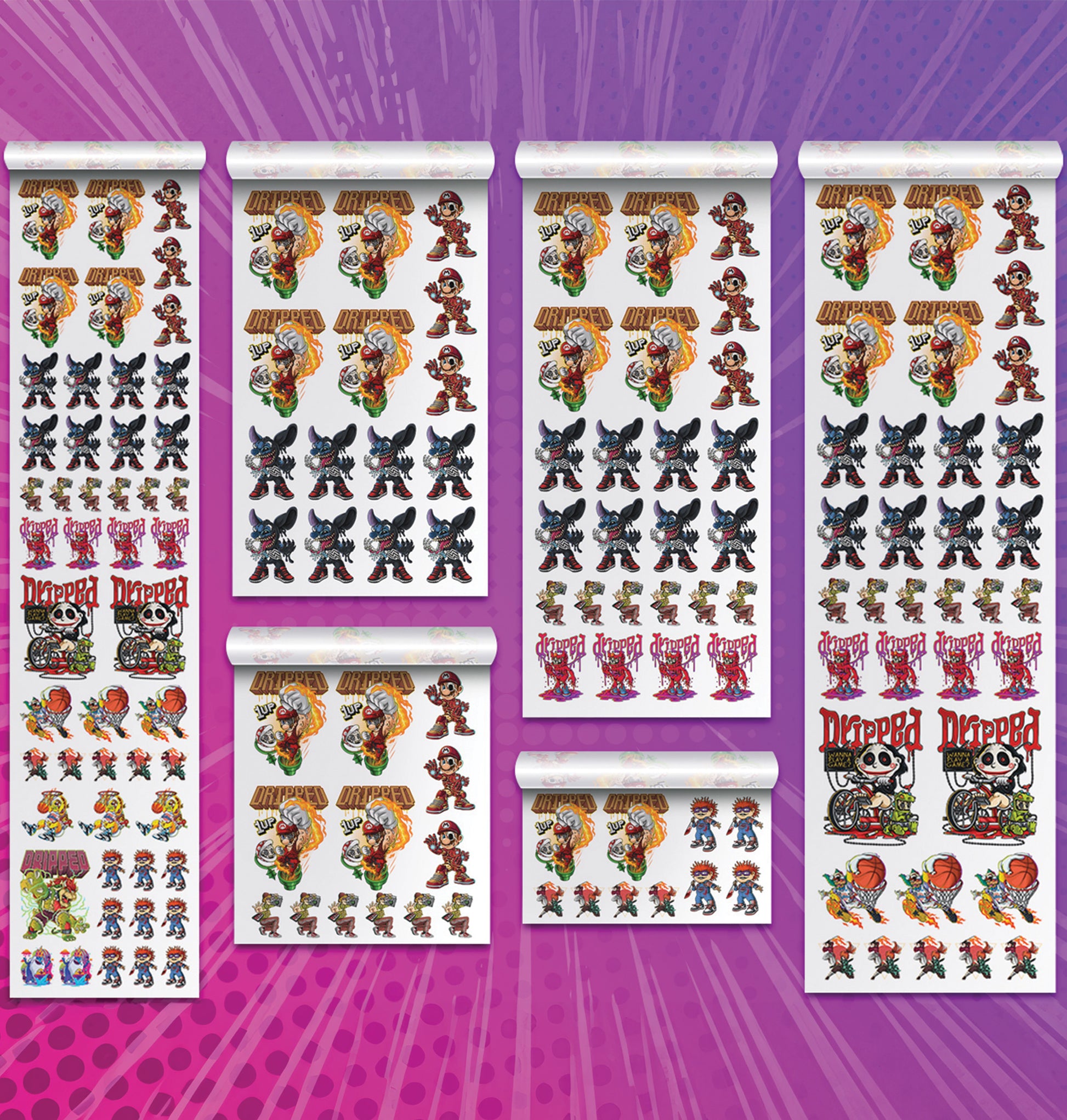
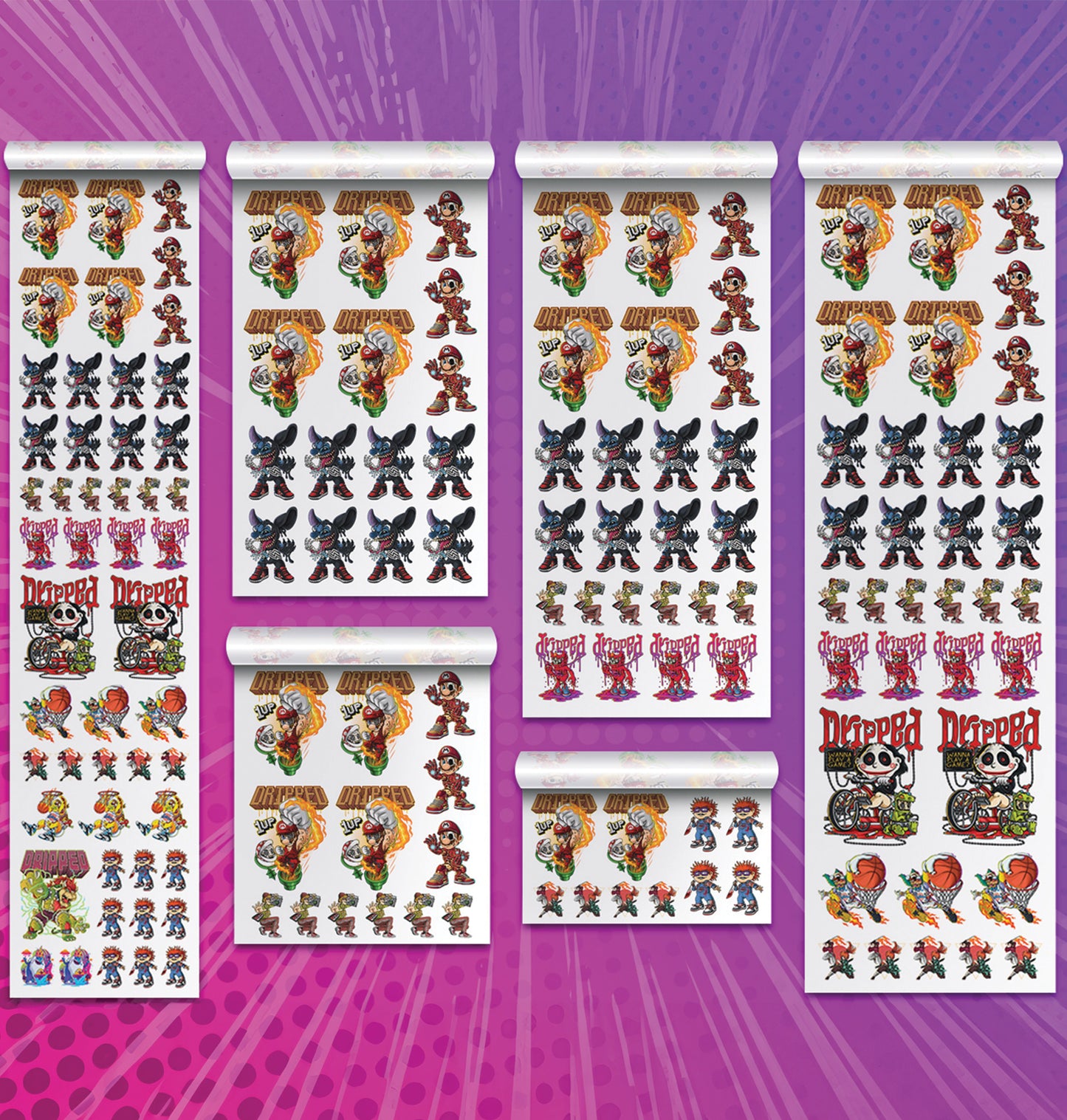
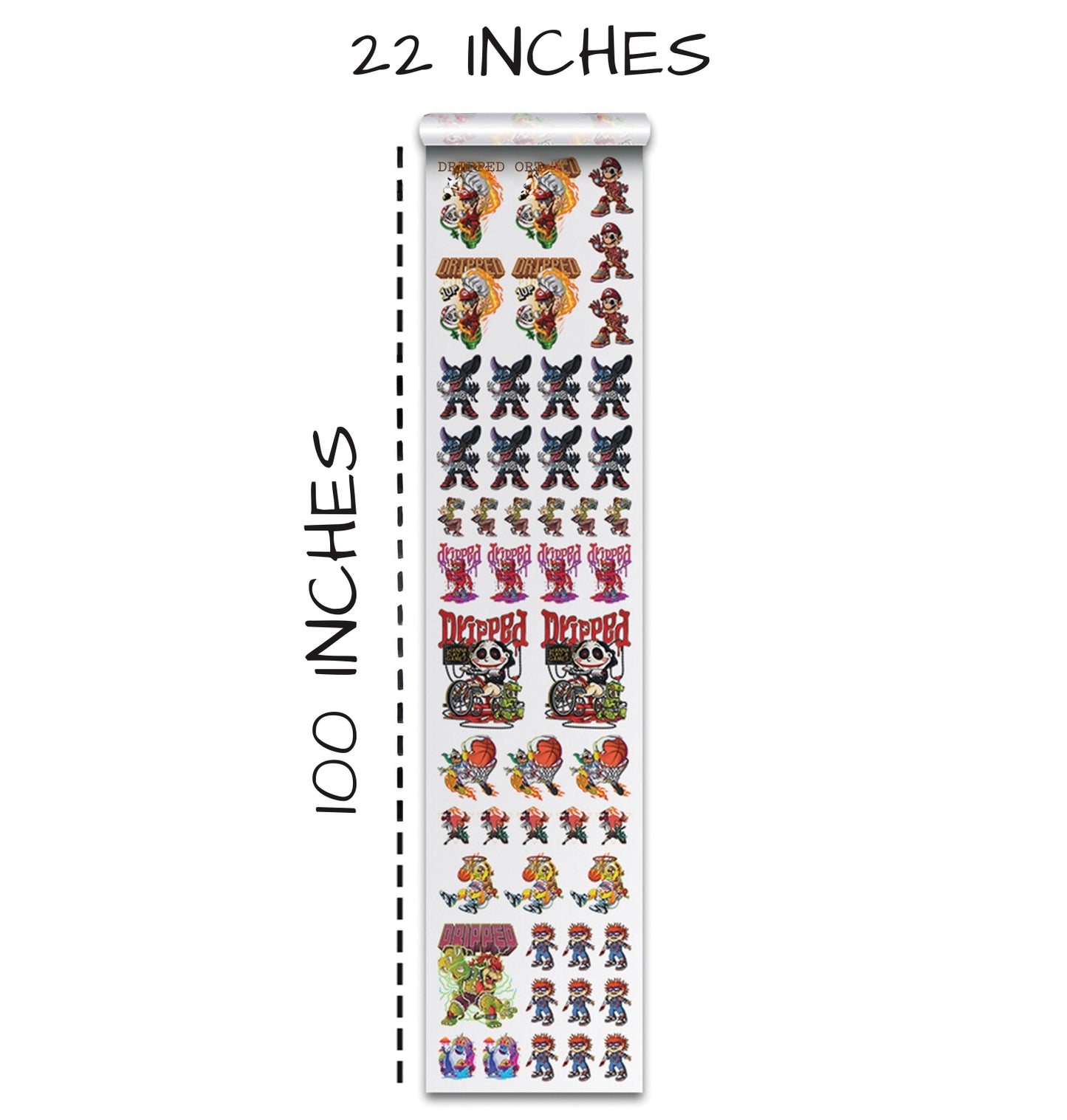
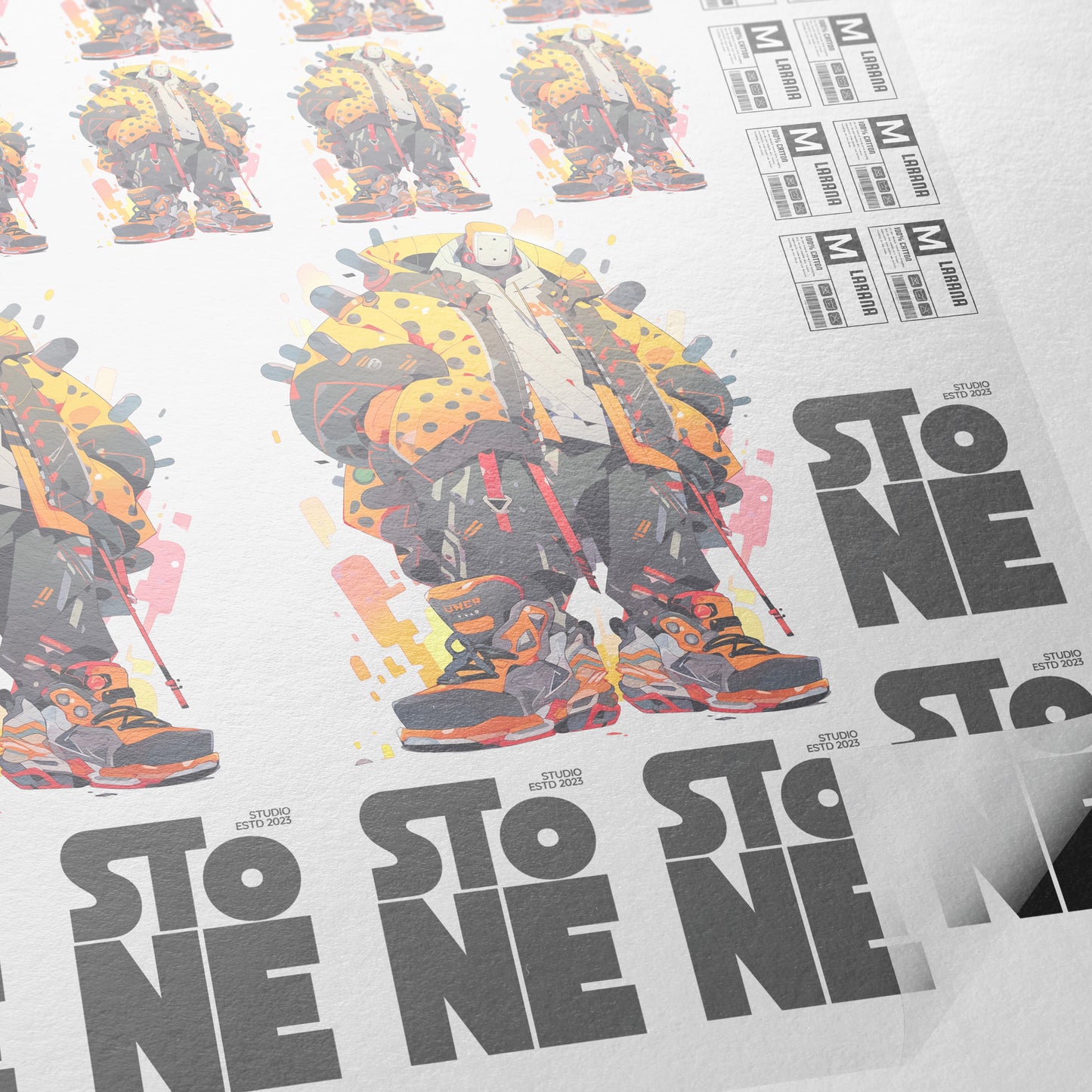
Before we dive into the uploading methods, let's make sure we understand what we're actually working with. A gang sheet is basically a large collection of multiple designs all laid out on one sheet. Think of it like a poster where instead of one big picture, you have lots of smaller designs arranged neatly across the entire space. This is helpful for custom printing because we can fit many different designs into one order instead of ordering each one separately.
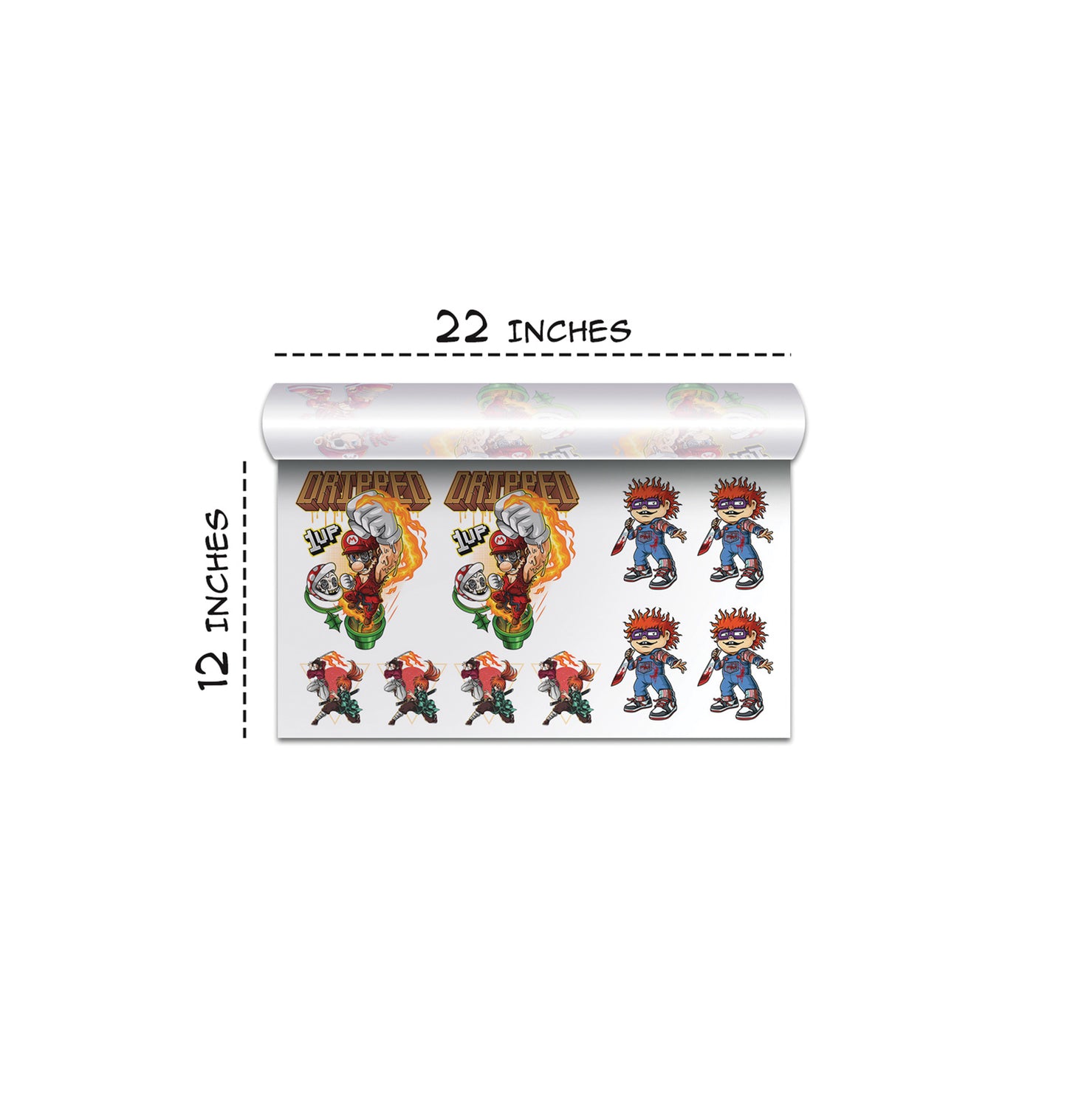
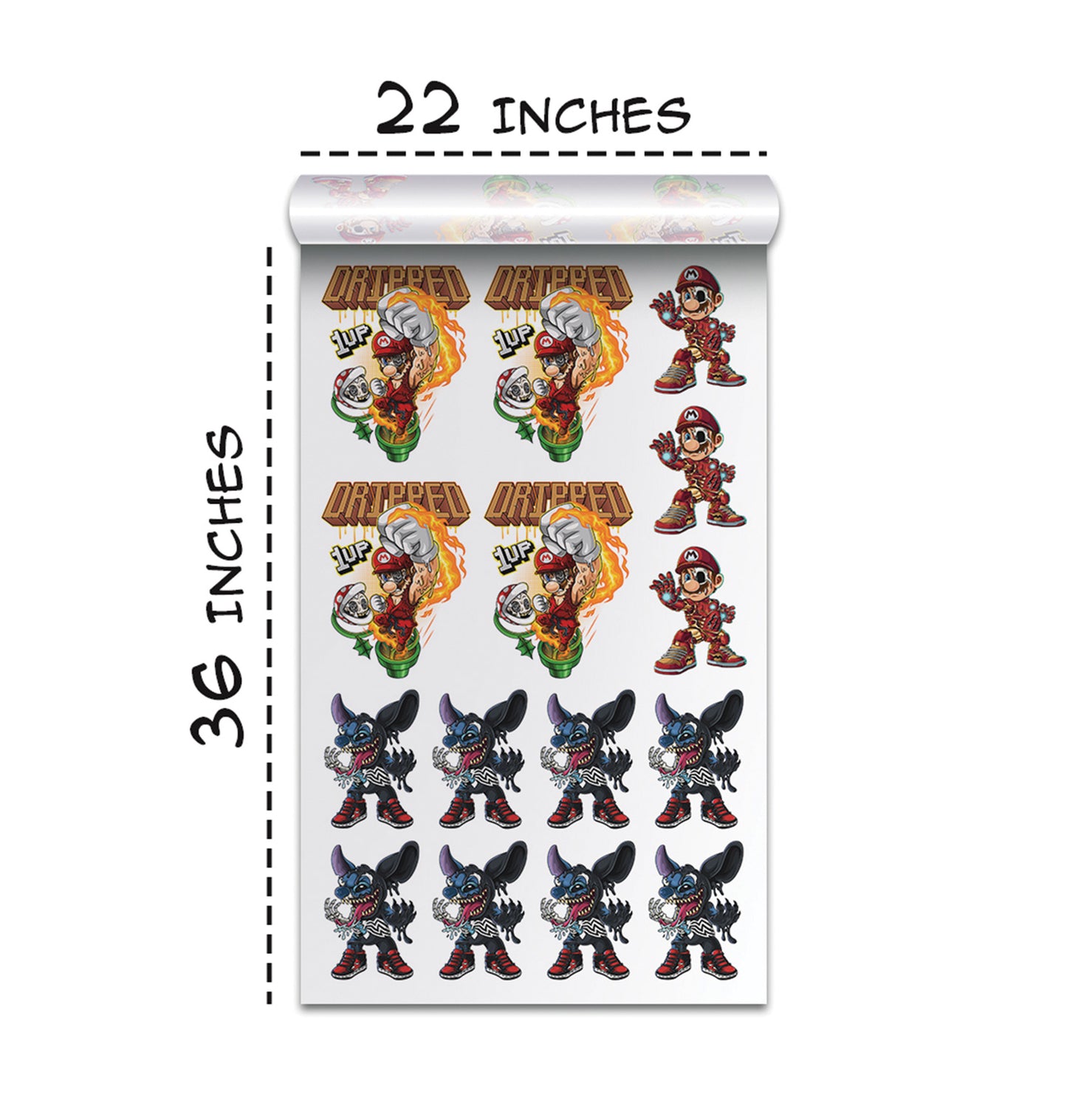
When we're creating a gang sheet for DTF transfers, we need to follow specific size requirements. The maximum size is 22 inches wide by 100 inches tall. We can also do smaller sizes like 22 by 12 inches, but the 22 by 100 option gives us the most room. Getting these dimensions right is critical because if our gang sheet doesn't fit these requirements, we’ll run into problems when uploading.
The First Method: Using the Transfer by Size Option
The first way we can upload our gang sheets is through the Transfer by Size option. This method is straightforward and works well if we already have our gang sheet created as a PNG file within the 22 by 100 inch limit. We can drag and drop our file or click to upload it. After uploading, the website shows a loading bar and then a preview to confirm everything looks correct.
We also make sure the gang sheet isn’t flipped horizontally. The preview reveals the exact dimensions so we can verify they're within the allowed range. Once everything looks right, we select the quantity, add the sheet to our cart, and proceed to checkout.
The Second Method: Using the Gang Sheet Builder Tool
The second upload method is the Gang Sheet Builder tool. This tool offers more flexibility and features, including background color adjustments, naming and tracking gang sheets, and creating multi-page projects. After choosing a size, we upload our gang sheet and view it with optional tools that help us verify and organize our work before ordering.
The Third Method: Using the Legacy Upload Form for Large Files
The legacy upload method is designed for extremely large files over 500 megabytes. We drag and drop our file onto the legacy form, wait for the loading bar to reach 100 percent, then enter our file name, dimensions, quantity, production speed, shipping speed, and any special instructions. After submitting the form, Transfer Superstars reviews and invoices us before production begins.
Why Choosing the Right Method Matters for Our Success
Choosing the right upload method helps make the process smooth and efficient. The Transfer by Size method works best for standard-sized, ready-to-upload gang sheets. The Gang Sheet Builder is ideal for those needing design tools and organization features. The legacy method is for very large or complex files. Each method works best in different situations.
Making Sure Our Gang Sheets Get to Transfer Superstars Perfectly
We always export our gang sheets as PNG files with correct dimensions and ensure they aren’t flipped. We verify everything using the preview before paying. Production usually takes two to three business days. Shipping speeds vary depending on which option we choose, and we receive tracking once the order is shipped.
Getting Our DTF Transfers Just Right
We've learned that understanding each upload method helps us get consistently excellent results. By paying attention to dimensions, format, and previews, we ensure our gang sheets upload perfectly and our custom transfers come out looking professional.
Continuing Our Journey with Transfer Superstars
As we continue working with custom DTF transfers, we keep discovering new ways to improve our workflow. Transfer Superstars gives us multiple upload options so we can choose the one that suits each project. Whether we're beginners or experienced users, there's a method tailored to our needs.
Ready to Embark on your DTF Journey?
Experience DTF Excellence Today! Get your Sample Pack! See the vibrant colors, durability, and precision we offer firsthand before you invest.
Transform Your Style with our DTF Collection!
Ready to Elevate Your Printing Game? Submit your custom order now and experience:
- Superior color accuracy
- Premium durability
- Fast turnaround times
Click here to start your DTF printing journey!