Getting Your DTF Transfers Right: A Complete Guide to Uploading Files by Size
When we first started learning about Direct-to-Film (DTF) transfers, the uploading process felt complicated and confusing. We quickly discovered that one of the most important steps we could take was understanding how to upload our designs the right way. That's why we want to share what we've learned about using the transfer-by-size method, which has made our lives so much easier when ordering custom DTF transfers.

Table of Contents
- Understanding the Transfer by Size Method for Your DTF Orders
- Choosing the Right File Formats and Preparing Your Artwork
- Resolution and DPI: Getting Your Images Print-Ready
- Resizing Your Designs While Keeping Quality High
- Using the Transfer by Size System to Calculate Costs
- Loading Multiple Files and Building Your Order
- Pre-Cut Options and the Gang Sheet Builder
- Making Smart Choices with Your Account and Reordering
- Making Sure Everything Looks Perfect Before You Checkout
- Getting Professional Results From Your DTF Orders
Understanding the Transfer by Size Method for Your DTF Orders
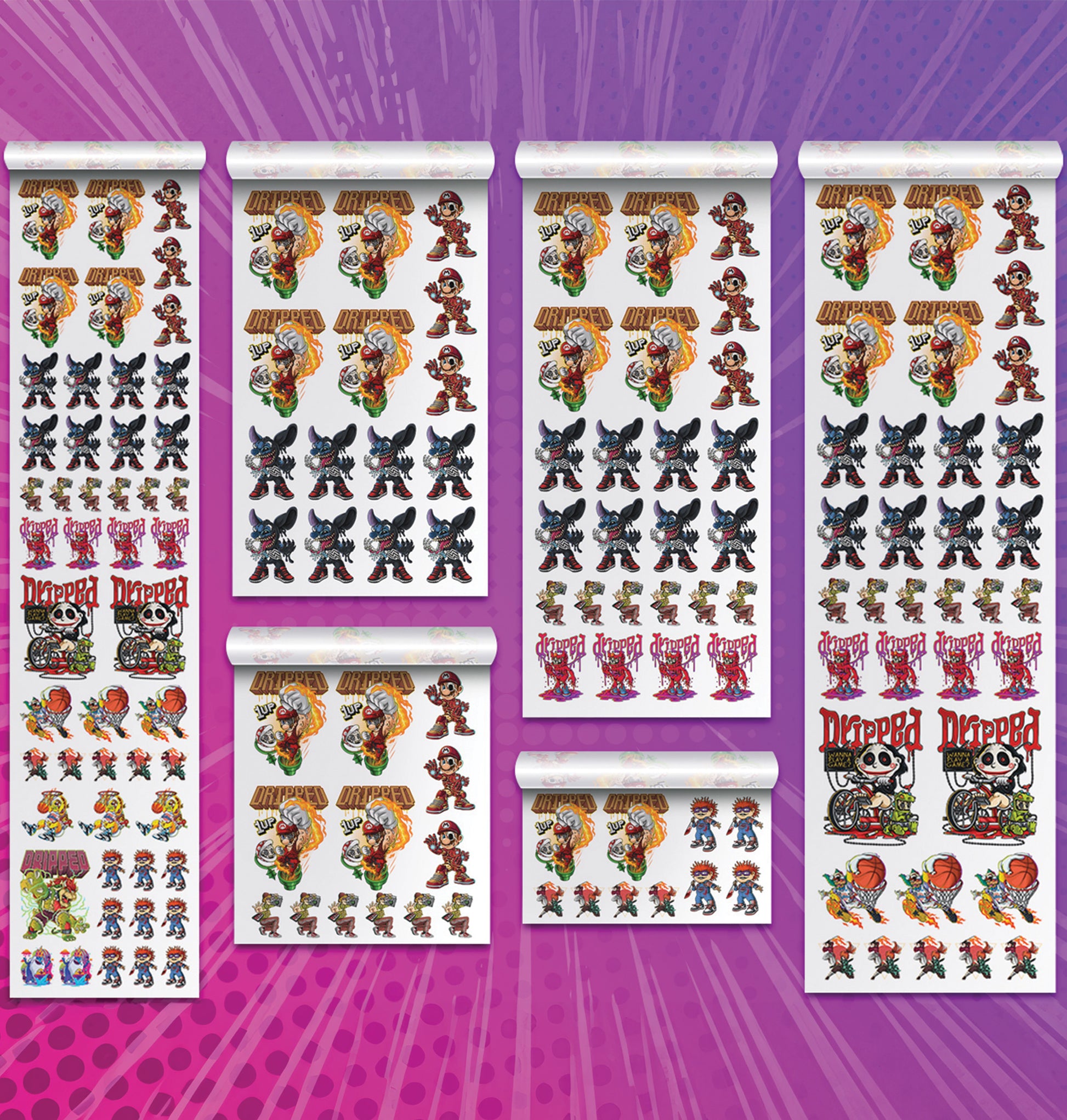
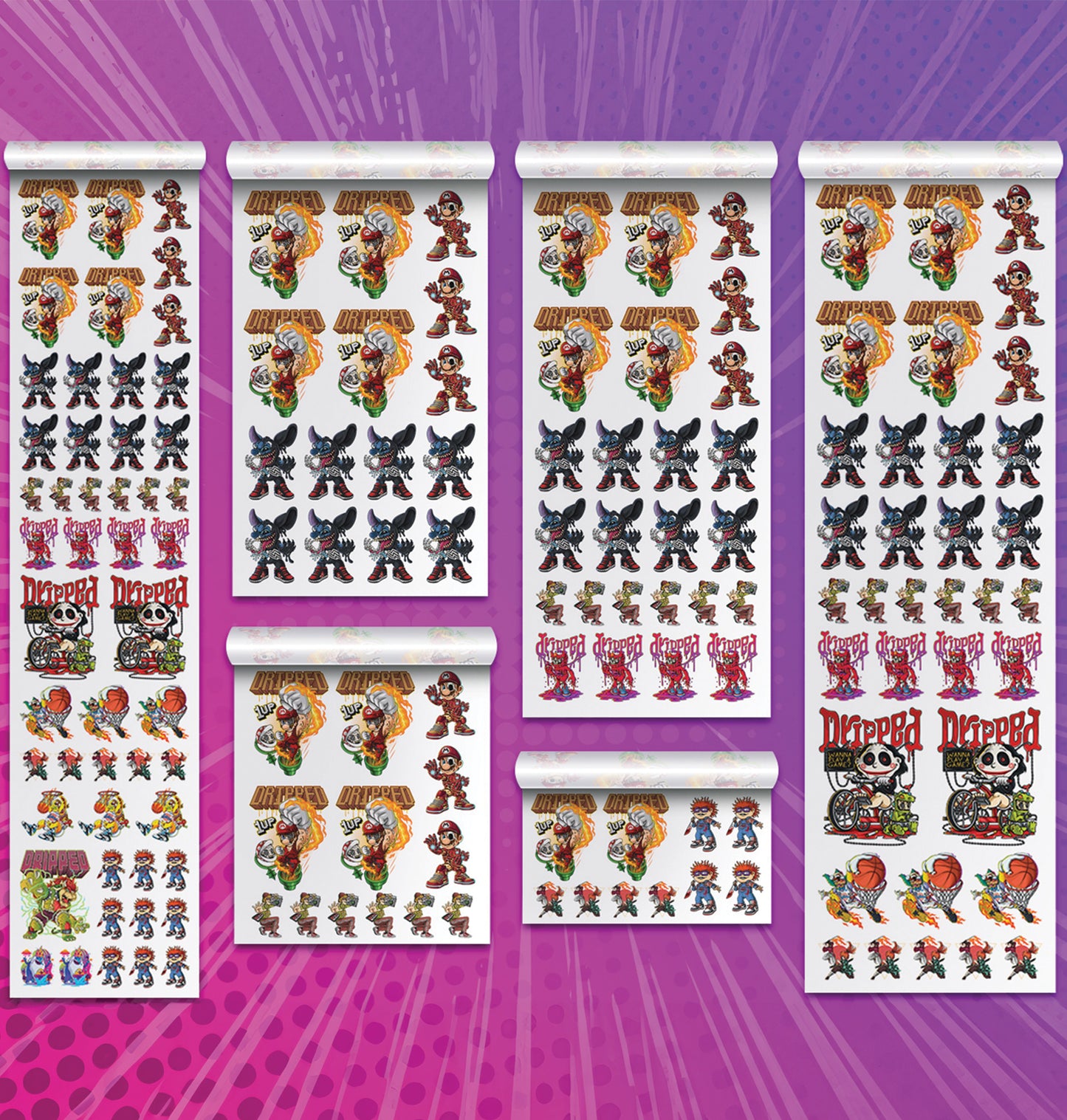
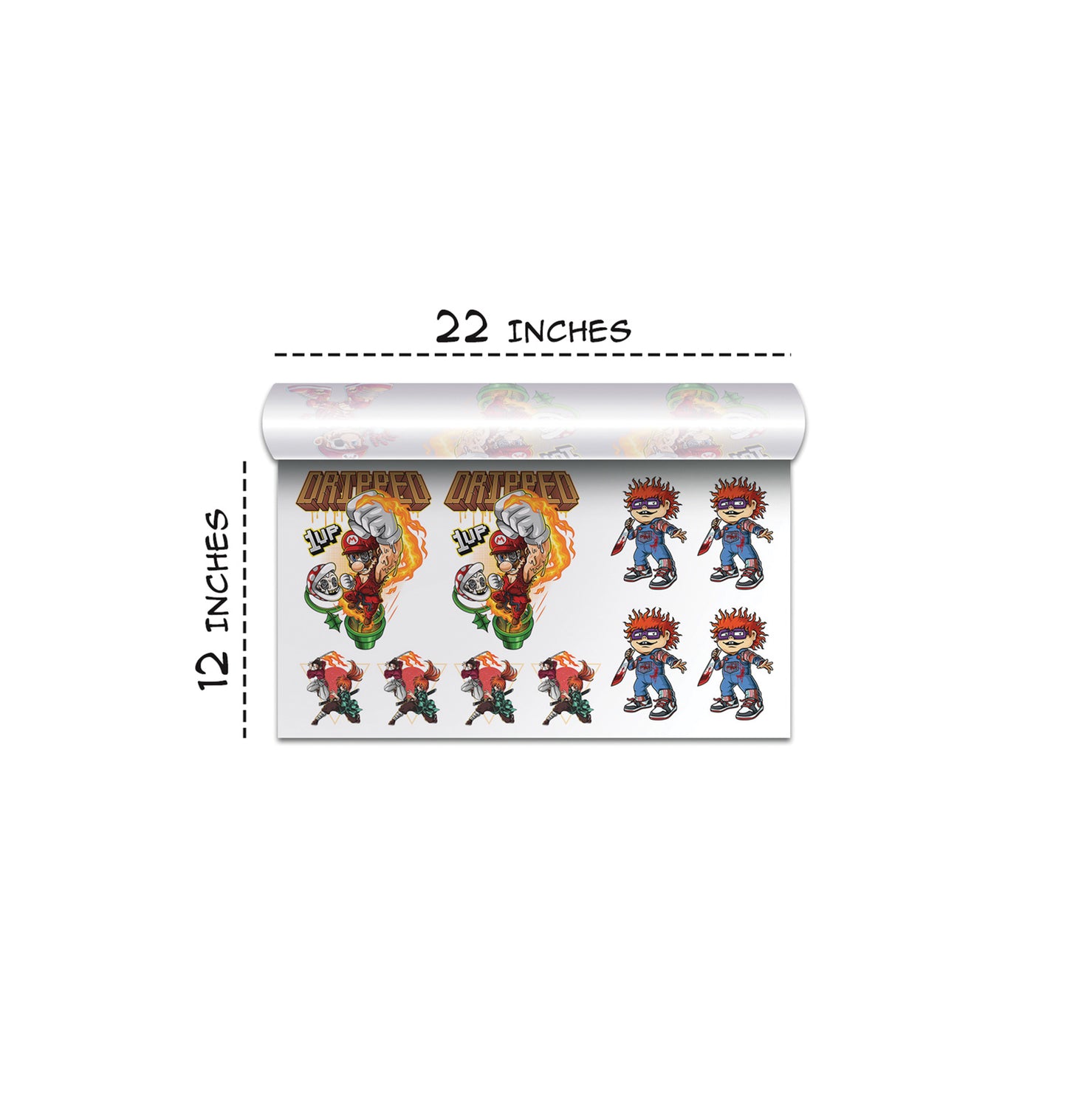
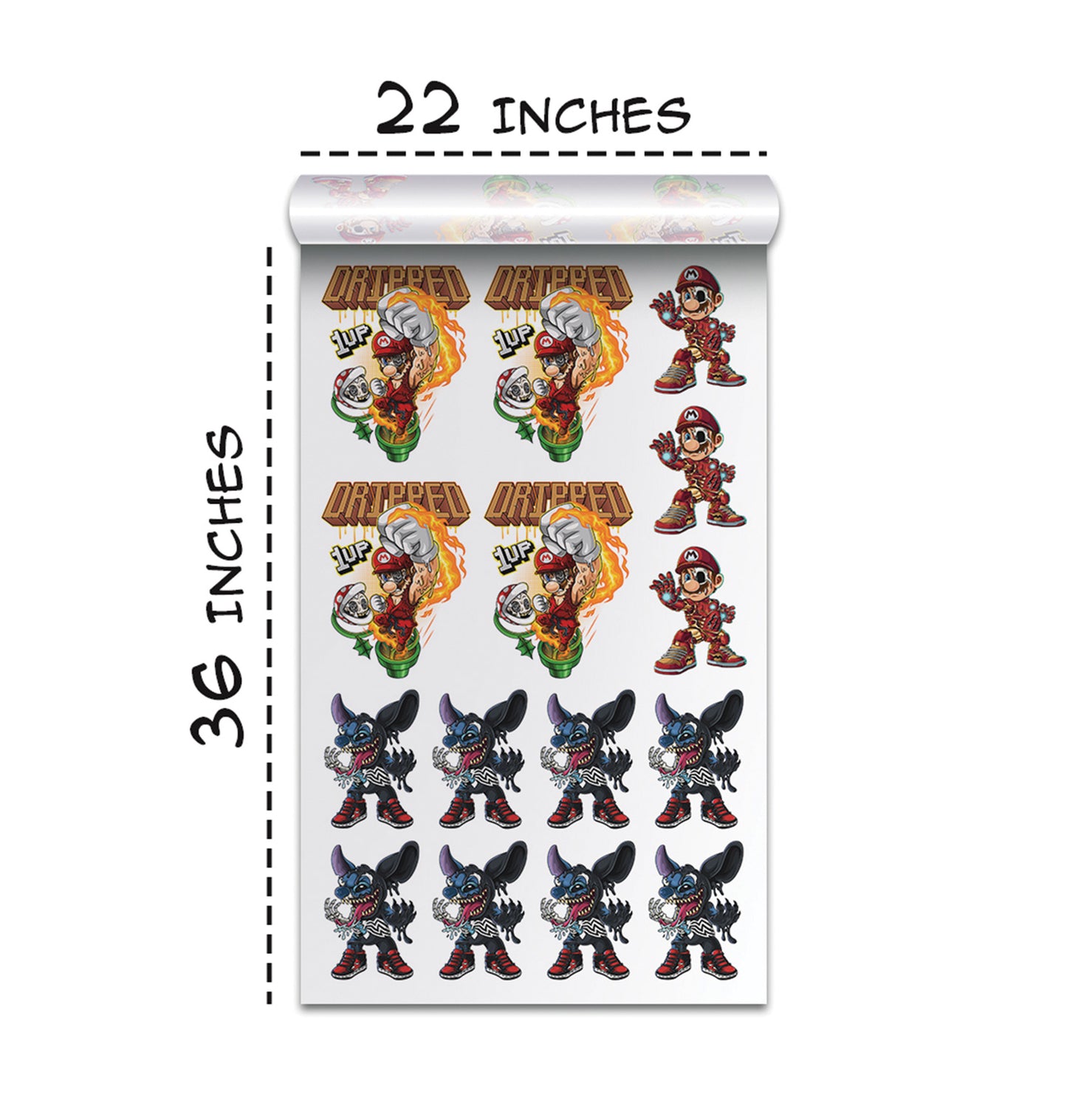
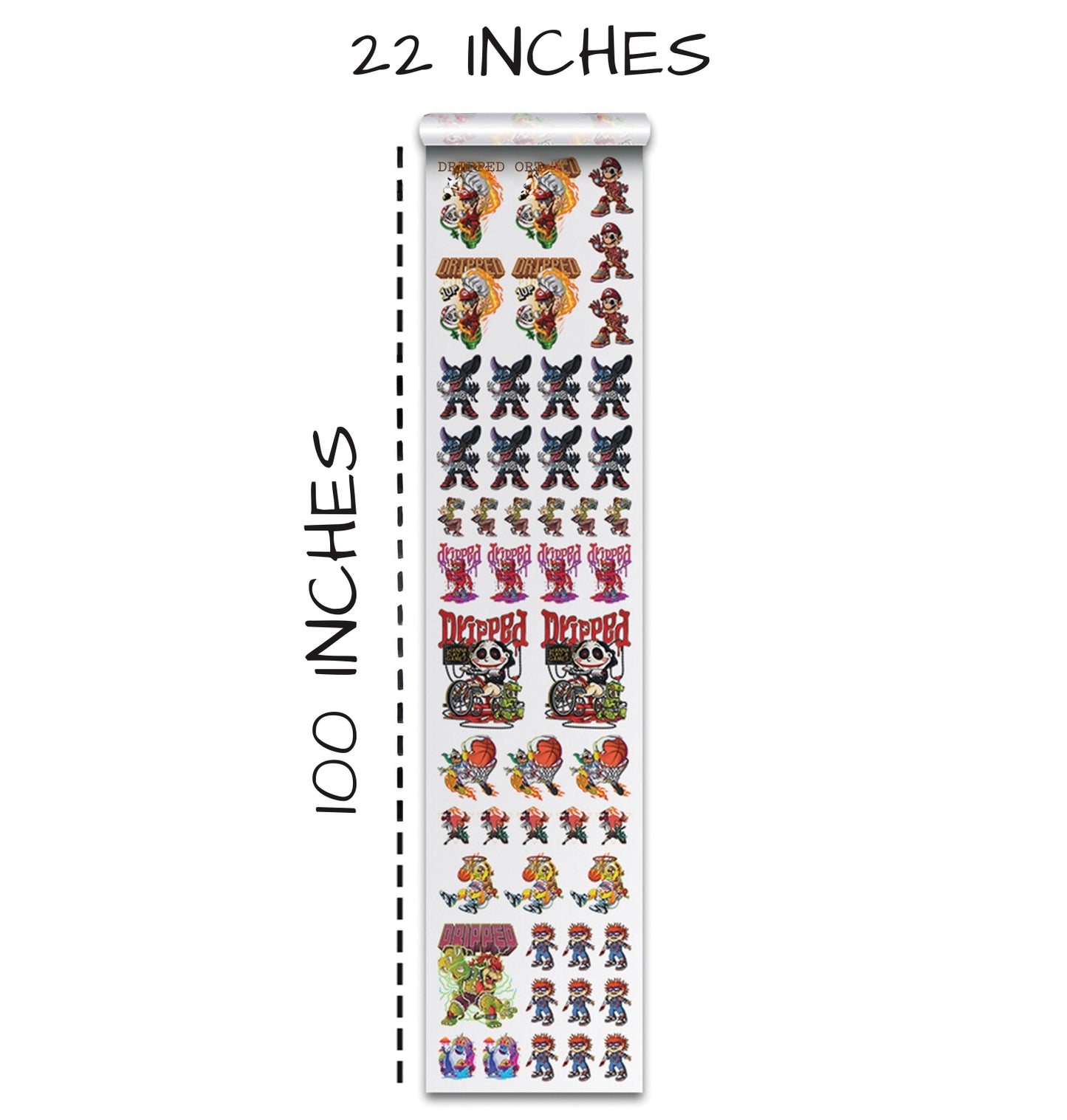
We've found that the transfer by size feature is one of the newest and most helpful tools available for anyone ordering DTF transfers. Instead of worrying about complicated measurements or confusing technical specifications, we simply upload our design and tell the system what size we want it printed. The system automatically detects the exact measurements of our artwork and calculates the costs based on the quantity we need.
The beauty of this approach is that we're taking the guesswork out of the ordering process. We just enter the quantity we want, and the system instantly shows us how much it will cost. Then, we add it to our cart and move on.
Choosing the Right File Formats and Preparing Your Artwork
Before we upload anything, we make sure we're using the correct file format. The system accepts PNG, JPEG, SVG, EPS, and PDF, but some formats work better than others.
We've discovered that PNG and SVG files work best. PNG files support transparent backgrounds, preventing unwanted white boxes around designs. SVG files are scalable vectors, so they remain sharp at any size.
JPEGs can work, but their compression can reduce image quality. For important projects, we stick with PNG or SVG.
Resolution and DPI: Getting Your Images Print-Ready
One of the biggest mistakes we made early on was ignoring resolution. Resolution is critical for great DTF results. Every design should be uploaded at 300 DPI or higher. This ensures sharp, detailed, professional prints.
When exporting from Photoshop or Canva, we set the design to 300 DPI at the exact print size. This prevents blurriness caused by stretching small images into larger prints.
Resizing Your Designs While Keeping Quality High
We've learned that it's fine to make designs smaller, but we should never enlarge them. Reducing size keeps quality intact, while enlarging introduces blurriness and loss of detail.
If we design a large 10 by 14 inch image and scale it down to 3 inches, the aspect ratio stays intact automatically. But enlarging a 3 inch design to 11 inches always reduces quality. That’s why we always ask designers to export at 300 DPI at the final print size.
Using the Transfer by Size System to Calculate Costs
Once our artwork is prepared, the transfer by size system makes cost calculation simple. Upload a design and instantly see prices for any quantity, whether it's 1, 10, or 50 transfers.
This flexibility helps us test new designs in small batches, then scale up when needed.
Loading Multiple Files and Building Your Order
We can upload multiple files at once without placing separate orders. Each file gets its own dimensions and pricing. We can continue shopping and add all designs into a single checkout.
This eliminates the need to manually build gang sheets. The system handles everything for us.
Pre-Cut Options and the Gang Sheet Builder
When finalizing our order, we can choose pre-cut transfers. Professionals trim excess film, making application easier.
For full control, the gang sheet builder tool lets users manually drag and arrange designs onto sheets of various sizes.
Making Smart Choices with Your Account and Reordering
Creating an account saves all order details, making reorders easy. No need to upload the same artwork again—just click reorder.
This is extremely helpful for businesses managing repeat customers or seasonal designs.
Making Sure Everything Looks Perfect Before You Checkout
Before finalizing an order, we review everything carefully. We check resolution, print sizes, and quantities. The checkout page displays all details for confirmation.
Taking a moment to review prevents costly mistakes.
Getting Professional Results From Your DTF Orders
The transfer by size system removes technical barriers and makes the DTF ordering process simple. With artwork prepared at 300 DPI, we upload, select size, set quantities, and order with confidence.
Whether beginners or experienced printers, anyone can get great results with this streamlined system.
Ready to Embark on your DTF Journey?
Experience DTF Excellence Today! Get your Sample Pack! See the vibrant colors, durability, and precision we offer firsthand before you invest.
Transform Your Style with our DTF Collection!
Ready to Elevate Your Printing Game? Submit your custom order now and experience:
- Superior color accuracy
- Premium durability
- Fast turnaround times
Click here to start your DTF printing journey!