Nano Banana in Kittl: The Ultimate Speed Upgrade for DTF T-Shirt Design
When it comes to creating custom t-shirt designs fast, we are always looking for an edge. And lately, one tool has completely changed the way we work inside Kittl: Nano Banana.
If you have been using AI tools for design, you already know how powerful they can be. But speed, consistency, and workflow matter just as much as creativity. That is where Nano Banana steps in.
In this guide, we are going to walk through what Nano Banana can do inside Kittl, how it compares to the ChatGPT model, how we use it for mockups and restyling, and how we turn those designs into real DTF prints using the DTF Gang Sheet Builder from Transfer Superstars.
Let’s dive in.

Table of Contents
- How Nano Banana Works Inside Kittl Smartboards
- Duplicating Artboards for Bulk AI Editing
- Nano Banana vs ChatGPT Model: Speed and Style Comparison
- Restyling Designs: Cartoon, Gothic, Watercolor, and More
- Built-In Templates and Mockups in Kittl Flows
- Printing with the DTF Gang Sheet Builder
- Heat Pressing the Final Shirt
- Final Thoughts: Is Nano Banana Worth It?
How Nano Banana Works Inside Kittl Smartboards
One of the biggest upgrades we have seen inside Kittl is the Smartboard feature powered by Kittl Flows. This is where Nano Banana shines.
Generating Designs in Seconds with Simple Prompts
When we start with a design—like a Christmas-themed Chihuahua—we can click on the artboard, select Smartboard, and type something simple like:
“Change this to a black cat.”
With the model set to Nano Banana, the design generates in about 15 seconds.
That kind of speed is a big deal.
In the past, we would wait much longer using the ChatGPT model. If we needed multiple variations, we would spend several minutes just waiting for results. Now, we can test idea after idea without breaking our creative flow.
And here is what we love most: even with short, simple prompts, Nano Banana captures the core idea.
Editing Previous Prompts for Fast Variations
Another powerful feature is the ability to go back and edit older prompts.
Let’s say we turned the Chihuahua into a black cat. Now we want:
- An orange cat
- A Santa Claus version
- A human character instead
Instead of starting from scratch, we just edit the original prompt and generate again.
This helps us:
- Keep consistent styles
- Experiment quickly
- Build collections of similar designs
When we are designing for t-shirt niches, this is gold. We can create full themed sets in minutes.
Duplicating Artboards for Bulk AI Editing
Speed gets even better when we duplicate artboards.
Using Smartboards to Edit Multiple Designs at Once
Here is what we do:
- Select the artboard and Smartboard.
- Hold Alt and drag to duplicate.
- Replace the image inside.
- Select multiple Smartboards hold Shift.
- Click generate.
In just seconds, all selected designs update using their original prompts.
This means we can:
- Apply style changes to many designs at once
- Replace artwork across templates
- Test variations side by side
For print-on-demand businesses, this saves hours every week.
And yes, not every result is perfect. Sometimes Santa does not quite look like Santa. But that is normal with AI. The good news? We can tweak the prompt and regenerate instantly.
Nano Banana vs ChatGPT Model: Speed and Style Comparison
Now let’s talk about the big question.
How does Nano Banana compare to the ChatGPT model inside Kittl?
Texture Replication Test
We tested both models using a floral-textured bunny design. The prompt was simple:
“Using this pattern and style, generate a peace symbol.”
With ChatGPT, it took about two minutes to generate.
With Nano Banana? Around 15 seconds.
That is a massive time difference.
Style Accuracy
- ChatGPT retained more overlapping floral elements.
- Nano Banana captured colors well but sometimes simplified textures.
So if we want highly detailed, layered illustration styles, ChatGPT might win.
But if we want:
- Speed
- Realistic results
- Fast iterations
Nano Banana is hard to beat.
Realism vs Illustration
In one test, we added “3D” to a Volkswagen van prompt.
- ChatGPT looked more like an illustration.
- Nano Banana looked more like a real van.
For t-shirt designs, realism can sometimes make the design pop more—especially for niche audiences like automotive fans.
Restyling Designs: Cartoon, Gothic, Watercolor, and More
Restyling is where AI gets really fun.
We tested both models by asking them to turn the same design into:
- Cartoon style
- Gothic style
- Watercolor
- Psychedelic
- Cyberpunk
Cartoon Style
Both models worked well. But Nano Banana kept the original cat color, which gave it the edge.
Color retention matters when branding is involved.
Gothic Style
Nano Banana created a stronger background and darker mood. It felt more dramatic.
If we are designing for alternative or gothic niches, that extra intensity makes a difference.
Watercolor Style
ChatGPT looked more like a traditional watercolor painting.
If we want soft, artistic brushstroke vibes, it may still be the better choice.
Psychedelic and Cyberpunk
ChatGPT often leaned heavily into abstract details. But sometimes that made the design less wearable.
Nano Banana produced cleaner results that worked better on a t-shirt.
For us, wearable design matters more than artistic complexity.
Built-In Templates and Mockups in Kittl Flows
One feature we really appreciate is built-in mockup templates.
Inside Kittl, we can:
- Go to Templates
- Scroll to Kittl Flows
- Choose a mockup
- Replace the design
When we regenerate all mockups at once, Nano Banana produces consistent results.
With ChatGPT, we noticed small issues:
- Letter inconsistencies
- Slight distortions
- Overlapping designs on hats
Nano Banana handled consistency better overall.
That is important for brand presentation.
If our product photos look clean and realistic, customers trust us more.
Printing with the DTF Gang Sheet Builder
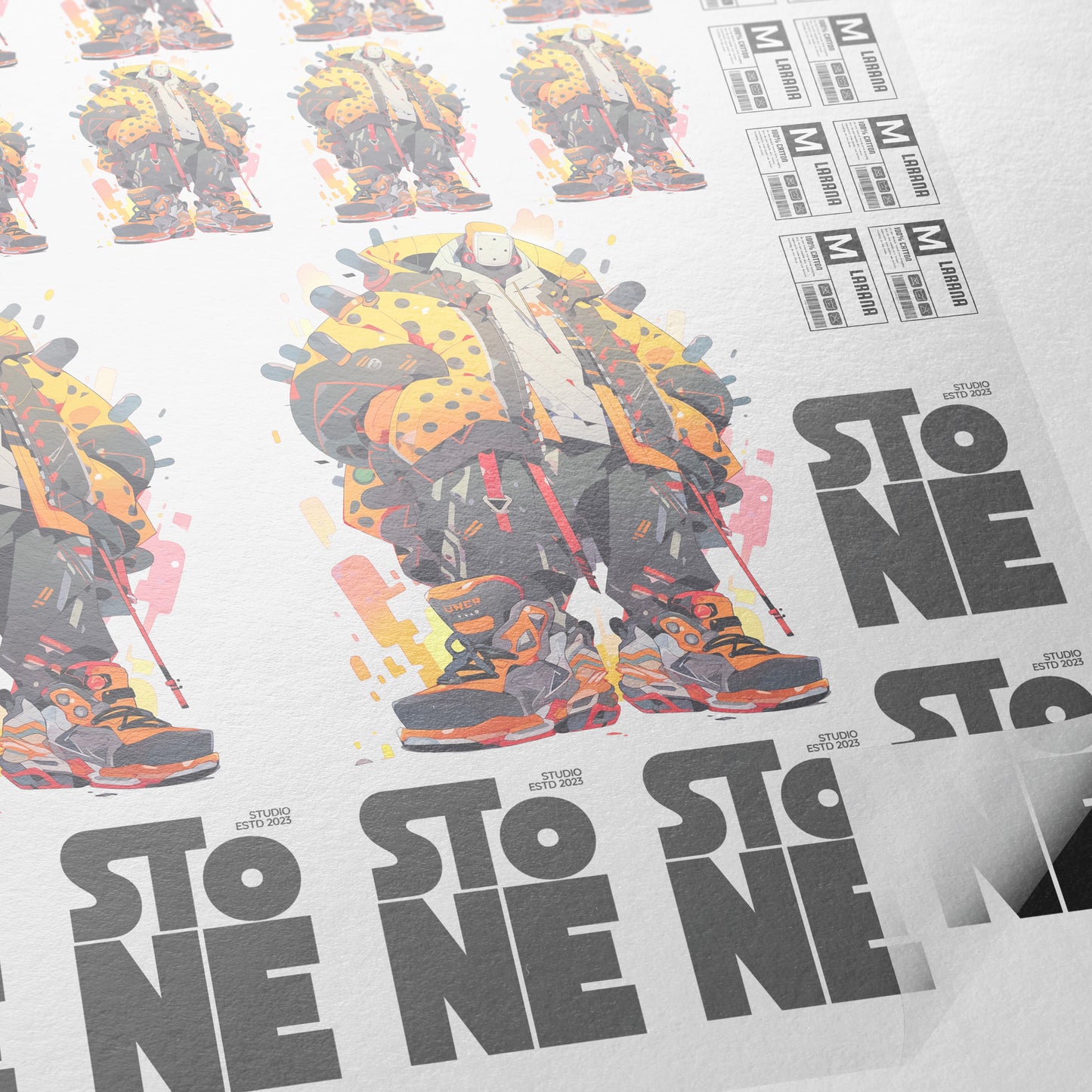
Design is only half the process. Printing matters just as much.
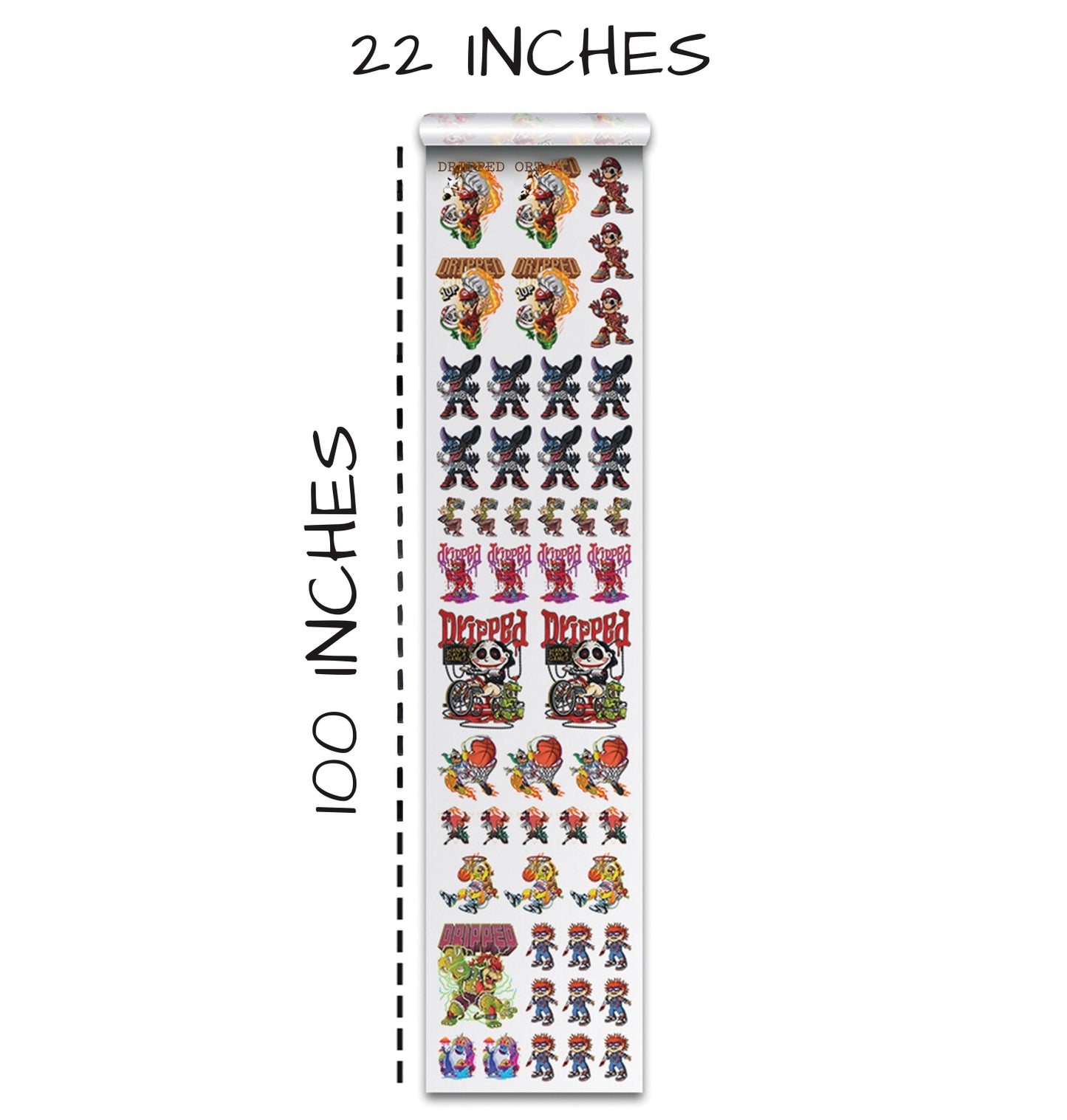
We use the DTF Gang Sheet Builder from Transfer Superstars.
Choosing Gang Sheet Sizes
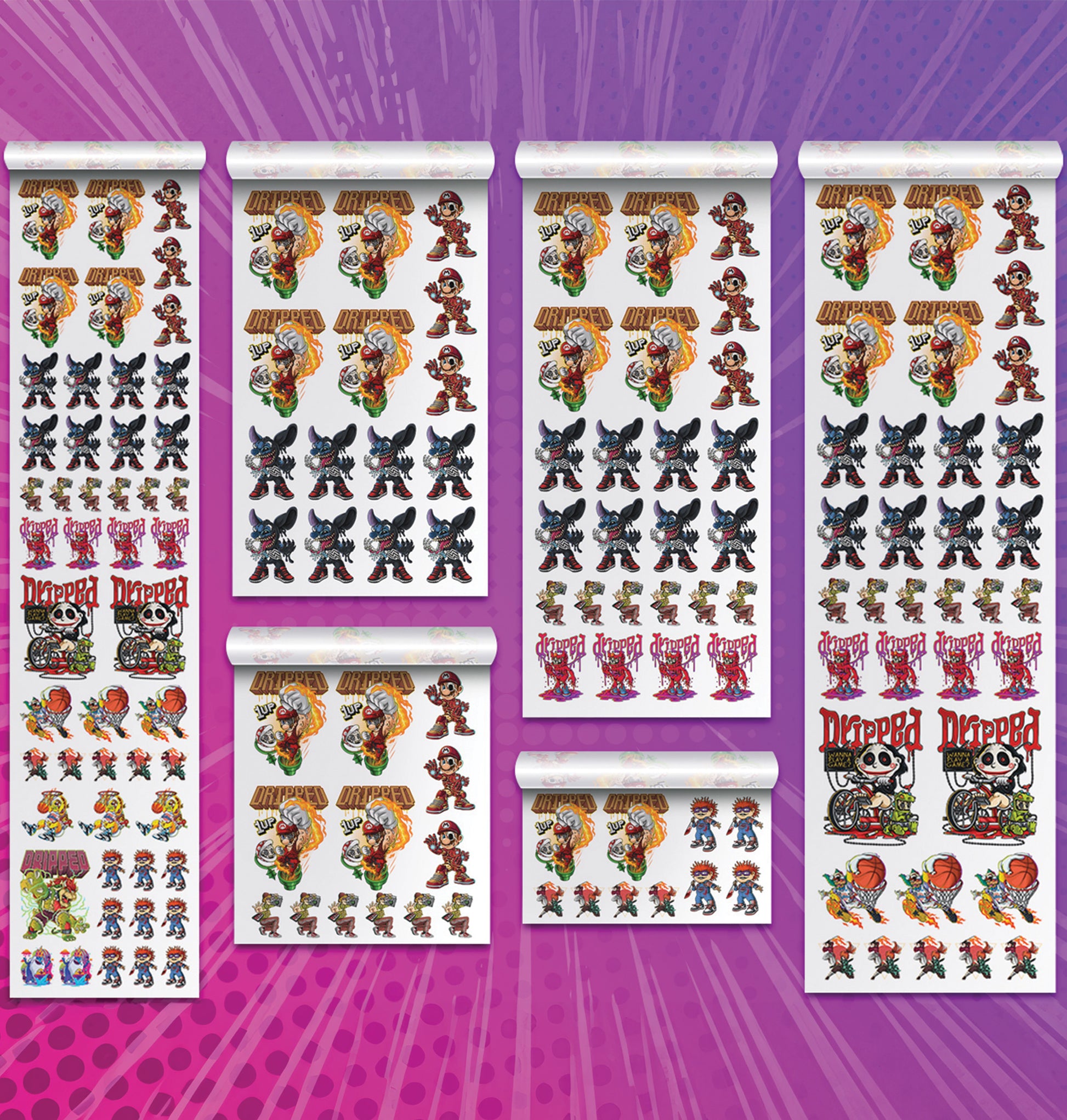
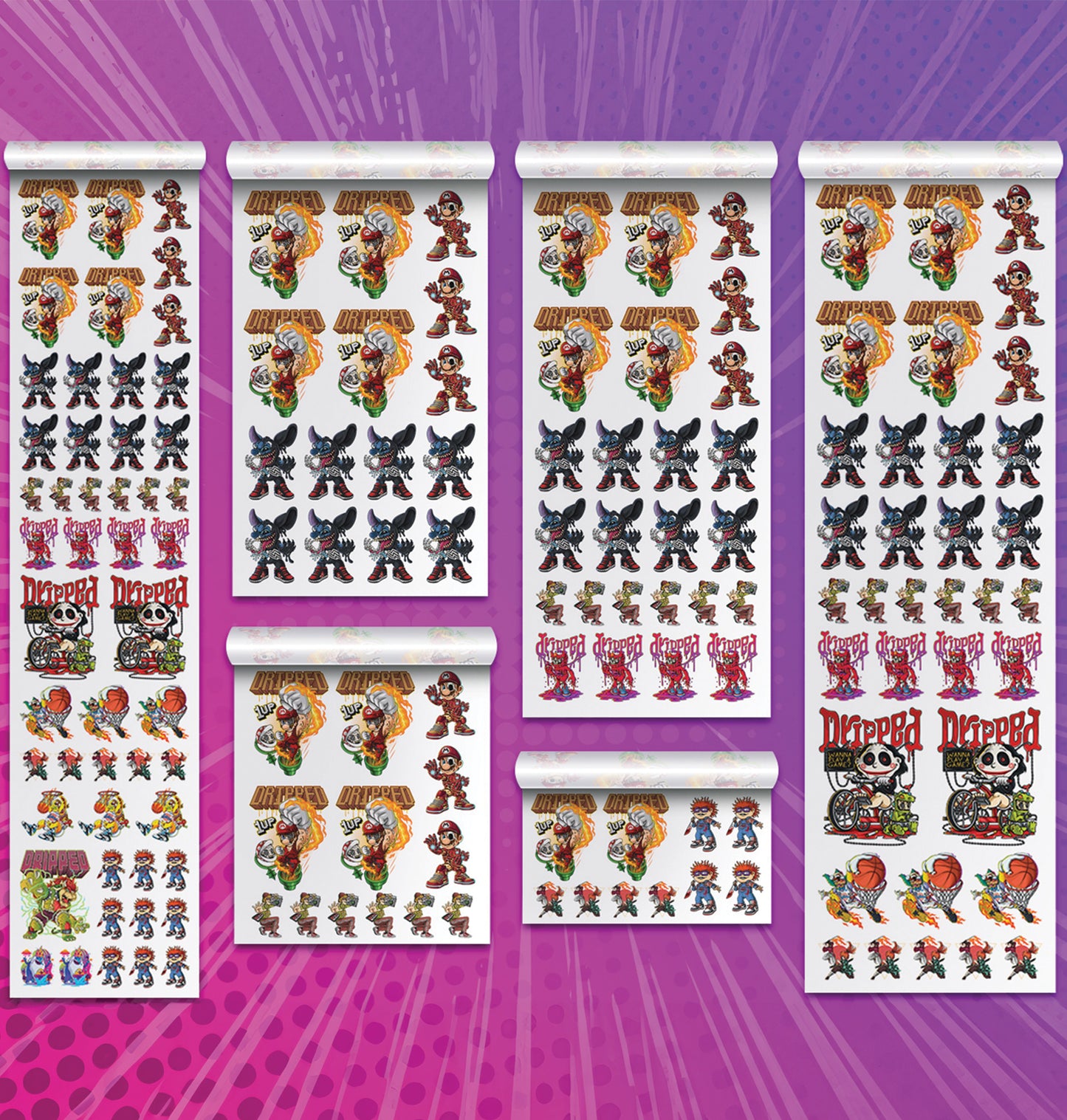
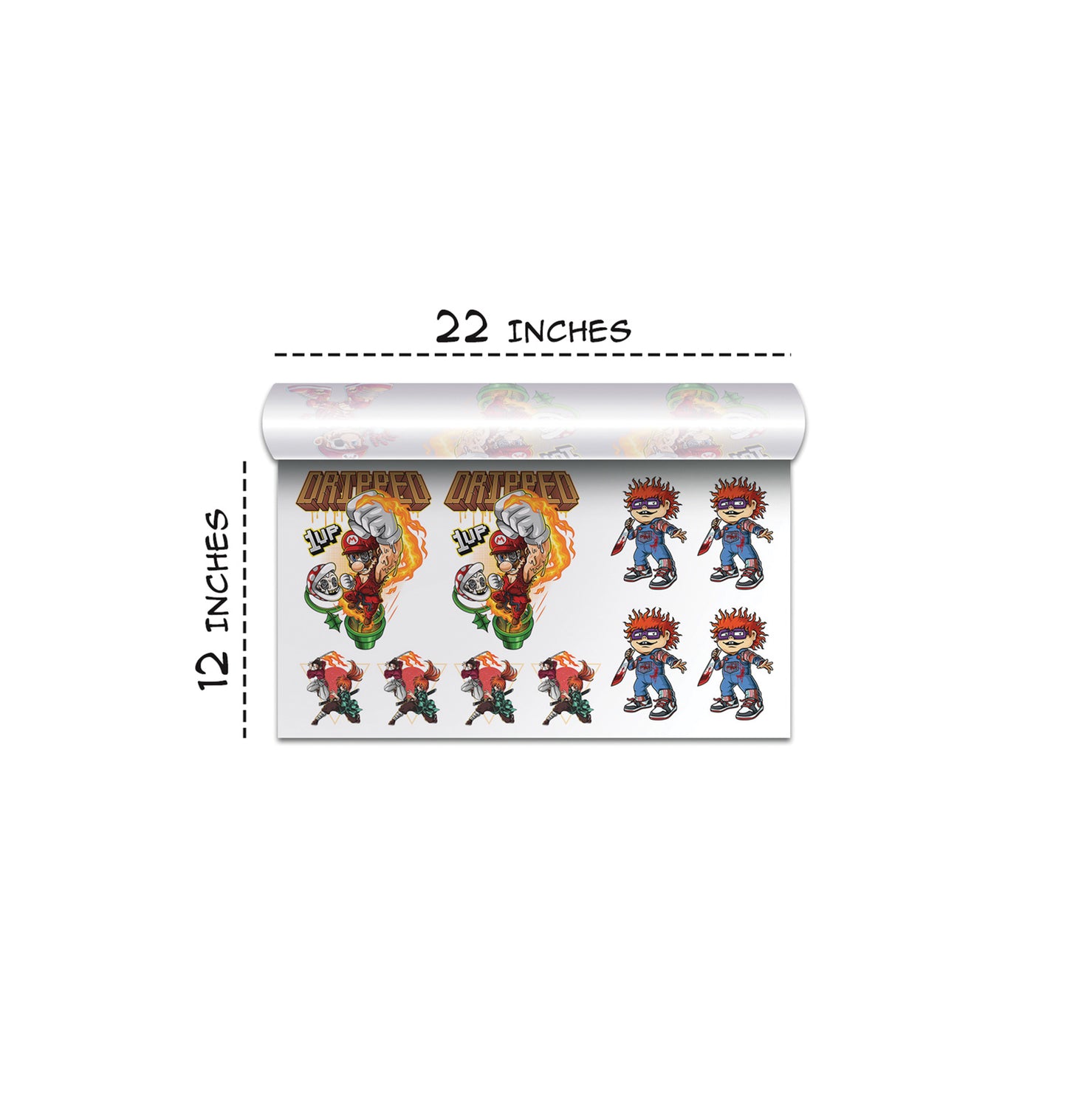
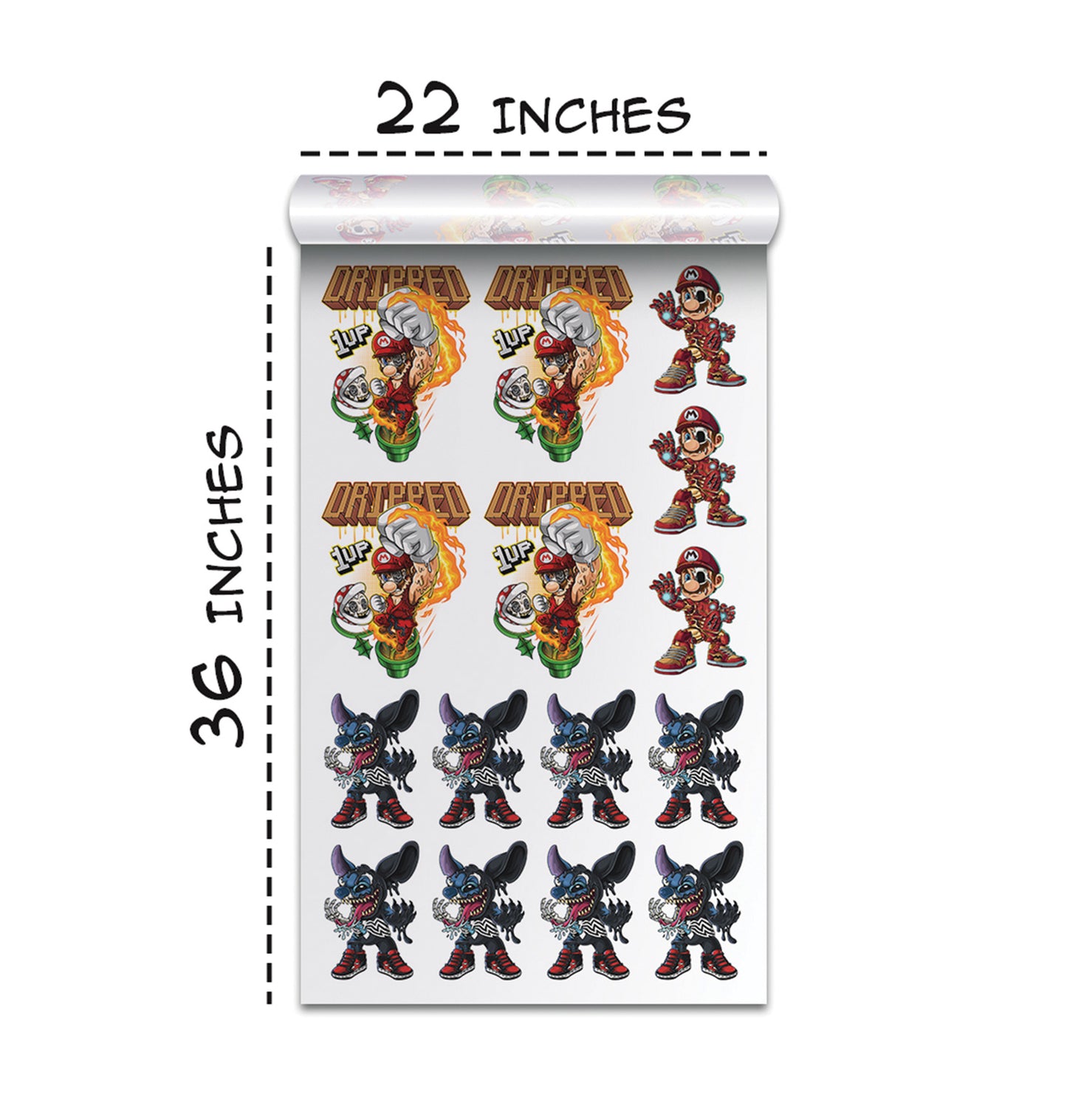
We can select sizes ranging from:
- 22x12
- Up to 22x100
Then we upload our design and edit it directly inside the builder.
Editing Tools Available
Inside the editor, we have:
- Remove background
- Upscale quality
- Halftone
- Crop
- Color tools
The color tool lets us knock out specific colors by adjusting tolerance. This is helpful when cleaning up unwanted backgrounds or small color artifacts.
The halftone tool is especially powerful for DTF prints. It cleans up edges and helps gradients print smoother.
Heat Pressing the Final Shirt
After printing, we press the design onto a blank shirt.
In our case, we used a Smart Blanks black large t-shirt model 402. The heat press was set to 300°F for about 7 to 10 seconds.
Here is our simple pressing process:
- Align shirt using an alignment tool.
- Position transfer carefully.
- Use heat press tape to prevent movement.
- Press at 300°F.
- Peel carefully once ready.
The final result?
- Crisp edges
- Strong adhesion
- Clean colors
The halftones looked incredible. The texture gave the cat design extra depth.
And the shirt stayed breathable and wearable.
Final Thoughts: Is Nano Banana Worth It?
From design to print, we created a full t-shirt using Kittl Flows, Nano Banana, and the DTF Gang Sheet Builder.
The result was:
- Clean
- Crisp
- Professional
- Fast to produce
We love tools that remove friction from our workflow. Nano Banana does exactly that.
If you are building a t-shirt brand, running print-on-demand, or just experimenting with AI design, we highly recommend testing Nano Banana inside Kittl.
Speed changes everything.
And when we can go from idea to wearable shirt in one smooth workflow, that is a serious upgrade.
Now it is your turn.
Open Kittl. Switch to Nano Banana.
Generate something simple.
Duplicate it. Restyle it. Print it.
You might be surprised at how fast your creative process levels up.
Ready to Embark on your DTF Journey?
Experience DTF Excellence Today! Get your Sample Pack! See the vibrant colors, durability, and precision we offer firsthand before you invest.
Transform Your Style with our DTF Collection!
Ready to Elevate Your Printing Game? Submit your custom order now and experience:
- Superior color accuracy
- Premium durability
- Fast turnaround times
Click here to start your DTF printing journey!