How We Made a Digital Design Look Like Real Embroidery in Kittl (Step-by-Step Guide)
Table of Contents
- Getting Started in Kittl: Setting Up Our Digital Canvas
- Creating Yarn-Style Embroidery Effects
- Designing Classic Patch-Style Embroidery
- Creating 3D Embroidery Effects for Maximum Depth
- Enhancing Image Quality Without Losing Details
- Printing Our Embroidery Design with DTF Transfers
- Heat Pressing Our Digital Embroidery Design
- Does It Really Look Like Embroidery?
- Why Digital Embroidery Effects Are a Game-Changer
- Final Thoughts: From Blank Shirt to Real-Looking Embroidery

Embroidery has always had a special place in fashion. We see it on varsity jackets, scout patches, biker vests, hats, and even high-end designer pieces. The texture. The depth. The stitched look. It just feels premium.
But what if we told you that we can create that same embroidered look—without using thread at all?
In this guide, we’ll walk through how we turned a 100% digital design into something that looks like real embroidery using Kittl. Then we’ll show how we brought that design to life with DTF printing using the Transfer Superstars gang sheet builder.
By the end, we’ll know how to:
- Create yarn-style embroidery effects
- Build classic patch-style embroidery textures
- Design bold 3D embroidery looks
- Prep our artwork for high-quality DTF printing
- Press it properly for a clean, professional finish
Let’s jump in.
Getting Started in Kittl: Setting Up Our Digital Canvas
Creating the Right Artboard Size
We start by opening Kittl and creating a new project. For this demo, we use a square canvas at 1200 x 1200 pixels. A square layout works well for logos, badges, and centered chest prints.
Why does size matter?
Because embroidery-style designs rely on texture details. If our canvas is too small, the thread effects won’t look sharp. Starting at a solid size gives us room to scale up later for print.
Using Smartboards and AI Models
Inside Kittl, we use Smartboards with the Nano Banana model for faster image generation. Smartboards let us paste in prepared prompts and generate realistic embroidery looks with AI.
Think of it like telling a digital artist: “Make this look stitched with yarn.” And seconds later, we see the result.
The magic is in the prompt. But the real power is in how we refine and improve what AI gives us.
Creating Yarn-Style Embroidery Effects
What Is Yarn-Style Embroidery?
Yarn-style embroidery mimics knitted or crocheted textures. It looks soft, cozy, and handmade—like something from a holiday sweater.
These designs are perfect for:
- Christmas graphics
- Cute animal prints
- Craft-themed artwork
- Cozy apparel collections
When we generate yarn-style designs, the AI adds thick thread textures and soft fiber details that resemble real yarn loops.
Why Cute Designs Work Best for Yarn Textures
We found that cute characters—like cats or playful animals—look amazing in yarn style. The soft fur texture blends naturally with the yarn effect.
The result?
A design that looks handcrafted but is fully digital.
This works great for DTF printing because we get:
- The visual warmth of yarn
- The smooth finish of a printed transfer
- No bulky stitching underneath
It gives us the look of knitwear without the weight or cost of embroidery.
Designing Classic Patch-Style Embroidery
Why Embroidery Is Popular for Logos
Embroidery is often used in:
- Scout badges
- Camping logos
- Varsity jackets
- School uniforms
- Team apparel
Why?
Because it feels official. It feels traditional. It feels strong.
When we use an embroidery effect in Kittl, we create a patch-style look that includes:
- Thread direction
- Stitched borders
- Raised texture shadows
- Fabric-like backgrounds
The design instantly looks like it belongs on a jacket.
Making Text Look Stitched
Text becomes more powerful when it looks embroidered.
Instead of flat letters, we get:
- Thread depth
- Visible stitch lines
- Light and shadow variation
- Realistic fabric impressions
This is especially effective for bold words and slogans.
For DTF printing, this adds visual depth without adding physical thickness. So from a distance, it looks stitched—but it presses flat and smooth.
That’s a big win.
Creating 3D Embroidery Effects for Maximum Depth
What Makes 3D Embroidery Different?
Standard embroidery effects look stitched.
3D embroidery effects look raised.
With a 3D prompt, the AI adds:
- Stronger shadowing
- Higher contrast stitching
- Thick thread simulation
- Puffed texture visuals
This style works best with:
- Simple vector logos
- Bold lettering
- Clean shapes
Highly detailed designs don’t translate well into real embroidery. Real thread can’t handle tiny micro-details. So keeping it clean makes it more believable.
Turning Logos into Embroidered Artwork
We tested this with a motorcycle-style logo. These logos often appear as stitched patches on denim vests.
When we applied the 3D embroidery effect, the result looked tough, bold, and authentic.
The design felt ready to sew onto a jacket—even though it was just a digital file.
This is powerful for:
- Brand merchandise
- Club logos
- Store uniforms
- Custom apparel
We can turn almost any vector logo into a stitched masterpiece.
Enhancing Image Quality Without Losing Details
Why Resolution Matters for Embroidery Effects
When we generate designs using AI, sometimes the resolution is low. That’s a problem.
Embroidery effects rely on tiny thread details. If we upscale incorrectly, those details blur.
Using simple upscale tools can wash out:
- Stitch lines
- Texture depth
- Thread shadows
Instead, we used AI enhancement to improve resolution while preserving texture.
The result?
Sharper threads. Cleaner edges. More realism.
Preparing the File for Print
Before exporting, we:
- Removed the background
- Centered the design
- Set resolution to 300 DPI
- Increased canvas size to 4000 x 4000 pixels for large print
300 DPI is important because it ensures crisp detail when printed on fabric.
If we skip this step, the embroidery illusion falls apart.
Printing Our Embroidery Design with DTF Transfers
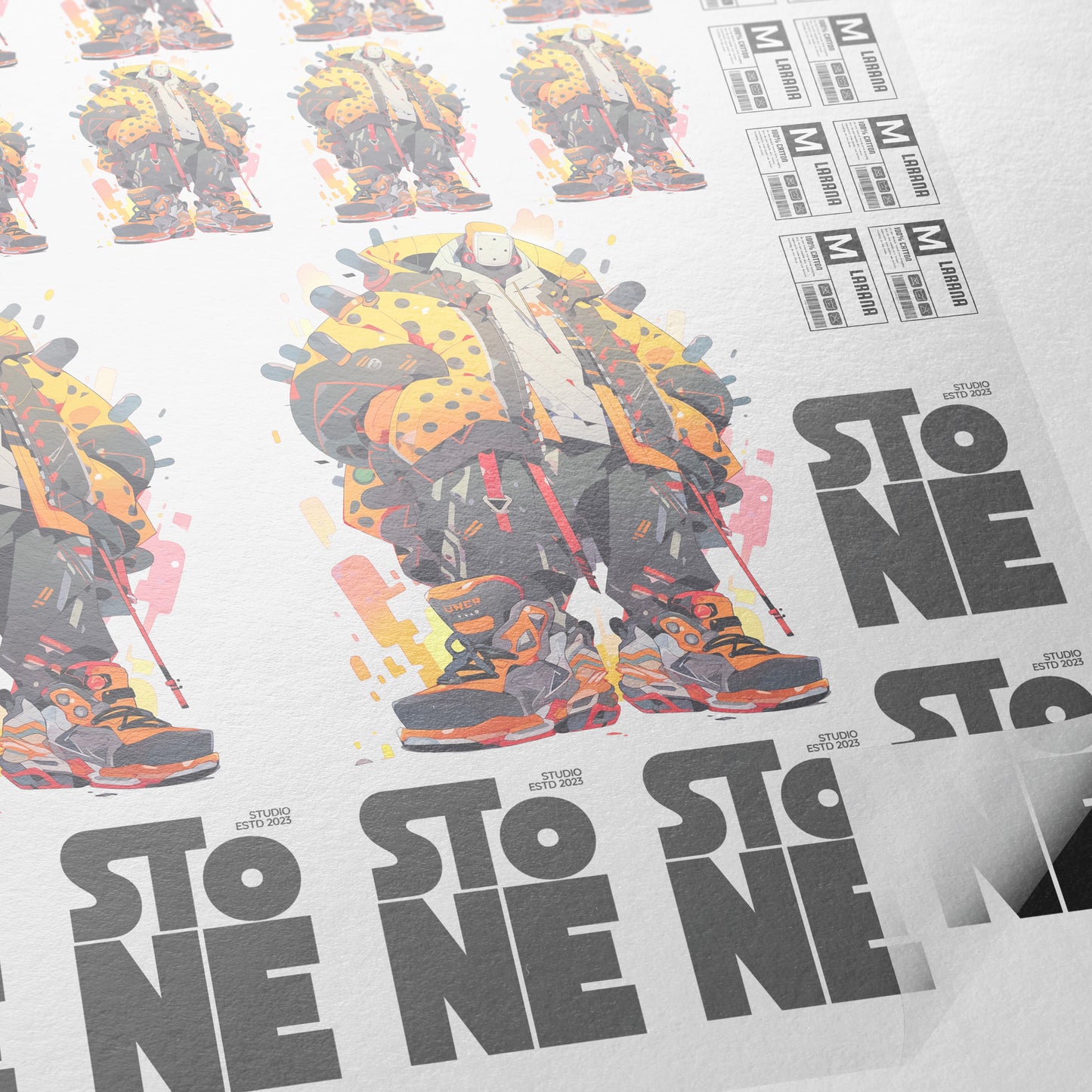
To print, we head to Transfer Superstars and use the DTF Gang Sheet Builder.
Gang sheets allow us to:
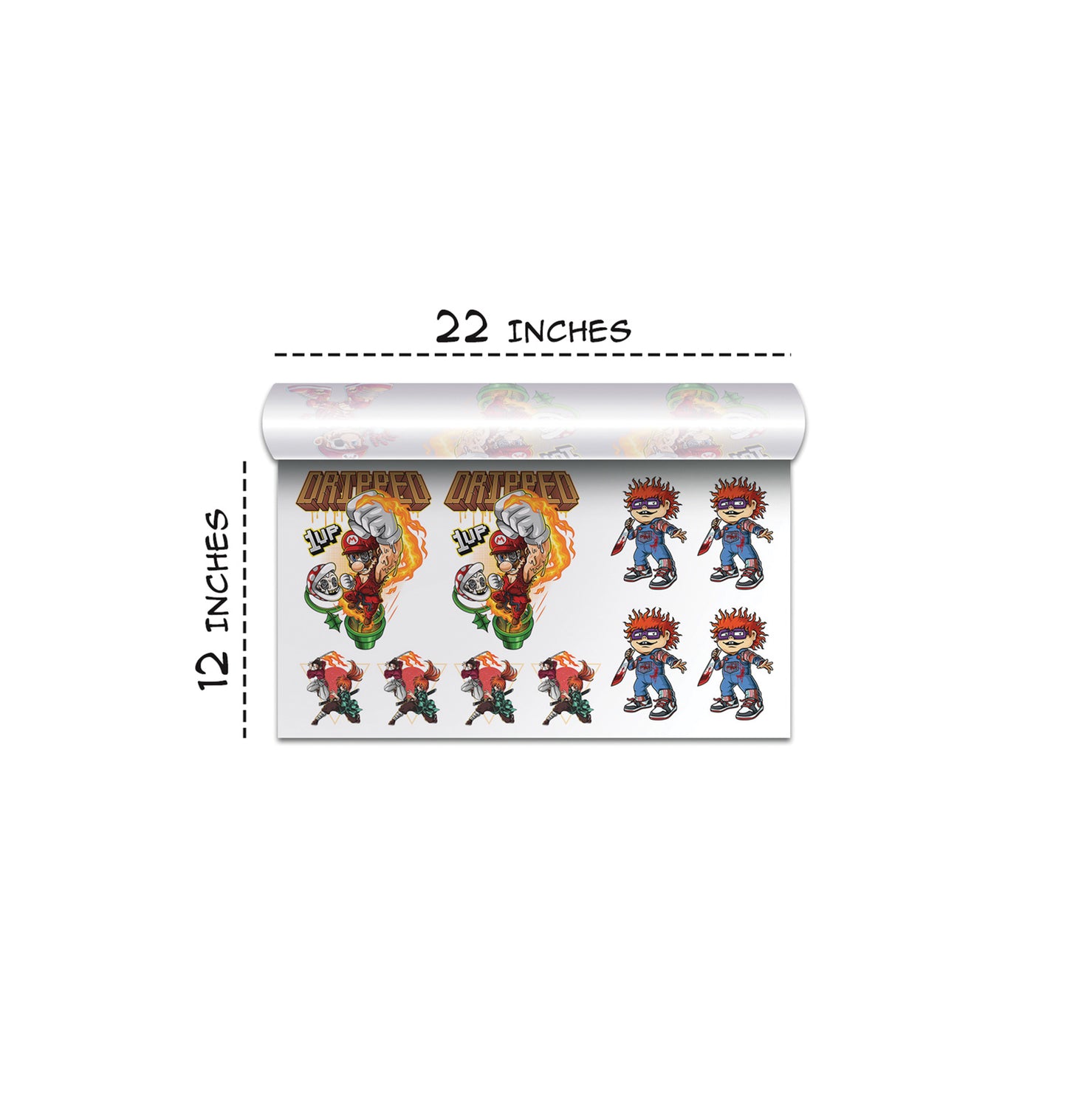
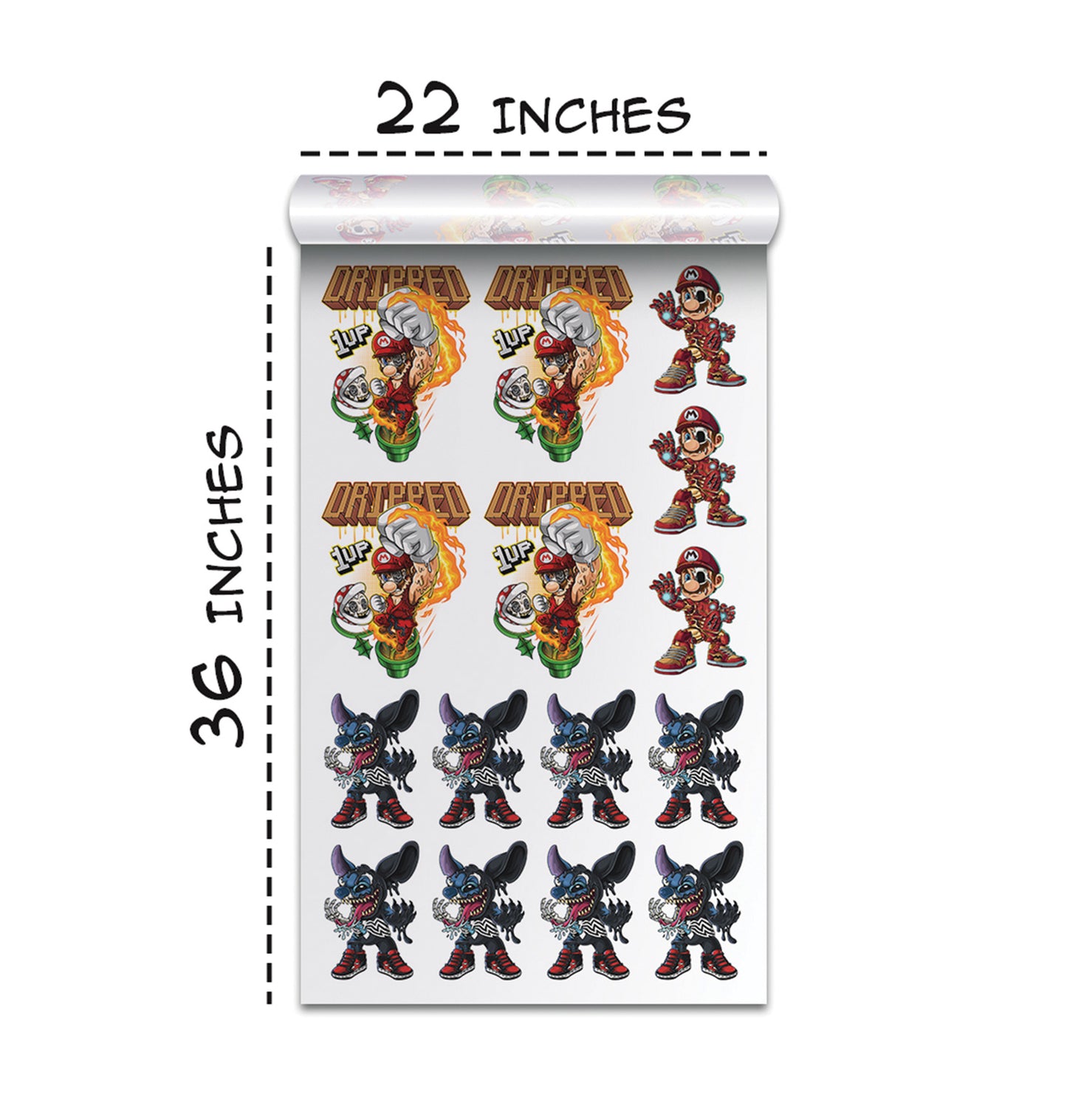
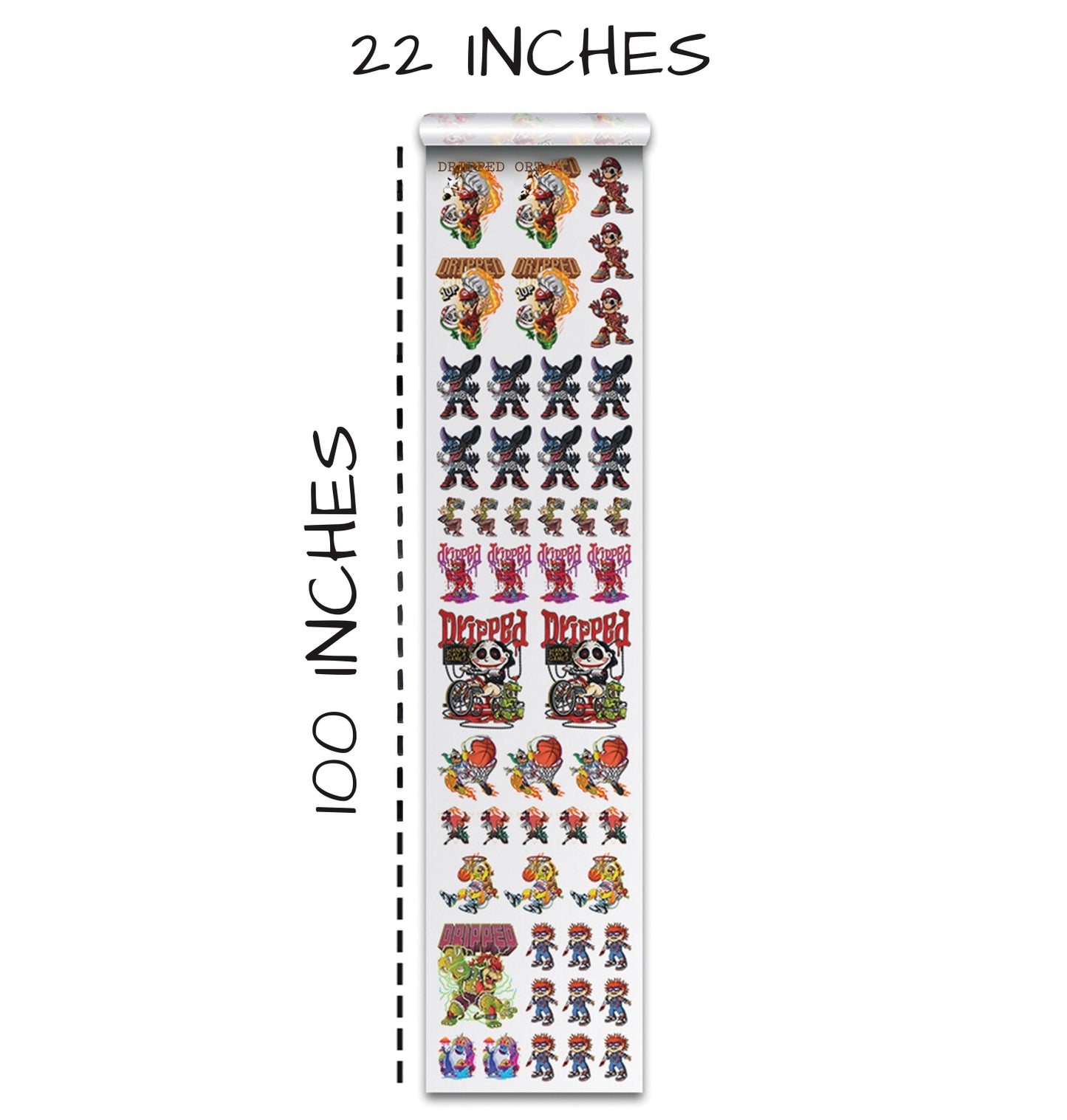
- Choose sheet size like 22x12 up to 22x100 inches
- Add multiple designs
- Adjust placement
- Remove backgrounds
- Upscale quality
- Crop and color-correct
This makes it easy to maximize space and save money.
After uploading our embroidery-style design, we remove the background and size it properly.
Then we save and add to cart.
Simple.
Heat Pressing Our Digital Embroidery Design
Choosing the Right Blank Shirt
We used a Smart Blanks Style 402 in black. A high-quality blank matters because fine details show better on premium cotton.
A cheap shirt can:
- Distort the design
- Wash out color
- Shift during pressing
A stable shirt keeps everything crisp.
Heat Press Settings That Work
We used a 15x15 heat press set to 300°F.
Press time:
- 7 seconds is recommended
- We pressed for 10 seconds due to press settings
Key pressing tips:
- Align carefully using a ruler or laser
- Keep collar straight
- Apply firm, even pressure
- Cover all edges
- Consider a matte finishing sheet for added texture
That matte sheet added subtle graininess that helped sell the embroidery illusion.
Does It Really Look Like Embroidery?
The Final Result
When we peeled the transfer and looked closely, we were honestly impressed.
From normal viewing distance?
It looks embroidered.
Up close?
You don’t feel raised yarn—but visually, it’s convincing.
The matte finish helped create a slight textured appearance that mimics thread direction.
For customers, this means:
- Lower production cost
- Faster turnaround
- No embroidery machine needed
- Full-color flexibility
- Realistic stitched aesthetic
That’s powerful.
Why Digital Embroidery Effects Are a Game-Changer
Cost and Speed Advantages
Traditional embroidery requires:
- Digitizing files
- Thread setup
- Stitch count adjustments
- Machine time
With digital embroidery effects:
- We design once
- Print instantly
- No thread limits
- No stitch count pricing
That means faster launches and easier revisions.
Creative Freedom
With real embroidery, detail is limited.
With digital embroidery effects, we can:
- Add complex shading
- Blend colors
- Simulate thick thread
- Create puff effects visually
- Experiment quickly
We get the best of both worlds:
The look of stitching.
The flexibility of print.
Final Thoughts: From Blank Shirt to Real-Looking Embroidery
We started with a blank canvas in Kittl.
We used AI prompts to generate yarn, classic embroidery, and 3D stitched effects.
We enhanced the resolution carefully.
We prepared the artwork at 300 DPI.
We printed it using Transfer Superstars.
We heat pressed it onto a quality blank.
And the result?
A clean, realistic embroidery-style print that looks like it was stitched—without using a single thread.
If we apply this method to our own brand logos, club patches, school graphics, or merch drops, we can create premium-looking apparel at a fraction of the cost and time.
Digital embroidery effects are more than a trend. They’re a creative shortcut that still delivers that authentic, stitched vibe we all love.
Now it’s our turn.
Let’s open Kittl.
Let’s create.
And let’s bring our embroidery-inspired designs to life.
Ready to Embark on your DTF Journey?
Experience DTF Excellence Today! Get your Sample Pack! See the vibrant colors, durability, and precision we offer firsthand before you invest.
Transform Your Style with our DTF Collection!
Ready to Elevate Your Printing Game? Submit your custom order now and experience:
- Superior color accuracy
- Premium durability
- Fast turnaround times
Click here to start your DTF printing journey!