How to Create Glossy Silicone Print Effects Using AI in Kittl for DTF Printing
Table of Contents
- Introduction
- What Is the Glossy Silicone Print Effect?
- How AI Helps Recreate Silicone Texture
- Creating Glossy Silicone Text in Kittl
- Turning the AI Design Into a Print-Ready File
- Converting Logos or Images Into Silicone Style
- Printing the Design Using DTF Transfers
- Applying the Print to a Shirt
- Why This AI Workflow Is Changing the DTF Industry
- Conclusion

Introduction
Streetwear and custom apparel are always evolving. New textures, bold styles, and premium-looking finishes are constantly showing up on shirts, hats, and merchandise. One trend that has become especially popular is the glossy silicone print effect. These prints look shiny, slightly raised, and very high-end.
Traditionally, creating silicone prints requires specialized equipment and expensive materials. That makes it difficult for small creators, designers, and print shops to offer this premium style. But now, things are changing.
With modern AI tools and DTF printing workflows, we can recreate a very similar glossy silicone look without needing expensive silicone printing setups. By using AI image generation inside Kittl and combining it with Direct-to-Film printing, we can produce designs that look glossy, dimensional, and premium when printed on garments.
In this guide, we will walk through the full process. We will explore how the glossy silicone effect works, how AI can generate it, how to prepare your design for printing, and how to apply it to a shirt using a heat press.
What Is the Glossy Silicone Print Effect?
The Premium Look of Silicone Prints
Silicone printing is a decoration technique often used in premium apparel. Instead of standard ink, silicone material is printed onto the garment. This material sits on top of the fabric and creates a soft, rubber-like texture.
The result is a print that looks:
- Slightly raised
- Glossy or shiny
- Smooth and flexible
- Highly durable
We often see this style on:
- Streetwear brands
- Sports jerseys
- Luxury fashion items
- Creator merchandise
Why Traditional Silicone Printing Is Expensive
Despite the great look, silicone printing is not easy to produce. It usually requires:
- Specialized screen printing equipment
- Silicone inks
- Multiple print layers
- Skilled operators
Because of these requirements, the cost can become too high for smaller businesses or independent creators.
This is where AI-assisted design becomes powerful. Instead of printing real silicone layers, we create the visual illusion of silicone.
How AI Helps Recreate Silicone Texture
AI-Generated Material Effects
Modern AI image models can simulate materials like metal, glass, plastic, and silicone. By using the right prompt, we can tell the AI to generate text or images that look glossy, raised, and reflective.
Inside Kittl, AI models such as Nano Banana Pro or Nano Banana 4K can produce these effects quickly.
Instead of designing every highlight and shadow manually, we simply describe the effect in a prompt. The AI then generates a design that already contains:
- Lighting reflections
- Soft shadows
- Depth and shine
- Smooth edges
These elements combine to create the illusion that the design is made of silicone.
Why This Works for DTF Printing
Direct-to-Film printing transfers an image onto film, which is then heat pressed onto fabric.
Since DTF prints exactly what the image shows, the shiny highlights and shadows generated by AI appear on the shirt just as they appear in the design.
Even though the ink itself is flat, our eyes interpret the highlights as depth. That is why the design appears almost three-dimensional.
Creating Glossy Silicone Text in Kittl
Setting Up Your Canvas
Before generating the design, we need the correct project settings.
When starting a new project in Kittl:
- Create a new artboard
- Set the resolution to 300 DPI
- The canvas will automatically adjust to 5000 × 5000 pixels
This high resolution ensures the design prints sharply on fabric.
Customizing the AI Prompt
To generate a silicone-style text effect, we use a custom AI prompt with editable placeholders.
We can customize:
- Text content
- Font style
- Color mode
- Glitter effect
- Elevation level
- Background color
Gradients often enhance the illusion of depth, while bold fonts make the glossy highlights more visible.
Generating the Design
After filling out the prompt:
- Select the Nano Banana Pro or Nano Banana 4K model
- Click Generate
Within seconds, the AI produces a glossy silicone-style design that looks incredibly realistic.
Turning the AI Design Into a Print-Ready File
Upscaling the Image
After generation, the first step is improving the resolution.
Upscaling increases detail and sharpness, which is important for printing.
Removing the Background
The next step is using the Remove Background tool.
This converts the design into a transparent PNG, allowing the graphic to be placed on any shirt color.
Exporting the Final Design
Export the design as a high-resolution PNG.
At this stage, the file is ready to be used for:
- Apparel printing
- Stickers
- UV DTF decals
- Product mockups
Converting Logos or Images Into Silicone Style
Using the Image Prompt
Besides text, AI can convert logos and graphics into the glossy silicone style.
For best results, the original image should:
- Be a PNG file
- Have a transparent background
- Contain clean shapes or cutouts
Handling Solid Designs
If a design has very little negative space, the AI will automatically create a border around the artwork.
This makes the result appear balanced and complete while maintaining the silicone effect.
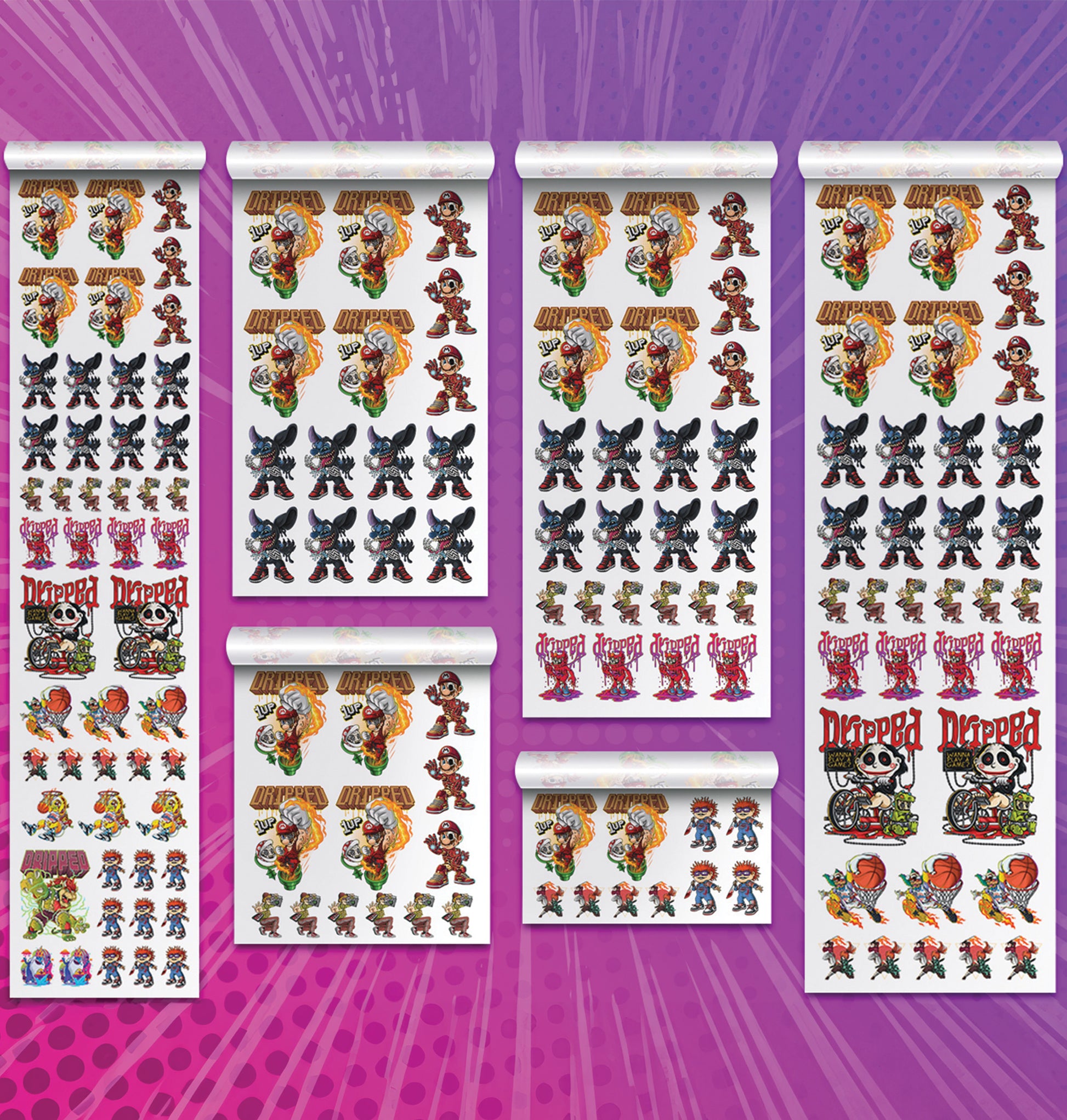
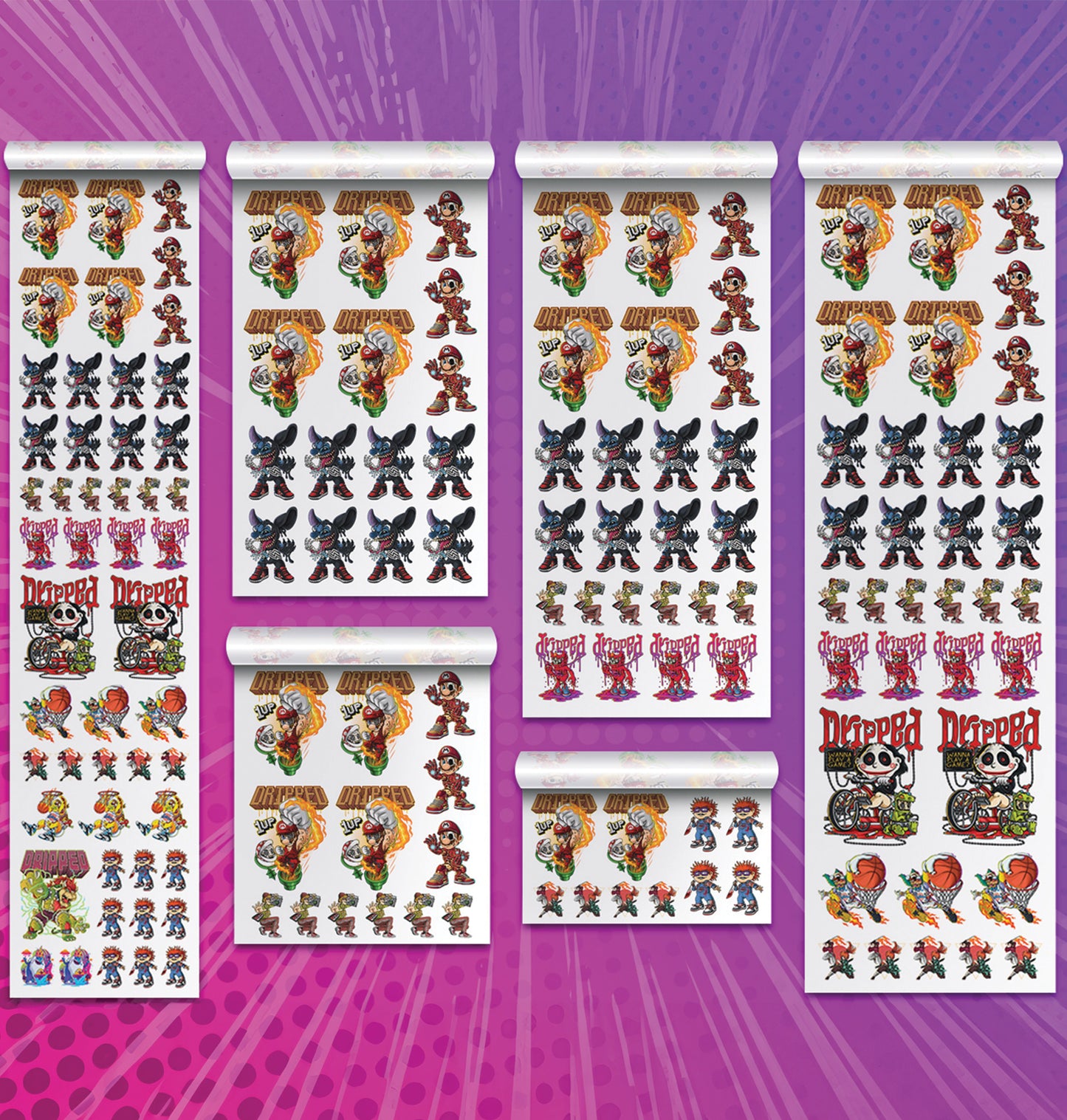
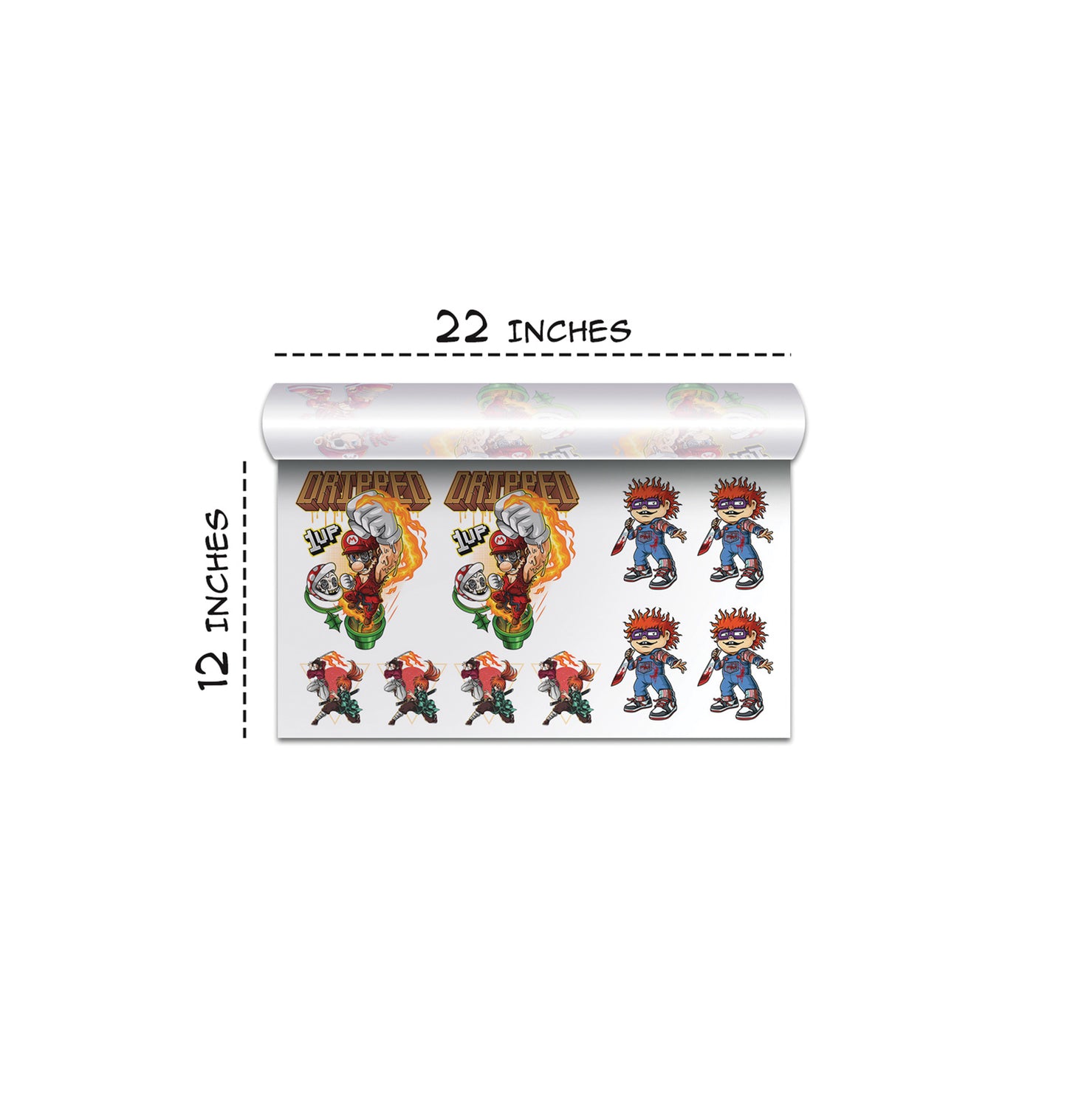
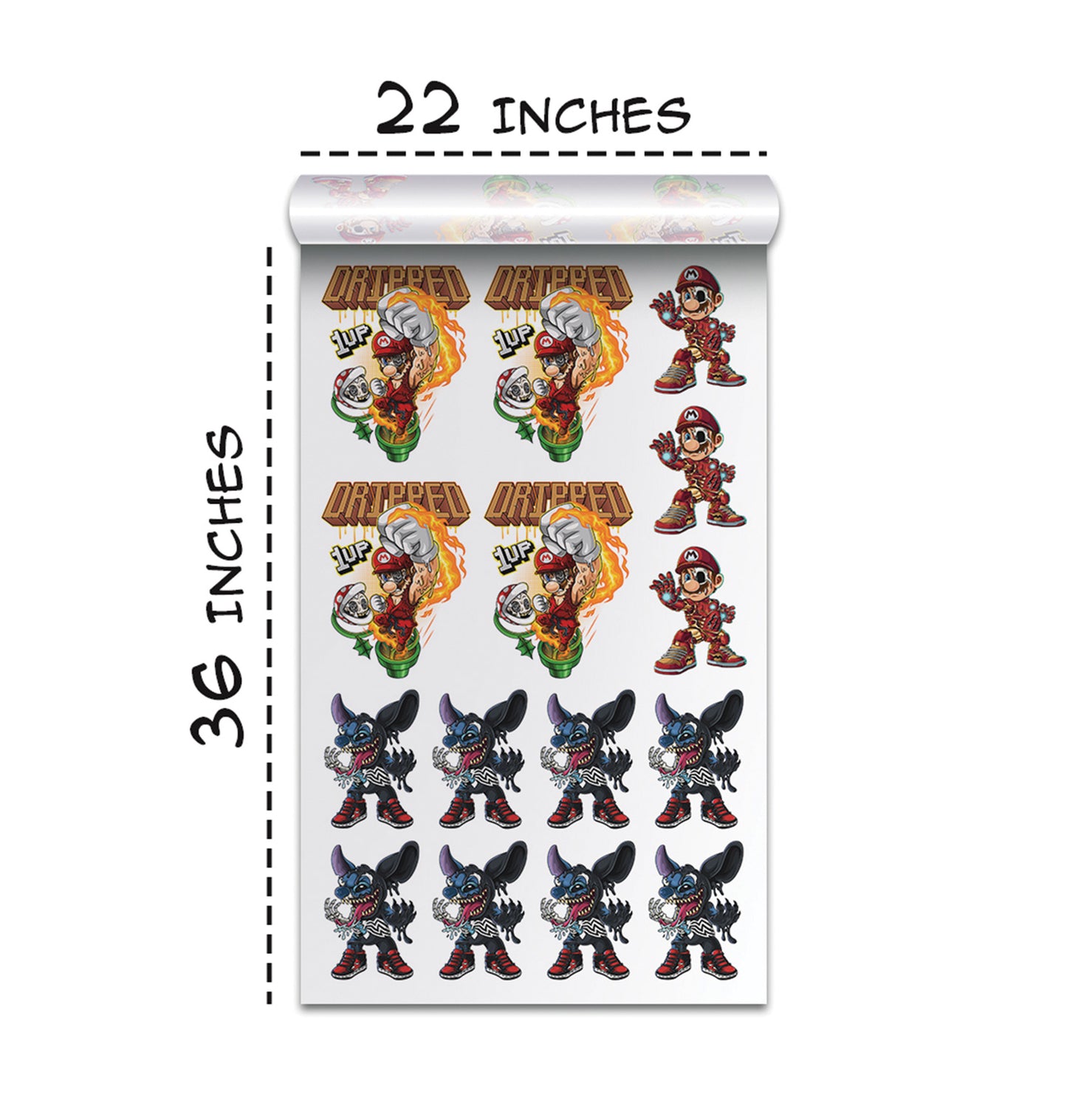
Printing the Design Using DTF Transfers
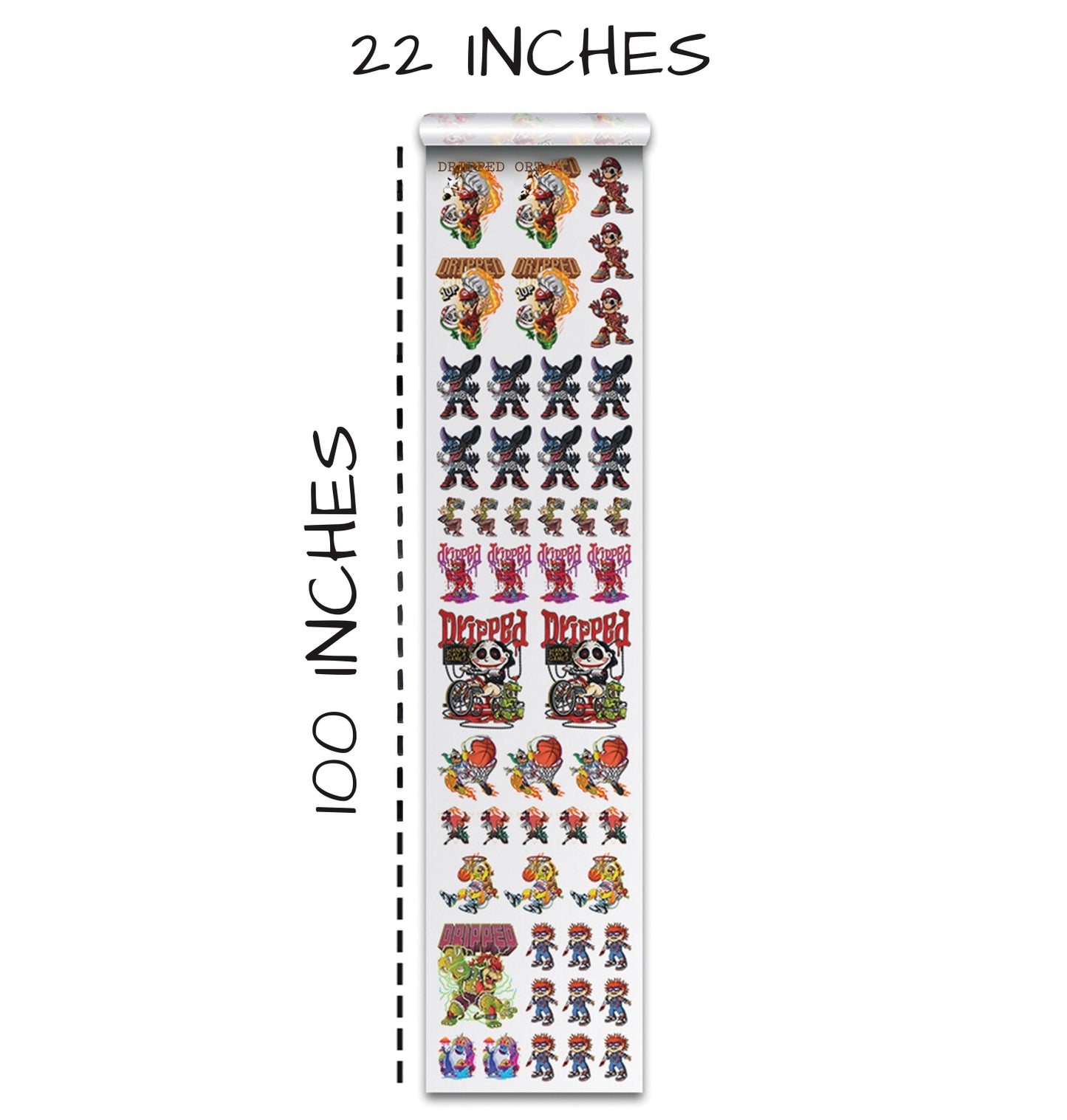
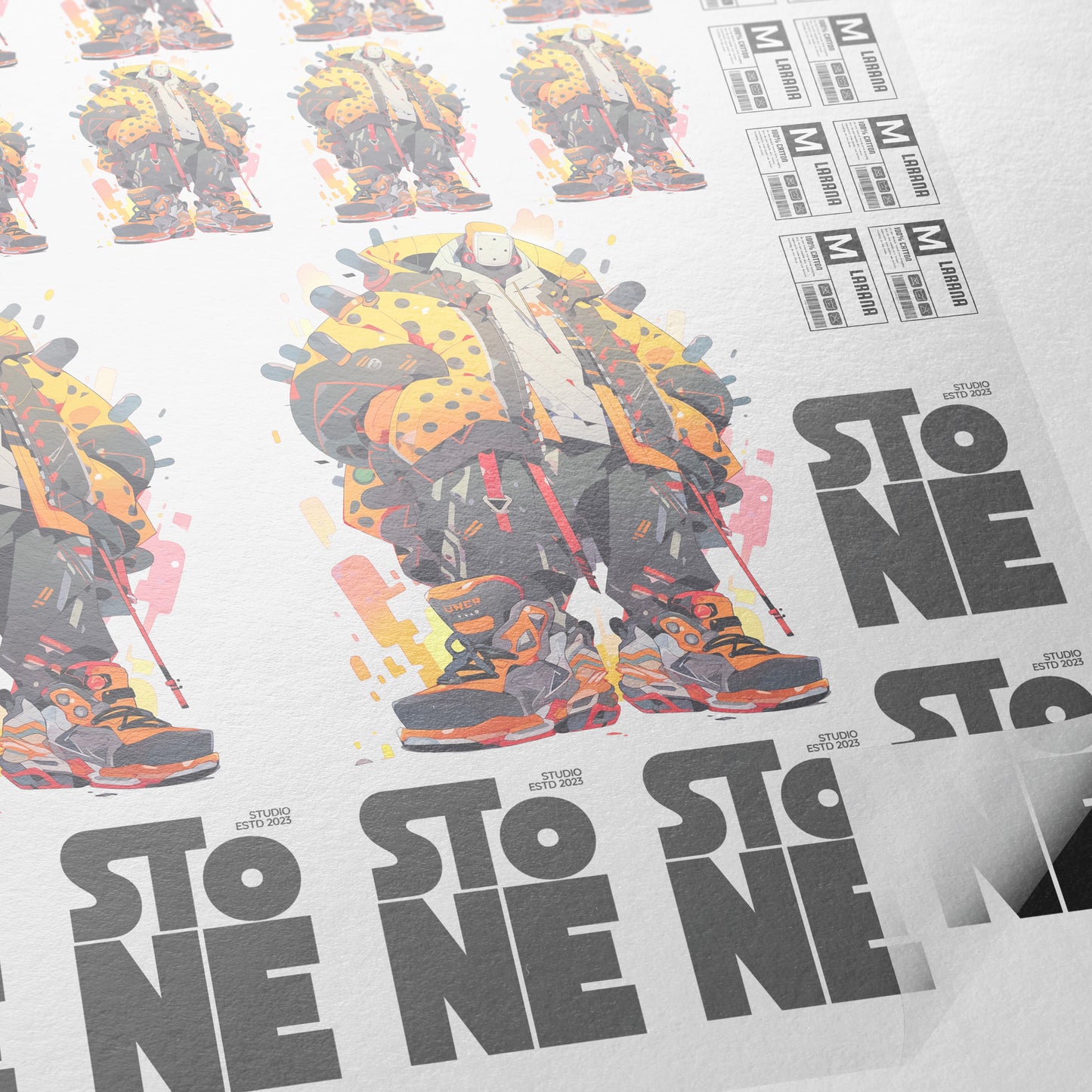
A gang sheet is a large sheet that contains multiple designs arranged together for printing.
Common sheet sizes include:
- 22 × 12 inches
- 22 × 24 inches
- 22 × 60 inches
- 22 × 100 inches
Gang sheets help reduce printing costs by allowing multiple designs to be printed at once.
Applying the Print to a Shirt
Heat Press Setup
Typical heat press settings include:
- Temperature: 300°F
- Pressure: Heavy pressure
- Press time: Around 10 seconds
Pressing the Transfer
The process usually follows these steps:
- Align the design on the shirt
- Press the transfer using the heat press
- Allow the transfer to cool slightly
- Peel the film
Some printers recommend a second press for durability, but skipping it can preserve extra shine.
Why This AI Workflow Is Changing the DTF Industry
This AI workflow offers several advantages:
- Faster design creation
- Lower production costs
- Unlimited design variations
- Easy customization for merch and apparel
Designers can quickly test different colors, fonts, and effects without manually creating highlights or shadows.
Conclusion
Glossy silicone prints have long been associated with premium fashion and high-end apparel. In the past, producing this effect required expensive materials and specialized equipment.
Today, AI-powered design tools combined with DTF printing allow creators to achieve a similar look quickly and affordably.
The workflow is simple: generate a silicone-style design using AI, export it as a transparent PNG, print it using DTF transfers, and apply it with a heat press.
The result is a glossy, eye-catching design that looks far more expensive than it actually is. As AI tools continue to evolve, we can expect even more creative possibilities for apparel designers and print businesses!
Ready to Embark on your DTF Journey?
Experience DTF Excellence Today! Get your Sample Pack! See the vibrant colors, durability, and precision we offer firsthand before you invest.
Transform Your Style with our DTF Collection!
Ready to Elevate Your Printing Game? Submit your custom order now and experience:
- Superior color accuracy
- Premium durability
- Fast turnaround times
Click here to start your DTF printing journey!