One Click Halftone for Cleaner DTF Transfers: Make Your Designs Pop
Table of Contents
- Understanding the Cloud Effect in DTF Printing
- How Our One-Click Halftone Feature Works
- Building Your DTF Gang Sheet
- Printing and Heat Pressing
- The Aura Effect: Why It Matters
- Comparing Before and After Halftones
- Halftones Made Simple: No Photoshop Needed
- Practical Tips for DTF Printing
- Our Experience with Halftones
- Why We Recommend One-Click Halftones
- Conclusion

Understanding the Cloud Effect in DTF Printing
What Causes the Cloudy Look?
When we print designs with semi-transparent pixels, DTF printers can’t always handle them perfectly. Instead of reproducing the subtle see-through areas, the printer adds a solid white base to compensate. This creates a “cloudy” effect, especially around gradients or soft edges.
For example, a design with a faint aura or shadow may come out looking muddy or boxed-in. Without halftoning, you’re essentially forcing the design into a solid shape, losing all of the nuance that makes it pop.
Why Halftones Solve the Problem
Halftoning breaks up semi-transparent areas into tiny dots. These dots let some of the shirt color show through, preserving the intended look. The effect is subtle, but it’s transformative: the design keeps its gradients, shadows, and delicate auras while printing clearly and cleanly.
Think of it like pixel art on a micro scale. The dots are so small that, at a glance, the eye perceives smooth transitions and transparency, even though the printer is technically laying down solid ink in a structured pattern.
How Our One-Click Halftone Feature Works
Upload and Detect Transparency
We’ve made halftoning accessible even if you have zero Photoshop experience. Once you upload your designs to our Gang Sheet Builder, the system automatically detects semi-transparent pixels.
The moment the upload finishes, you’ll see a warning if your design needs halftoning: “Transparent images will not print correctly with DTF unless they are halftone.” This alert is crucial—it tells us exactly where the printer would struggle.
Apply Halftones with a Single Click
No complicated angles, no density adjustments, no guesswork. With a single click, our tool converts the semi-transparent areas into halftone patterns. The process is almost instantaneous.
Once applied, the software previews the design, letting us see exactly how the halftones appear. Tiny dots form the aura and subtle shades, giving the design depth while keeping it fully printer-friendly.
Building Your DTF Gang Sheet
Why Gang Sheets Matter
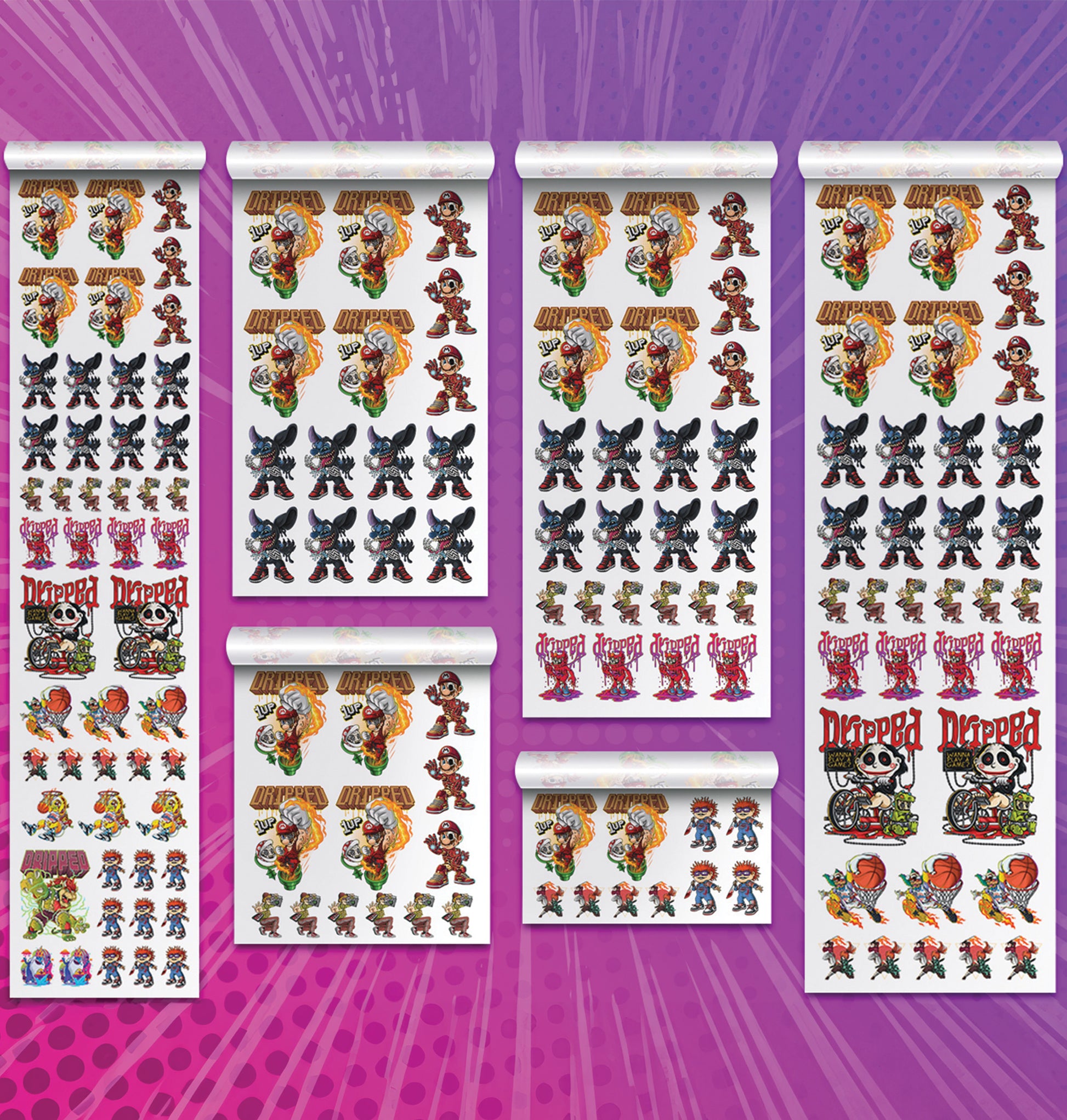
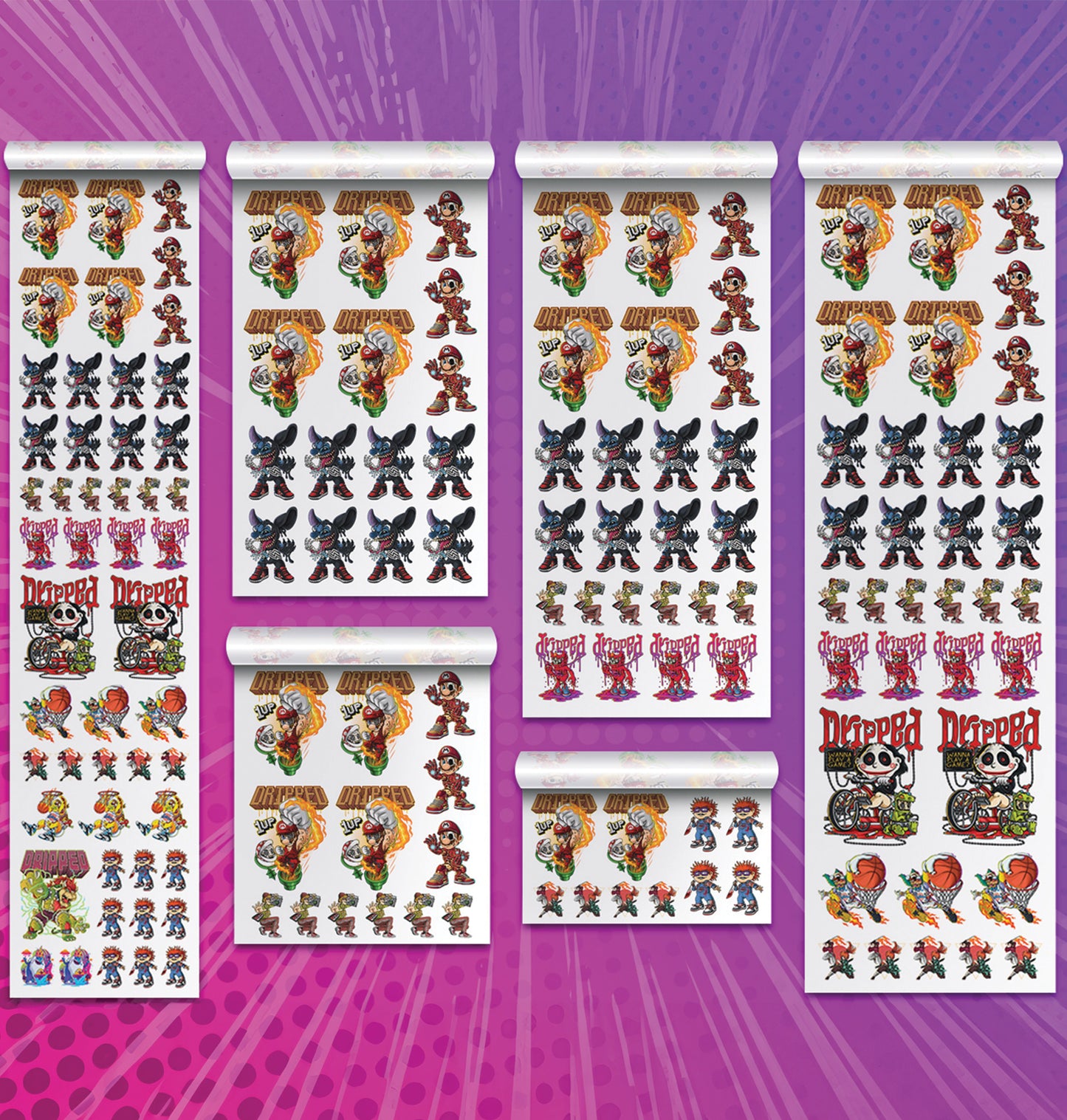
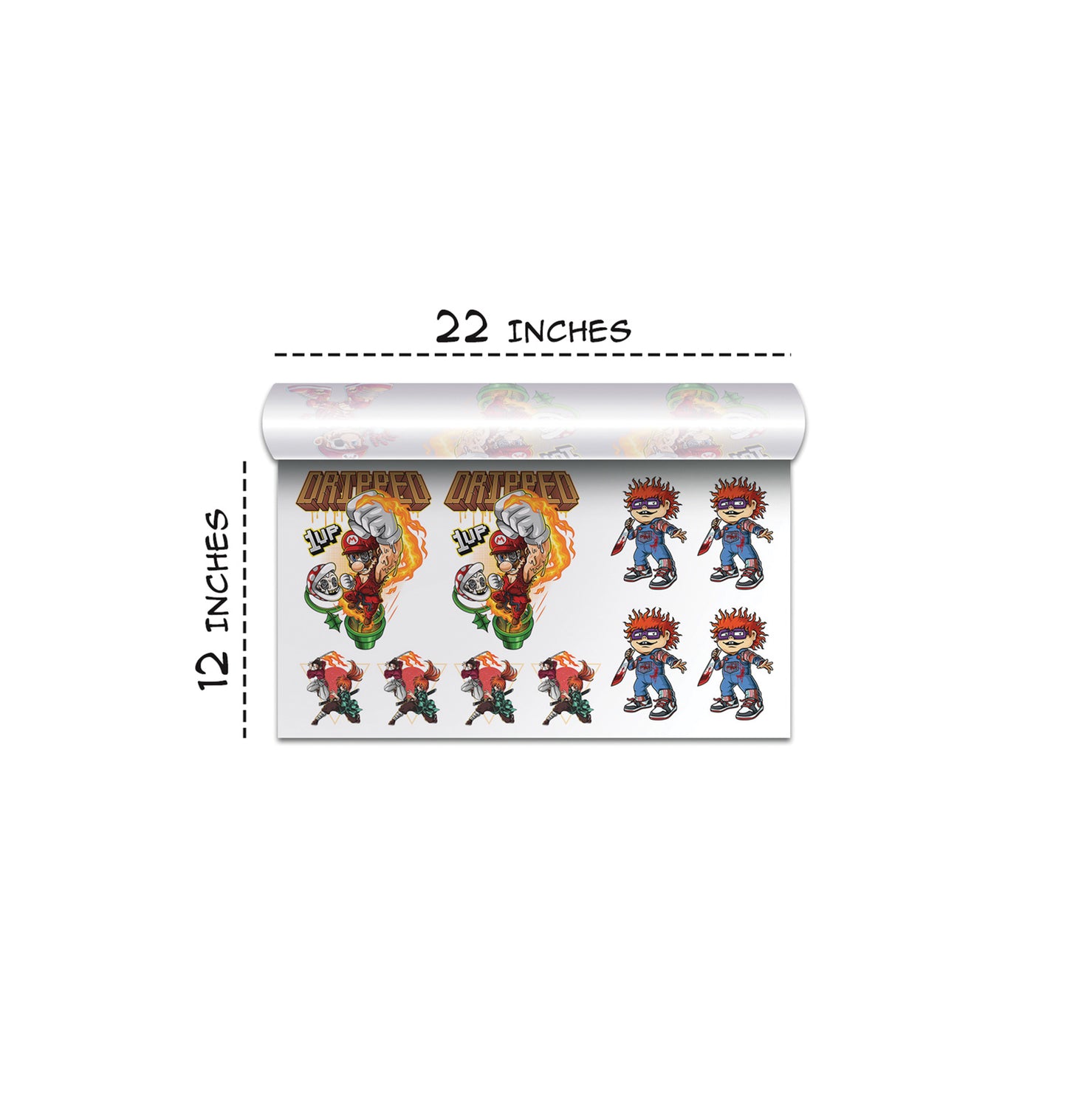
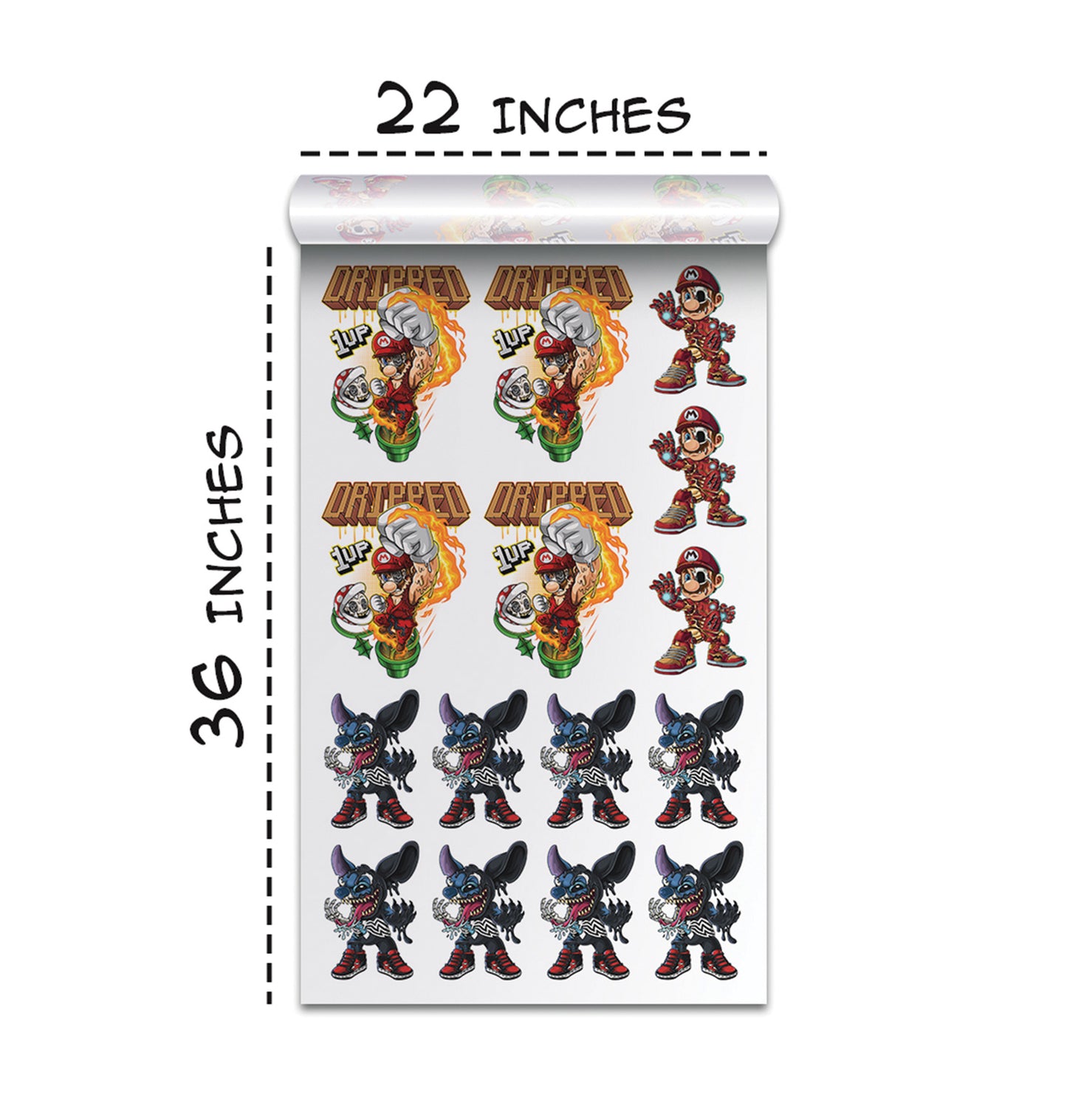
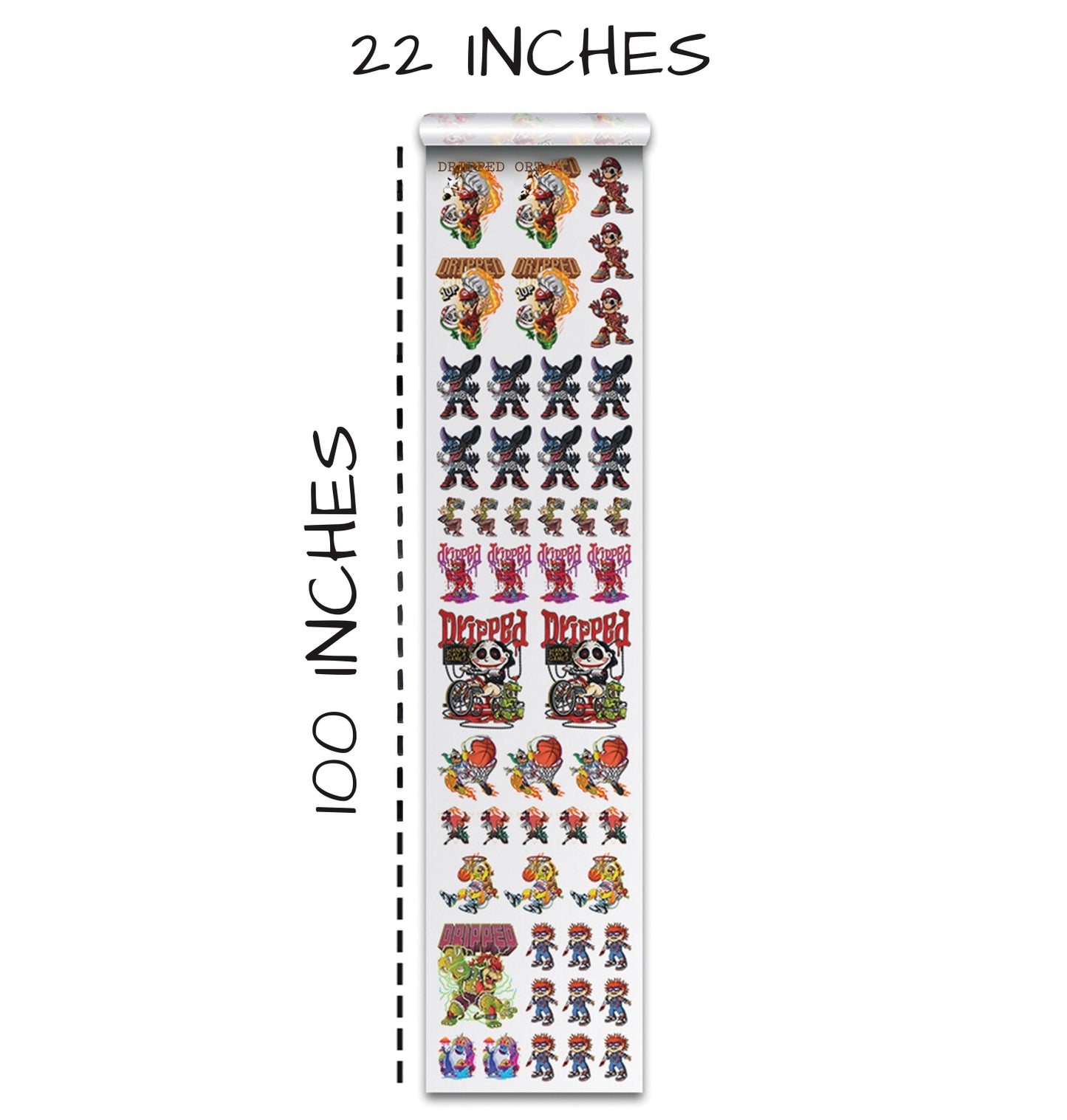
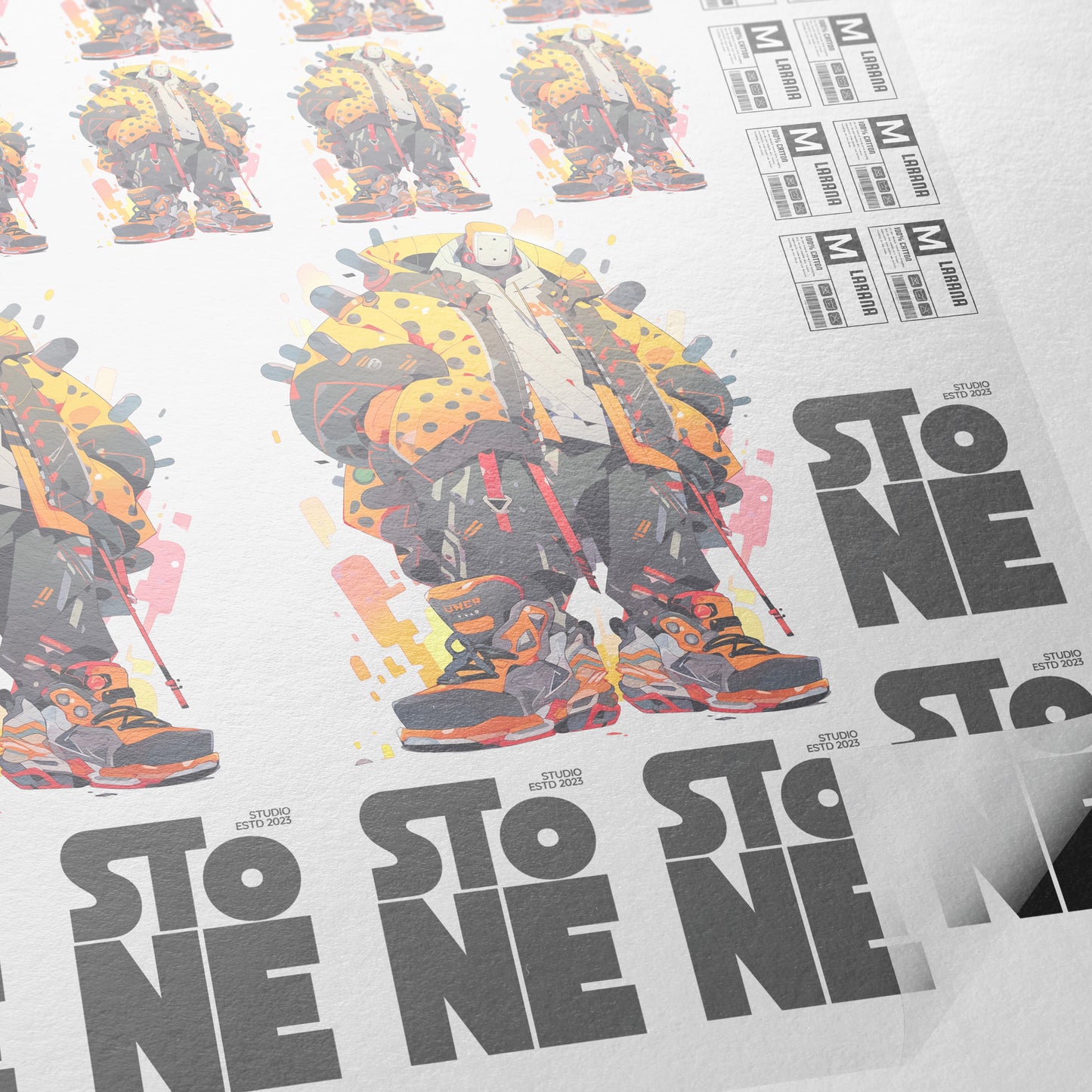
A gang sheet is a layout where multiple designs are arranged to print together efficiently. By combining several designs, we save film, ink, and time. The Gang Sheet Builder allows us to drag and drop multiple artworks, scale them to the right size, and instantly apply halftones if needed.
For instance, if we have two designs—one fully opaque and one semi-transparent—the builder will automatically highlight which needs halftoning. This ensures every piece is ready to print without trial and error.
Adjusting Sizes for Perfect Placement
Before printing, we often tweak the dimensions of our designs. One design might be too small at 10 inches, so we adjust it to 11 or 12 inches until it feels perfect. Our Gang Sheet Builder makes this simple with an intuitive drag-and-scale interface.
By combining halftoning with precise sizing, we get professional results without the need for Photoshop or advanced graphic skills.
Printing and Heat Pressing
Seeing the Difference in Print
After applying halftones, the print output is noticeably better. Semi-transparent auras appear as intended, without any “white smears” that typically occur when transparency isn’t handled.
When we tested our first halftoned design on a black smart blanks T-shirt, the difference was immediate. Compared to a design without halftones, the edges were cleaner, the colors more vibrant, and the aura effect intact.
Heat Press Tips for Halftoned Designs
We use a 15x15 automatic fever heat press set at 300°F. For small, detailed halftone designs, we recommend a slightly longer press time than usual—around 10 seconds in our setup—to ensure ink adhesion. Heavy pressure works best, and a matte finishing sheet can add texture and protect the print.
Even if alignment isn’t perfect, the halftone design holds up beautifully. Tiny dots maintain the gradient effect, preventing the large white boxes or clouds that ruin semi-transparent designs.
The Aura Effect: Why It Matters
One of the most exciting aspects of halftoning is how it preserves the aura around designs. Without halftones, a faint pink or blue glow might appear as a solid block, cutting off edges and flattening the design. With halftones, that aura shows through in small dots, keeping the softness and transparency intended in the original artwork.
We’ve found this is particularly important for prints with multiple layers or background images. The halftone pattern allows complex designs to blend naturally into the shirt fabric.
Comparing Before and After Halftones
Without Halftones
- Solid white base in semi-transparent areas
- Cloudy or muddy edges around the design
- Lost aura and gradient effects
- Overall flat and less appealing look
With Halftones
- Tiny, precise dots preserve transparency
- Aura and subtle effects remain visible
- Cleaner edges and smoother gradients
- Design looks vibrant and professional on any shirt color
The difference is night and day. A design that would have looked amateurish now looks like a polished, high-quality print.
Halftones Made Simple: No Photoshop Needed
One of the biggest hurdles for many DTF sellers is halftoning in Photoshop. It requires adjusting density, angle, and dot pattern—all of which can be overwhelming for beginners.
Our one-click solution removes that barrier entirely. Anyone can:
- Upload the artwork
- Detect transparency automatically
- Apply halftones with a single click
- Print or add the design to a gang sheet
This democratizes DTF printing, allowing even newcomers to create professional-quality prints.
Practical Tips for DTF Printing
Choose the Right Fabric
Halftones work best on solid-colored shirts, especially darker fabrics. The transparency effect allows the shirt’s base color to show through, adding depth.
Optimize Your Artwork
High-resolution images always produce better halftone results. Low-resolution or blurry designs may result in visible dot patterns that don’t merge smoothly.
Test Print First
Even with automated halftoning, a small test print ensures the design looks as expected on the actual fabric. Adjust size or placement if necessary before mass printing.
Use Gang Sheets Wisely
Group designs efficiently to save film and reduce costs. Halftones don’t change the spacing requirements, so layout remains critical for efficient printing.
Our Experience with Halftones
In our tests, we uploaded two designs—one with heavy semi-transparent areas and one simpler artwork. After applying halftones and printing:
- The first design’s cloudy aura transformed into a vibrant, soft effect with no white smear.
- The second design maintained perfect edge definition and color accuracy.
We pressed both designs onto a single black smart blanks T-shirt, using our 15x15 automatic fever heat press. The results were phenomenal. Tiny halftone dots allowed the transparency to shine, even in high-detail areas.
Our takeaway: halftoning is not just a technical adjustment—it’s a creative tool. It lets us retain the integrity of the original design while making it printer-friendly.
Why We Recommend One-Click Halftones
- Time-saving: Apply halftones instantly without adjusting complex settings.
- User-friendly: No Photoshop knowledge required.
- Professional results: Cleaner edges, preserved transparency, and visible auras.
- Cost-effective: Reduces trial-and-error printing and wasted film.
For anyone selling DTF designs or making shirts for personal projects, this tool is a game-changer. It eliminates frustration and ensures the final product matches your vision.
Conclusion
Halftones are the secret weapon behind cleaner, sharper, and more professional DTF transfers. By transforming semi-transparent areas into tiny, precise dots, halftoning preserves auras, gradients, and subtle effects that would otherwise be lost.
With our one-click Gang Sheet Builder, applying halftones has never been easier. Upload your designs, click a button, and watch as your artwork becomes shirt-ready in minutes. From beginner hobbyists to seasoned sellers, this feature helps everyone achieve top-quality prints with minimal effort.
We’ve seen firsthand how halftones prevent the dreaded cloud effect, keep edges clean, and enhance the overall appearance of a design on fabric. Whether you’re working with simple graphics or complex multi-layered designs, halftoning is the key to making your DTF prints pop.
Next time you face semi-transparent designs, remember: a few tiny dots make a huge difference. With halftones, your DTF transfers will always look phenomenal.
Ready to Embark on your DTF Journey?
Experience DTF Excellence Today! Get your Sample Pack! See the vibrant colors, durability, and precision we offer firsthand before you invest.
Transform Your Style with our DTF Collection!
Ready to Elevate Your Printing Game? Submit your custom order now and experience:
- Superior color accuracy
- Premium durability
- Fast turnaround times
Click here to start your DTF printing journey!