How We Created a Custom Doodle Shirt Using AI and DTF Printing
Table of Contents
- Why Doodle and Line Art Designs Are Trending
- Using ChatGPT to Explore Trending T-Shirt Designs
- How We Used ChatGPT to Generate a Custom Doodle T-Shirt Design
- Making the Design DTF-Print Ready Using Knockout Tools
- Pressing the DTF Transfer onto a Shirt
- Why AI-Generated Doodle Designs Are Great for Sellers
- Conclusion

In today’s creative world, we’re surrounded by new tools that make designing shirts easier and more exciting than ever. One of our favorite ways to bring ideas to life is by using AI tools like ChatGPT, paired with DTF (Direct-to-Film) printing. These tools help us generate trendy design ideas, customize them, and turn them into high-quality prints that look amazing on apparel.
In this article, we’ll walk through how we created a custom doodle-style shirt from scratch. We’ll explore how we used ChatGPT to research trends, how we built our design, how we prepared it for DTF printing, and how we pressed it onto a shirt. You’ll see the full workflow from idea to finished product, and along the way, we’ll break down everything in simple, easy-to-understand steps.
Whether you’re a beginner wanting to try DTF printing or a seller looking to create unique products, this guide will help you learn new techniques, understand important tools, and spark fresh design ideas. Let’s get into it!
Why Doodle and Line Art Designs Are Trending
What Makes Hand-Drawn Art Appealing
When we looked at recent t-shirt trends, one style immediately stood out: doodle, line art, and hand-drawn designs. These designs feel casual, playful, and expressive. They have a certain “rebellious but fun” vibe that a lot of people, especially Gen Z and millennials, really connect with.
Unlike complicated graphics, doodle art feels personal. It looks like something that came straight from a sketchbook, which makes it look original and approachable. Even simple lines can make a design look artistic and meaningful. This unique style is a huge reason why doodle art keeps growing in popularity across platforms like Instagram, Etsy, and Pinterest.
Why These Designs Work So Well on Products
Doodle-style art isn’t only great for t-shirts. We see this style on:
- Stickers
- Mugs
- Posters
- Phone cases
- Hoodies
- Notebooks
Because doodles often use simple lines or bold shapes, they scale really well. They stay crisp whether you print them small or large, making them perfect for Print-On-Demand sellers who need designs that work across different products.
And since doodles look great in both black-and-white or full color, they’re super flexible for different types of apparel and markets.
Using ChatGPT to Explore Trending T-Shirt Designs
How We Researched Trends with AI
To start our design, we asked ChatGPT a simple question: “What are the trending t-shirt design styles in the United States today?”
ChatGPT gave us a long list of categories, including retro styles, minimalistic designs, Y2K trends, sports themes, and of course, the hand-drawn doodle category. What really grabbed our attention was how popular doodle art has become, especially among younger buyers who love its artistic but casual vibe.
Seeing how strong the trend was, we decided to create our own design based on that style.
Gathering Reference Images
Next, we browsed Google for doodle and line art references. We saved several images that matched the style we wanted — designs with bold outlines, playful icons, and hand-drawn characters. Having these reference images helped us guide the AI so that the final output would match the doodle theme perfectly.
How We Used ChatGPT to Generate a Custom Doodle T-Shirt Design
Creating the Perfect Image Prompt
Once we collected our reference photos, we uploaded them into ChatGPT and asked it to create a customizable image prompt. ChatGPT analyzed the style of our references — the line thickness, layout, shapes, and themes — and produced a detailed prompt that we could use in AI image generators.
What made the prompt especially helpful was that it was editable. This meant we could easily change the main text, theme, or icons depending on the niche we wanted to target.
With a strong, flexible prompt in hand, we were ready to generate our first doodle-style design.
Our First AI-Generated Doodle Design
We asked ChatGPT to generate a doodle art graphic and customize the main text to say DTF. The result looked clean, bold, and playful — exactly what we wanted from a doodle shirt.
But we didn’t stop there. Since the prompt was customizable, we experimented with new themes:
Design Variation 1: Gaming Theme
We added gaming icons like controllers, spark icons, and pixel elements. For the text, we changed it to “Game Over.” The final output felt energetic and fun — perfect for gamers and esports fans.
Design Variation 2: Basketball Theme
Next, we asked for a basketball layout with hoops, balls, sneakers, and lightning icons. We set the main text to “The Hoop.” This version came out just as clean, showing how easy it is to switch niches using the same doodle prompt.
These variations prove how powerful AI-assisted design can be. One strong prompt can produce endless options for different audiences, allowing us to build entire product lines quickly.
Making the Design DTF-Print Ready Using Knockout Tools
Why Knockout Is Important for DTF Prints
A knockout removes the background color behind the artwork. It ensures that when we press the design onto a shirt, the black parts of the shirt don’t show through the artwork in unwanted ways.
Knockouts help:
- Keep colors vibrant
- Make outlines cleaner
- Prevent muddy or dull prints
- Improve overall quality and durability
Using the Transfer Superstars DTF Gang Sheet Builder
To prepare our design for DTF printing, we went to TransferSuperstars.com, our go-to place for ordering DTF gang sheets.
Here’s the process we followed:
- Go to the DTF Gang Sheet Builder.
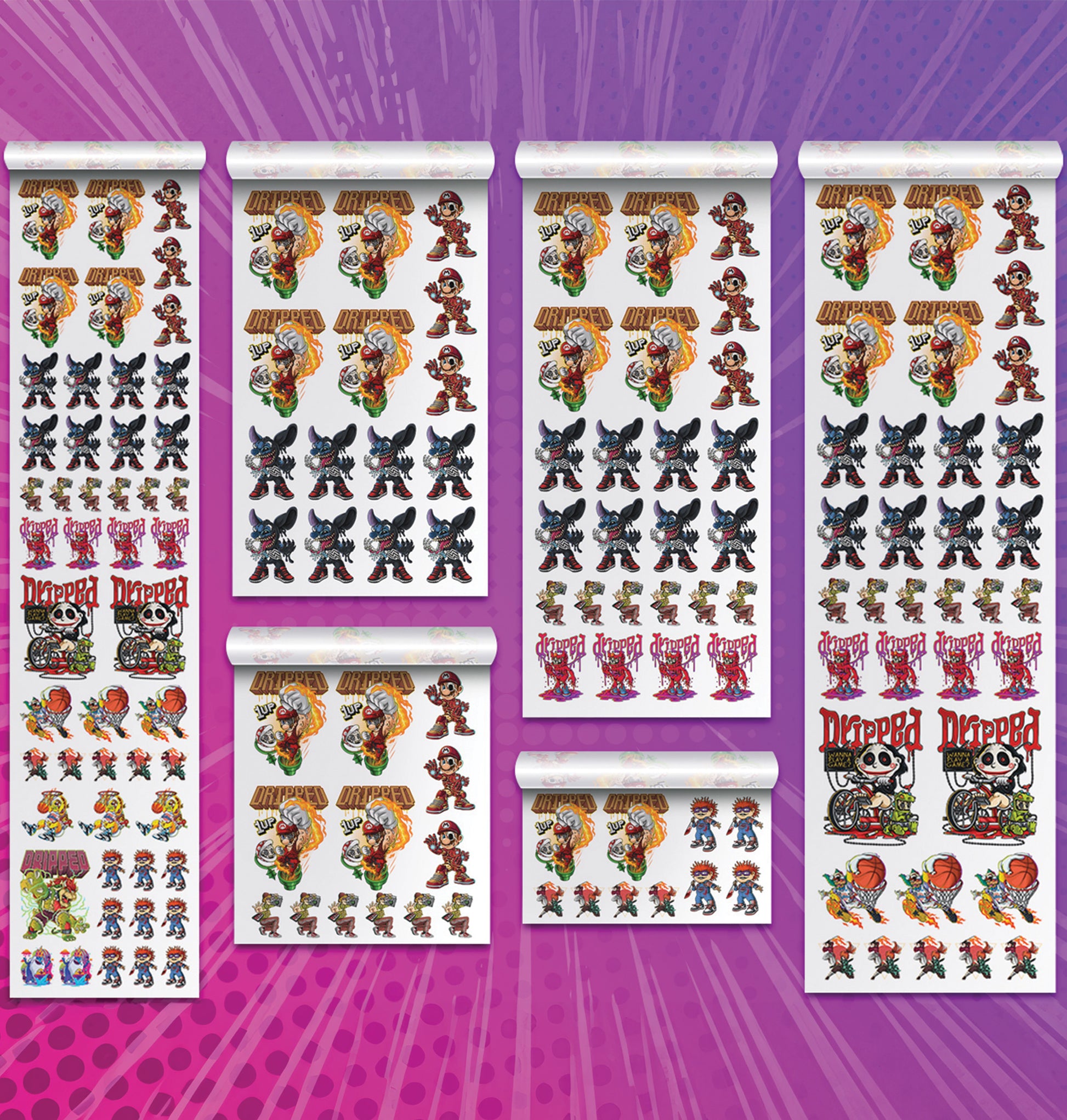
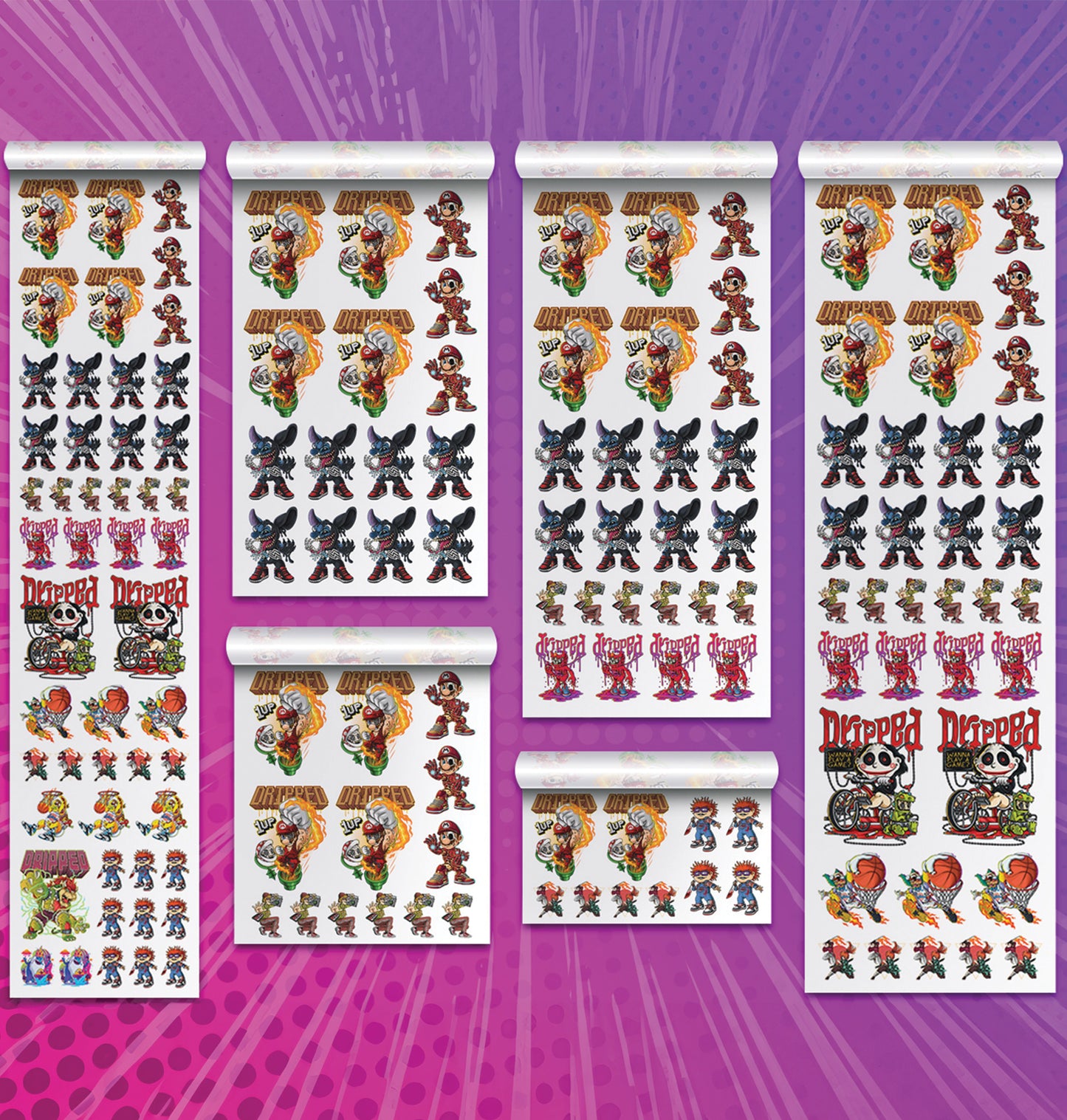
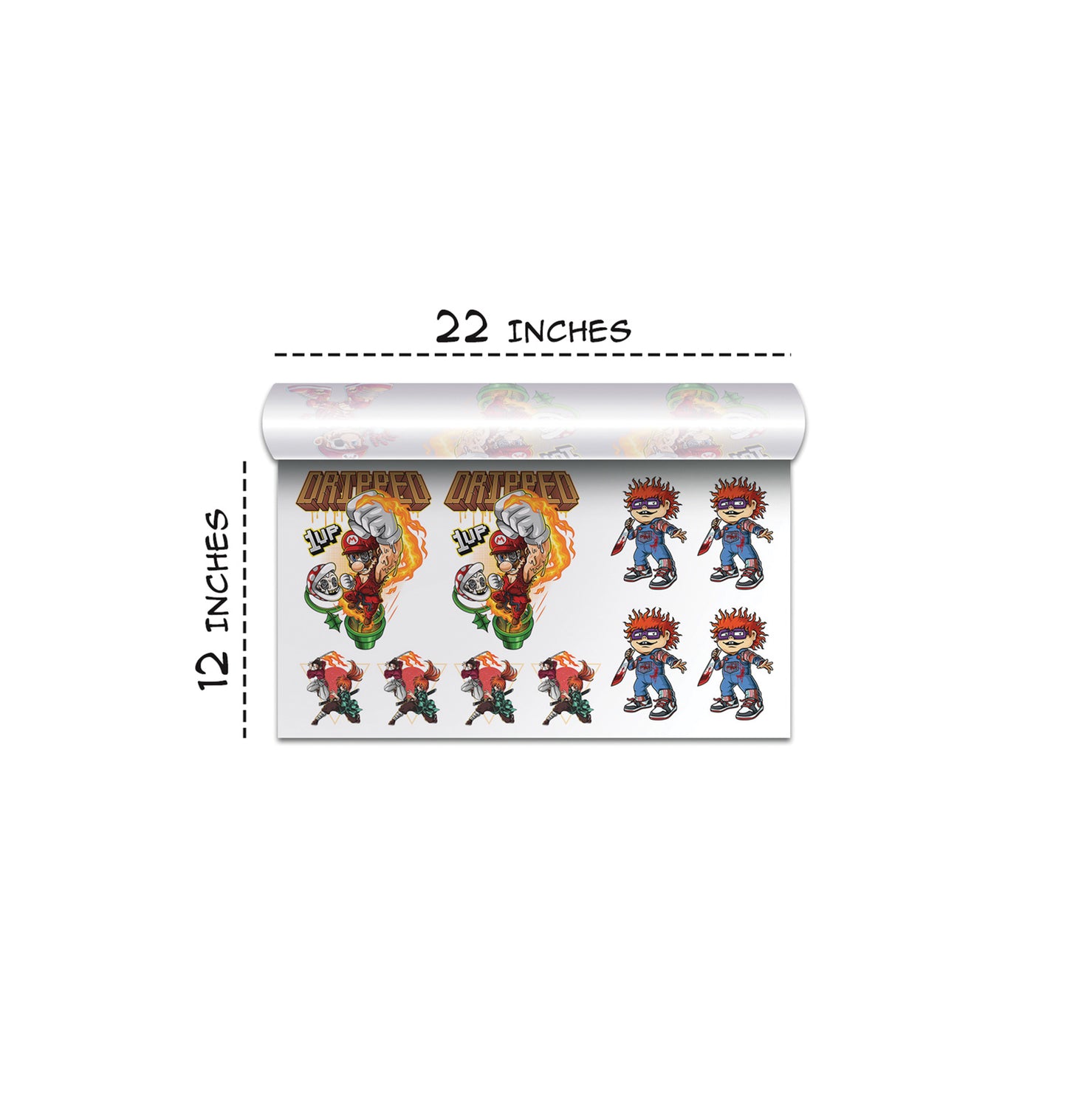
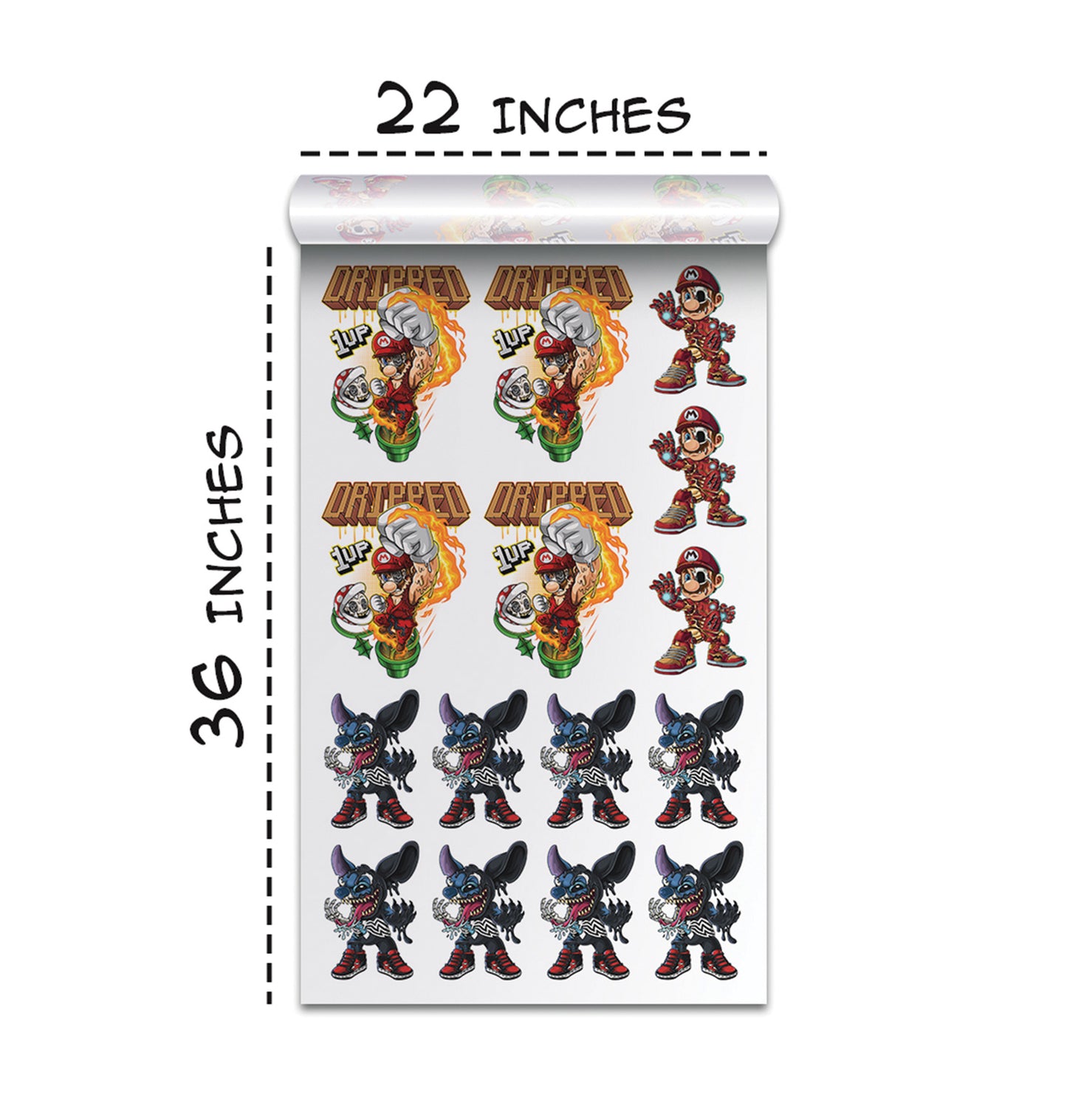
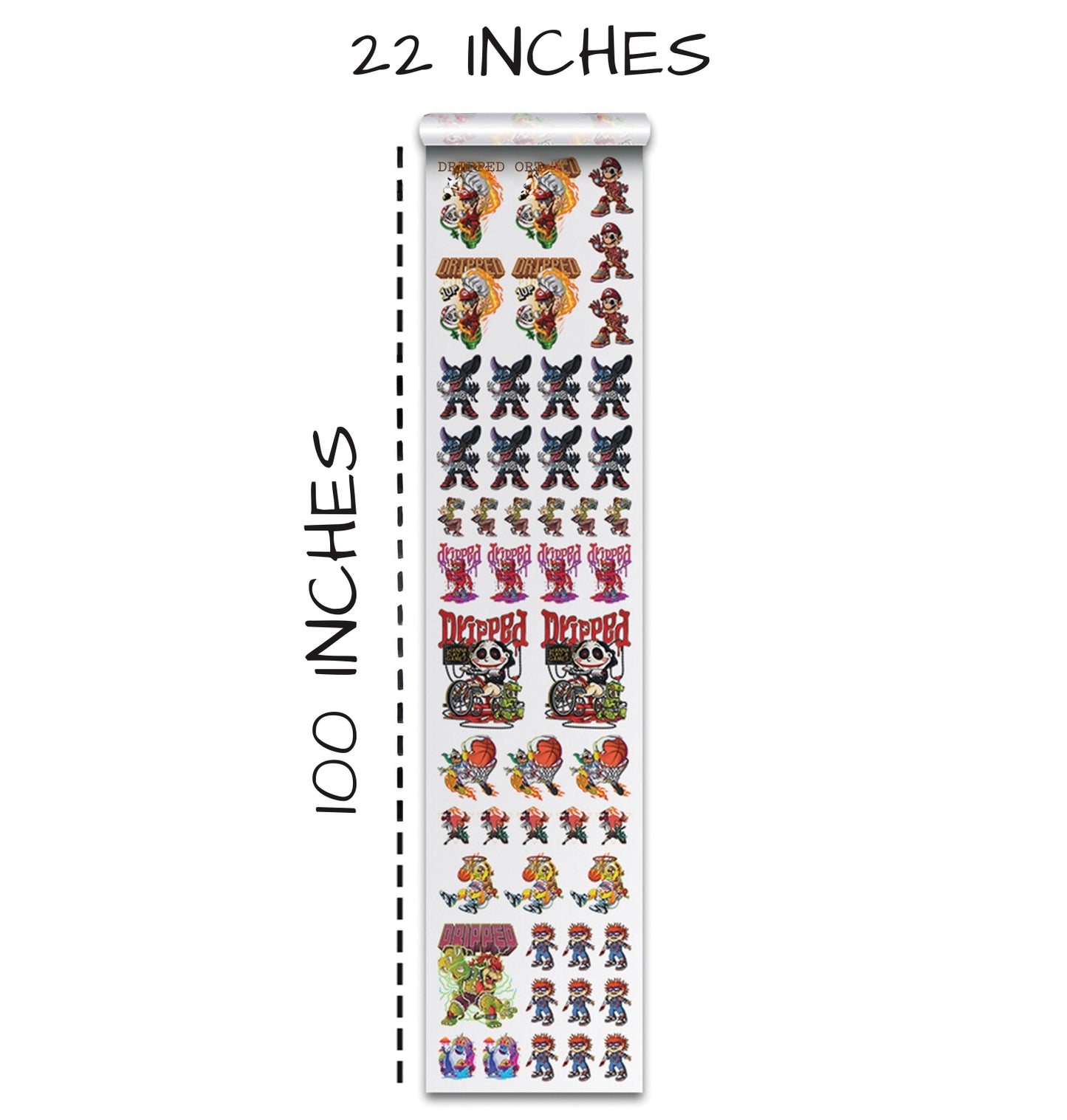
- Choose a size from 22×12 all the way to 22×100 inches.
- Upload the doodle design.
- Click Edit Image.
- Open the Color Tools menu.
- Select the color you want to remove (usually black or white depending on the design).
- Increase the tolerance to around 80–100.
- Click Remove, then Apply.
This built-in knockout tool makes the process extremely quick and beginner friendly. Instead of using complicated Photoshop layers, you can handle everything directly in the builder.
Saving and Ordering the Print
Once the knockout was applied, we resized the design to the size we wanted on the shirt, saved the gang sheet, and added it to the cart. After the print arrived, we were ready for the fun part — pressing it onto a shirt.
Pressing the DTF Transfer onto a Shirt
Choosing the Right Blank Shirt
For this project, we used a Smart Blanks 402 black t-shirt in size large. These shirts are smooth, durable, and work great with DTF transfers.
Setting Up the Heat Press
To press the design onto the shirt, we followed these settings:
- Temperature: 275–300°F (we chose 300°F).
- Pressure: Medium to firm.
- Peel type: Hot or cold peel (we peeled hot).
We also used a laser alignment tool to help center the design perfectly. This step might seem small, but alignment makes a huge difference in the finished look.
Pressing and Peeling the Transfer
Once the heat press was hot:
- We placed the shirt on the press.
- Positioned the design using the alignment crosshairs.
- Pressed the design.
- Waited around 15 seconds before peeling.
- Peeled the film smoothly.
- Used a matte finishing sheet for a final press to make the print feel softer and cleaner.
The Final Result
The final print looked amazing:
- The colors were bright and vibrant.
- The knockout was perfectly clean.
- The lines in the doodle art stayed crisp.
- The print could be crumpled without showing dents or cracks.
Everything about the finished shirt showed how powerful AI + DTF printing can be when used together.
Why AI-Generated Doodle Designs Are Great for Sellers
Fast Idea Generation
With ChatGPT, we can generate niche-specific prompts in seconds. Instead of spending hours brainstorming, AI helps us skip straight to creating.
Easy to Customize for Any Audience
Once we have a solid prompt, we can change:
- Text
- Icons
- Themes
- Color palettes
- Layout styles
This makes it easy to build product lines quickly.
Perfect for Print-On-Demand
Doodle designs are:
- Lightweight
- Scalable
- Easy to print
- Highly shareable
That makes them ideal for POD platforms like Etsy, Shopify, or Amazon Merch.
High-Quality DTF Results
DTF printing captures the bold outlines and bright colors of doodle art perfectly. The results feel smooth, flexible, and durable — great for both everyday wear and resale.
Conclusion
We had a great time creating this doodle-style t-shirt with the help of ChatGPT and Transfer Superstars’ DTF tools. By combining AI-generated designs with professional-grade printing, we’re able to turn simple ideas into products that look polished and ready for sale.
From trend research, to designing, to printing, to pressing — this process gave us full control and endless creative options. And the best part is that anyone can do it. Whether you’re a new creator, a small shop owner, or a seasoned apparel seller, this workflow makes it easy to produce eye-catching designs that customers love.
If you’re thinking of trying out DTF printing or switching suppliers, Transfer Superstars is definitely worth checking out. And if you’re ready to explore more AI-driven design ideas, ChatGPT can open the door to countless creative possibilities.
Let’s keep making cool shirts — and we’ll see you in the next project!
Ready to Embark on your DTF Journey?
Experience DTF Excellence Today! Get your Sample Pack! See the vibrant colors, durability, and precision we offer firsthand before you invest.
Transform Your Style with our DTF Collection!
Ready to Elevate Your Printing Game? Submit your custom order now and experience:
- Superior color accuracy
- Premium durability
- Fast turnaround times
Click here to start your DTF printing journey!