How to Use Google's Nano Banana AI to Create Amazing Print-on-Demand T-Shirt Designs
Table of Contents
- What is Nano Banana and Why Does it Matter?
- Creating Designs from Scratch with Nano Banana
- Learning from What's Already Selling: Using Etsy Bestsellers as Inspiration
- Using Nano Banana to Create Inspired Designs
- Making Mockups: Putting Your Designs on Shirts
- Preparing Your Designs for Printing: The DTF Gang Sheet Process
- Understanding Resolution and Print Quality
- From Digital Design to Actual Printed Shirts
- The Results: Does AI-Made Print-on-Demand Really Work?
- Why This Changes the Game for Print-on-Demand Sellers

Print-on-demand (POD) is a way to create products like t-shirts without having to buy a huge number of items upfront. Many people use it to start their own clothing businesses on platforms like Etsy and Shopify. The challenge? Creating awesome designs takes time and money. You either need to spend hours learning design software like Photoshop or pay someone else to do it for you. But now, there's a faster way. Google has released a free AI tool called Nano Banana that can help you design, create mockups, and prepare your artwork for printing—all without being a design expert.
What is Nano Banana and Why Does it Matter?
Nano Banana is Google's newest AI image tool, and it's part of something called Google Gemini Flash 2.5. Think of it as a super-smart assistant that can create, remix, and change images in just seconds. The best part? It's completely free to use. Unlike other AI image tools, Nano Banana is consistent, which means your designs keep the same style and look even when you make changes to things like colors or backgrounds.
For people selling products online, this is a game-changer. Consistency means you can create different versions of the same design for different colored shirts or different styles of products without everything looking completely different. It also saves time. Nano Banana finishes creating images much faster than other AI tools. When compared side-by-side with other popular AI image generators, Nano Banana creates images in about 11.7 seconds, while some competitors take almost two minutes.
Creating Designs from Scratch with Nano Banana
The easiest way to start using Nano Banana is to create brand-new designs. This process is simple enough that anyone can do it, even if you've never designed anything before.
How to create a design from scratch:
First, you open Google AI Studio and select the Nano Banana model. Then, you write a simple description of what you want to create. For example, you might type something like "Create a vector art design for a t-shirt. An astronaut floating in space, slurping noodles from a giant ramen bowl." Within seconds, Nano Banana generates a clean, ready-to-use design that you can download as a PNG file with a transparent background.
The transparent background is important because it means the design only shows the artwork—the background is invisible. This makes it perfect for printing on any color shirt. You can put it on white shirts, black shirts, blue shirts, or any other color because the background won't get printed.
If you don't like the first version, you can ask Nano Banana to create different variations. This is where Nano Banana really shines. You can ask for the same design but with different colors, different moods, or different styles. Let's say you created that cool samurai cat design. You could ask Nano Banana to show you the same cat in different color combinations—maybe a red version, a blue version, and a gold version. All of these versions keep the same style and look, which is perfect for sellers who want to offer their customers choices.
Learning from What's Already Selling: Using Etsy Bestsellers as Inspiration
One smart strategy that successful POD sellers use is looking at what's already selling well on Etsy. This isn't about copying designs, but about understanding what styles and themes people want to buy. There's a big difference between copying and learning, and it's important to understand that difference if you want to run an honest business.
The three-step process for learning from bestsellers:
Step One: Research bestsellers. Look at what's currently popular on Etsy. Certain types of designs tend to always do well. Holiday designs sell great around specific times of the year. Pet themes are always popular because people love their pets. Funny quotes and retro-style designs have lots of fans too. When you search Etsy for items in your category, you'll see which ones have the most reviews and the highest ratings.
Step Two: Figure out what makes them sell. Look closely at bestselling designs and notice patterns. What do you see again and again? Bold, big letters and text are common. Simple icons that are easy to understand work well. A touch of humor or something funny makes people want to buy. These elements work together to create designs that people love.
Step Three: Recreate the style, not the exact design. This is crucial. You're not copying someone else's work. You're using what you learned to create your own original designs. If you see that "dog mama" designs are popular and that particular "dog mama" shirt has 75,300 reviews and a 4.8 star rating, you now understand that people want dog-themed designs with simple, bold text. But you create your own dog design, with your own unique twist.
Using Nano Banana to Create Inspired Designs
Once you understand what people want, you can use AI to help create it. Here's how the process works:
First, you take a screenshot of a design you like—not to copy it, but to analyze it. Then, you give that screenshot to ChatGPT or another AI tool and ask it to write a description of the design style. For example, you might ask, "What are the key elements that make this design work? What style should an AI use to create something similar?"
Once you have that description, you copy it and move to Google AI Studio. You paste the description into the prompt box and use Nano Banana to create something new. You can tweak the description if you want. Maybe you want the design slightly different or in different colors. Then, you click generate, and boom—you have a new, original design inspired by what's selling.
Making Mockups: Putting Your Designs on Shirts
A mockup is basically a picture that shows what your design would look like on an actual product. It's important because customers want to see how something will look before they buy it. If you're selling on Etsy, having good mockup images makes your product listing look professional and helps convince people to make a purchase.
This is another area where Nano Banana really helps. Instead of using complicated design software, you can upload a mockup image of a blank shirt and ask Nano Banana to place your design on it. The AI is smart enough to understand what you want. It can take your design and put it on the shirt in the right place. You can even ask it to change things like the shirt color, add a background behind the design, change the person's pose, or even turn the shirt into a hoodie.
Sometimes Nano Banana isn't perfect on the first try. For example, when asked to turn a shirt design into a hoodie design, it had some trouble with the sleeves. But even when it's not perfect, it gives you a really good starting point that requires just a little bit of fixing instead of starting from zero.
Preparing Your Designs for Printing: The DTF Gang Sheet Process
Once you have your designs and mockups ready, the next step is preparing them for actual printing. This is where something called a DTF gang sheet comes in. DTF stands for Direct-to-Film, which is a printing method that works really well for t-shirts and other clothing items.
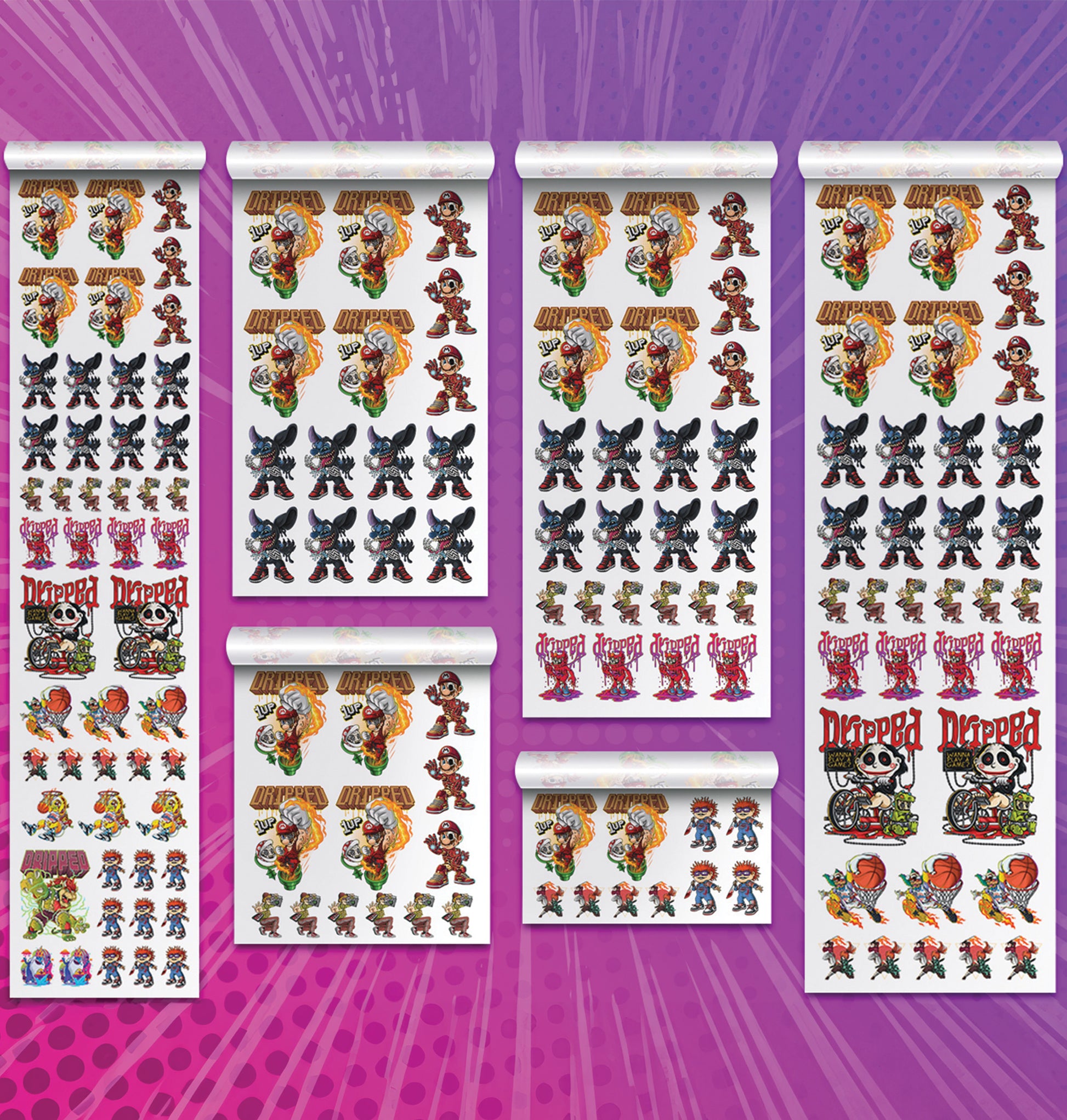
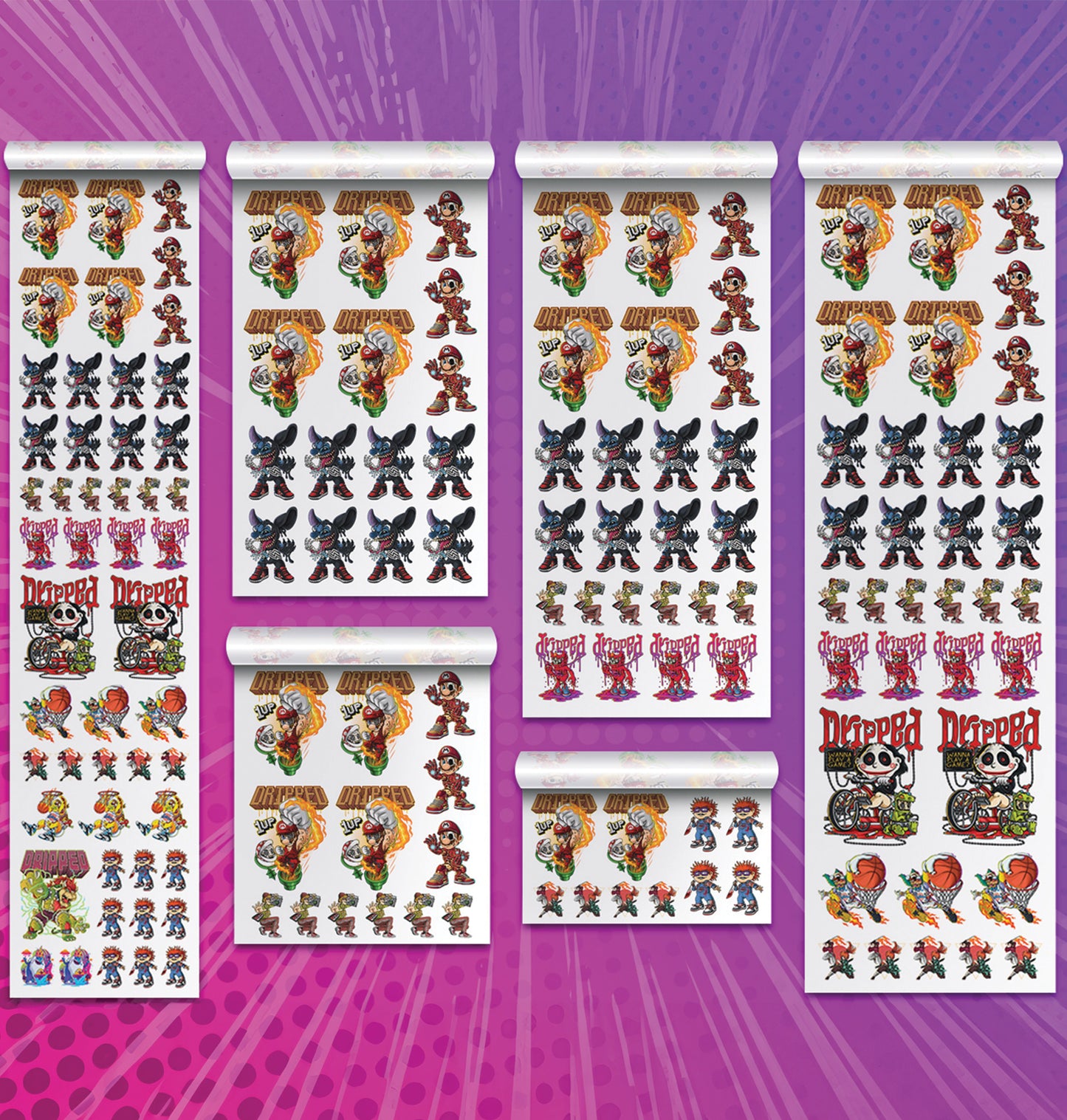
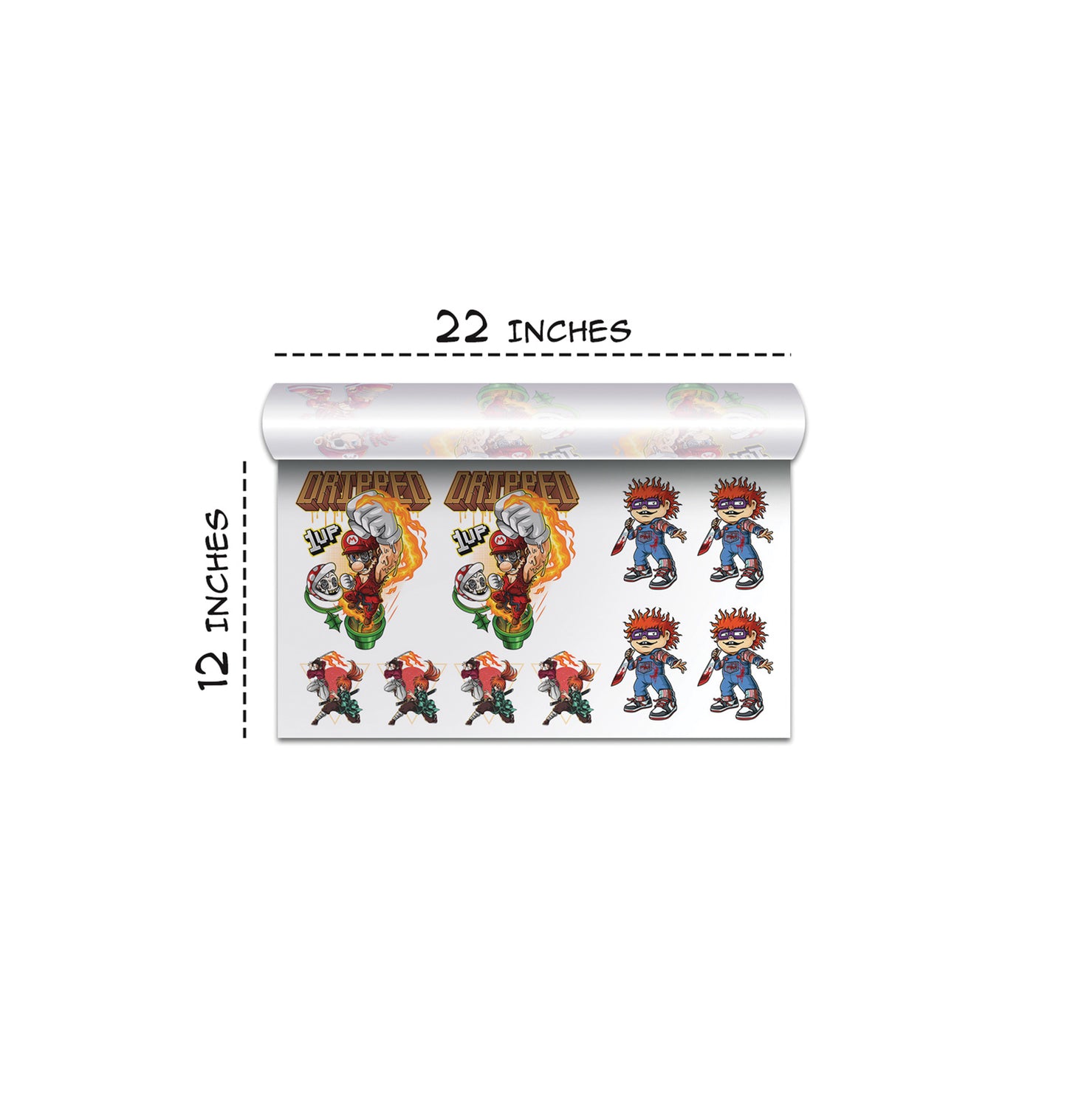
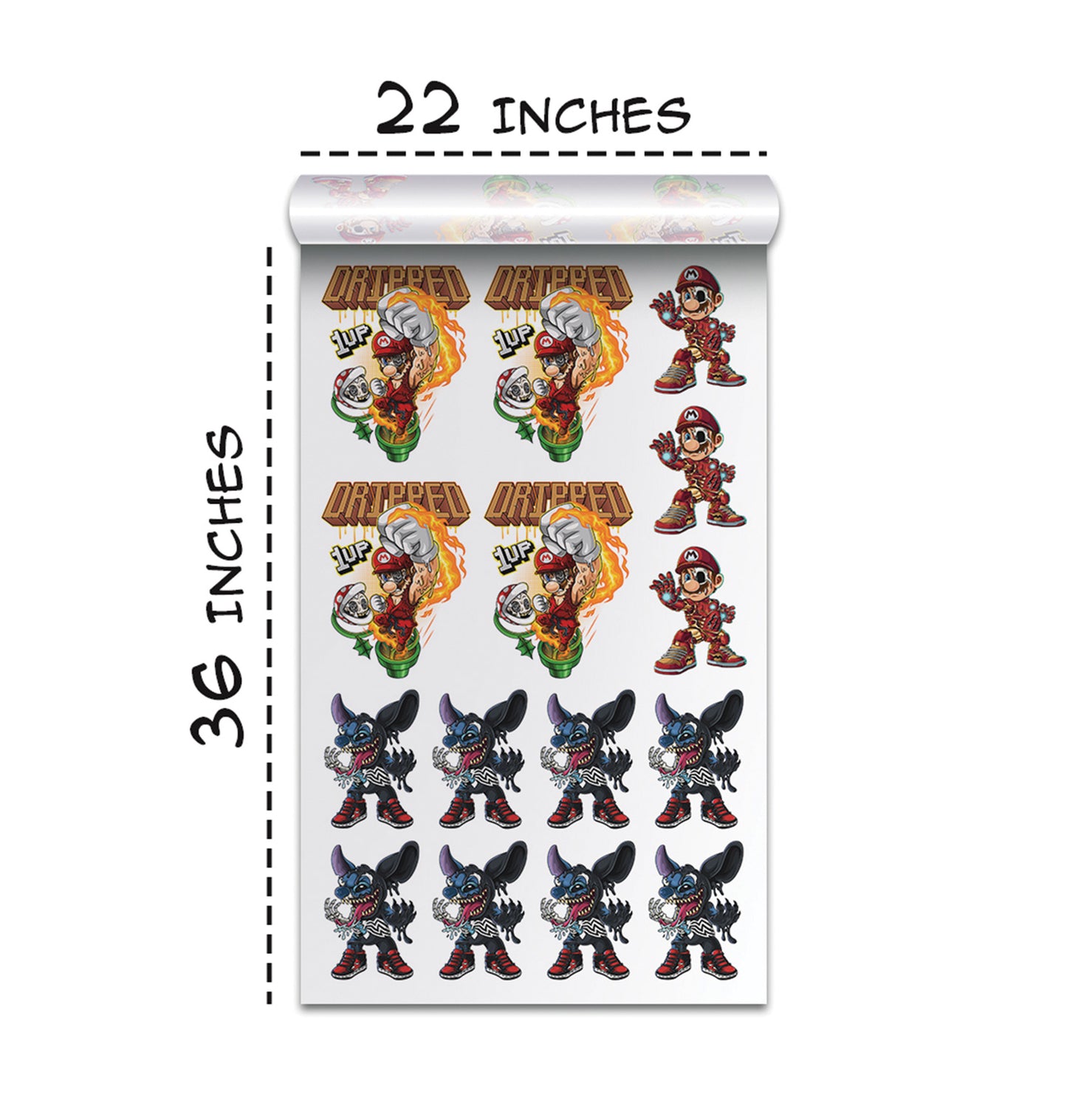
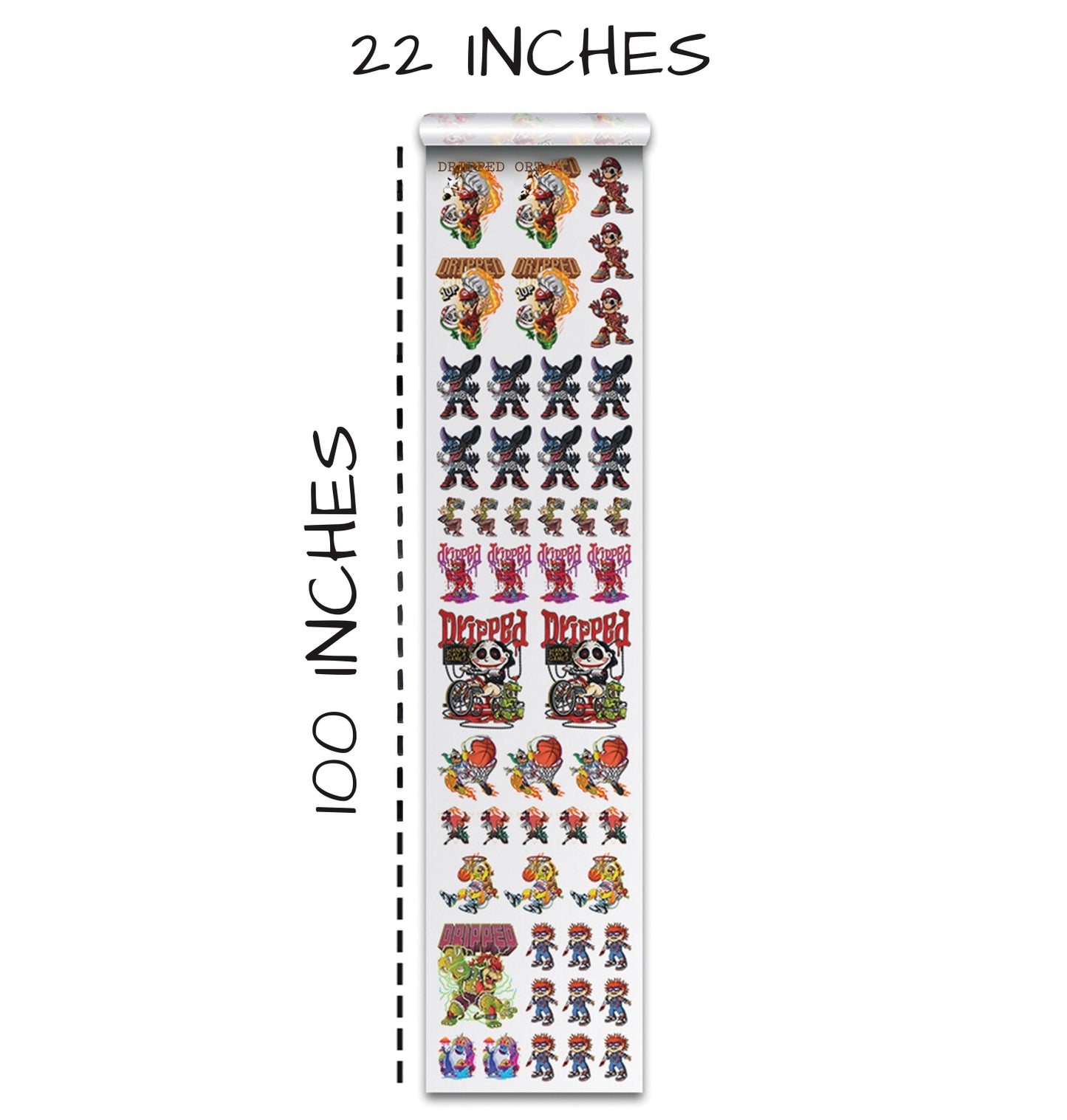
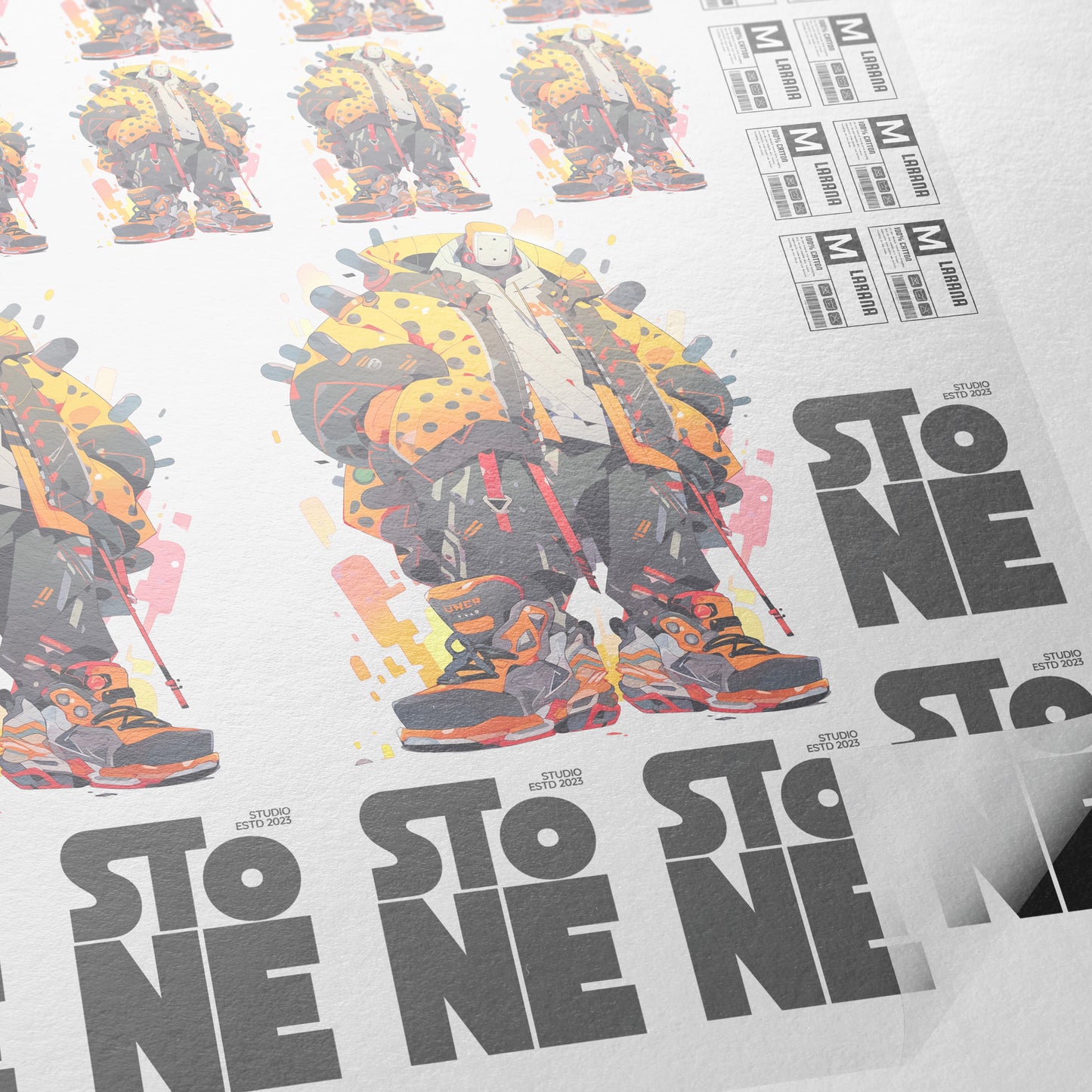
A gang sheet is basically a large sheet that holds multiple designs. Instead of printing one design at a time, you can fit several designs on one sheet and print them all together. This saves money because you're not wasting printer ink or film.
Transfer Superstars, a leading DTF printing company, created a free online tool called the DTF Gang Sheet Builder. This tool makes it super easy to arrange your designs on a gang sheet without needing fancy, expensive software. The tool is user-friendly and does several helpful things automatically.
Here's what the gang sheet builder can do:
The builder lets you select your gang sheet size. Sizes range from 22x12 inches all the way up to 22x100 inches, depending on how many designs you want to print. You can also decide how many copies of your design you want to make.
Once you upload your image, the tool shows you an editing menu with five different tools: remove background, upscale quality, halftone, crop, and color tools. These tools help you prepare your design for printing.
The remove background tool helps if your design still has a background you don't want. The upscale quality tool makes your image bigger and better quality, which is super important for printing. If your image quality is too low, it will look blurry and bad when printed on a shirt.
The color tools are especially helpful. They let you remove specific colors from your design. For example, if your design has a white background that you don't want printed, you can select white as the color to remove. You set something called "tolerance," which basically means how similar a color has to be to get removed. A tolerance of 70 to 100 works well for most designs. Once you click remove, the tool knocks out that color, leaving it transparent.
Understanding Resolution and Print Quality
You might notice that when you upload a design, the gang sheet builder puts a colored box around your image. These colors mean something important. If the box is red, it means your image quality isn't good enough for printing. Your design might come out blurry or pixelated on the final shirt. If the box is yellow, it means your image quality is okay but could be better. If the box is green, it means your image quality is perfect and ready to print.
This is why the upscale tool is so important. If you see a red or yellow box, you should use the upscale tool to improve your image quality. Once you do, upload it again and check the color. You want to see green boxes, which tells you everything is ready to go.
From Digital Design to Actual Printed Shirts
All of this digital work eventually leads to something real: actual t-shirts that people will wear. Let's look at how that happens.
Once your gang sheet is ready, you order your DTF transfers from a printing company. These transfers are printed on special film. Within 2-3 business days, your transfers arrive at your door. The next step is using a heat press to transfer the design from the film onto the shirt.
A heat press is basically a big clamp that applies heat and pressure. You place your blank shirt in the heat press, position your transfer, close the press, and hold it there for a specific amount of time. The heat melts the special adhesive powder on the transfer, and the design sticks permanently to the shirt.
The ideal temperature range for most DTF transfers is 275 to 300 degrees Fahrenheit. The typical pressing time is 7 seconds. Some designs need two presses—one with a regular finishing sheet and one with a matte finishing sheet. The matte finishing sheet adds a nice texture to the design.
The Results: Does AI-Made Print-on-Demand Really Work?
The real test of this whole process is the final product. Do the shirts actually look good? Is it worth the effort?
Based on the real examples shown in the video, the answer is yes. The AI-created designs looked professional and attractive. The samurai cat design came out looking cute and fierce at the same time. The space ramen design looked clean and well-designed. When pressed onto high-quality blank shirts, these designs looked like they were professionally designed and made.
One interesting thing that happened was noticing that some designs worked better on certain shirt colors. The space ramen design, for example, had white elements in it. When it was pressed onto a white shirt, those white elements disappeared (because white on white is invisible). But that actually created a cool shadow effect that made the design look even better. If the same design had been pressed onto a black shirt, it wouldn't have looked as good.
This teaches an important lesson: thinking about your product choices matters. The same design can look totally different on different colors. A good POD seller thinks about these details and chooses the right shirt color for the right design.
Why This Changes the Game for Print-on-Demand Sellers
Using Nano Banana and the DTF gang sheet builder together creates a complete workflow that changes how fast and easy it is to create POD products. You can now create designs in seconds instead of hours. You can make multiple variations of the same design just by asking. You can create professional-looking mockups without expensive software. You can prepare your designs for printing without confusion or complicated steps.
For Etsy sellers, this means you can create more products in less time, which means potentially more sales. For Shopify store owners, it means you can offer customers more design choices. For people just getting started, it means the barrier to entry is lower than ever.
The whole process—from AI-generated design to final printed shirt—can now be done by almost anyone with access to the internet and a few dollars for printing and blanks. That's powerful, and it's why tools like Nano Banana and the DTF gang sheet builder matter so much to the print-on-demand community.
Ready to Embark on your DTF Journey?
Experience DTF Excellence Today! Get your Sample Pack! See the vibrant colors, durability, and precision we offer firsthand before you invest.
Transform Your Style with our DTF Collection!
Ready to Elevate Your Printing Game? Submit your custom order now and experience:
- Superior color accuracy
- Premium durability
- Fast turnaround times
Click here to start your DTF printing journey!