How to Create a Realistic Crystal Gem Print Effect Using AI for DTF Printing
Table of Contents
- Why AI Is Changing Typography Design
- How Prompt Engineering Creates Crystal Gem Effects
- Generate Your Crystal Text with AI
- Download Your AI Artwork
- Prepare AI Artwork for DTF Printing
- Build a DTF Gang Sheet
- Why Image Quality Matters in DTF Printing
- Printing the Crystal Design
- Choosing the Right Hoodie
- Position the Design Correctly
- Why Heat Press Pillows Help
- Heat Press Settings
- Peeling the Transfer
- Should You Perform a Second Press?
- Why Crystal Effects Work So Well for Apparel
- Tips for Better AI Crystal Designs
- The Future of AI-Powered DTF Design
- Final Thoughts
Creating eye-catching typography used to require advanced graphic design skills and hours of manual work. Today, AI has changed that. We can type a simple word, use the right prompt, and generate stunning crystal gemstone lettering in just a few minutes. Even better, we can prepare that artwork for Direct-to-Film (DTF) printing and press it onto apparel without complicated editing.
In this guide, we'll walk through the complete process of creating a realistic crystal gem print effect using AI, improving the artwork for professional printing, and applying it to a hoodie. Whether we're making custom clothing, selling apparel, or simply experimenting with AI-generated designs, this workflow makes creating premium-looking typography easier than ever.

Why AI Is Changing Typography Design
Traditional gemstone text effects usually require multiple layers, lighting effects, bevels, reflections, and detailed masking inside graphic design software. That process can take a long time, especially for beginners.
AI changes everything.
Instead of building each effect manually, we simply describe what we want through a carefully written prompt. The AI recreates every letter from scratch while automatically determining:
- Crystal facets
- Light reflections
- Gemstone depth
- Material texture
- Realistic shadows
- Edge highlights
Rather than applying a filter to existing text, AI completely rebuilds the typography as a new image.
This allows us to create professional-looking artwork in minutes instead of hours.
How Prompt Engineering Creates Crystal Gem Effects
The secret isn't a special font.
It's the prompt.
A well-written AI prompt tells the model exactly how the material should behave. Instead of describing typography alone, it explains:
- The gemstone material
- Surface reflections
- Transparency
- Internal lighting
- Crystal edges
- Faceted geometry
The AI interprets those instructions and generates letters that resemble real gemstones.
Because the prompt focuses on the material rather than the font, we can replace the text with almost any word while maintaining a consistent crystal style.
This makes it incredibly useful for:
- Brand names
- Team names
- Event graphics
- Personalized apparel
- Merchandise
- Promotional products
Generate Your Crystal Text with AI
The workflow begins inside ChatGPT.
After copying the crystal gem prompt, paste it into ChatGPT and replace the placeholder text with your desired word.
For example:
- GEM
- SHINE
- DIAMOND
- CRYSTAL
- LUXURY
- SPARKLE
Within moments, AI produces fully rendered gemstone lettering complete with realistic lighting, reflections, and depth.
One of the biggest advantages is consistency. Since the prompt defines the overall style, different words maintain a similar appearance without needing to redesign each letter.
Download Your AI Artwork
Once we're happy with the generated image, download it at the highest quality available.
Although the artwork looks impressive immediately, AI-generated images are not always optimized for printing.
Many generated images are created at relatively low resolutions. Enlarging them without improvement can produce blurry edges or visible pixelation.
Before sending the design to print, it's worth spending a minute improving the artwork.
Prepare AI Artwork for DTF Printing
High-quality DTF printing depends heavily on image quality.
Even beautiful artwork can produce disappointing prints if the file isn't properly prepared.
Increase the Image Resolution
One common issue with AI-generated artwork is low DPI.
Many AI images begin around 72 DPI, which is designed for digital viewing rather than physical printing.
Upscaling increases the image quality while preserving detail.
Benefits include:
- Sharper crystal edges
- Better reflections
- Cleaner facets
- Improved print clarity
- Professional results
Upscaling before printing helps preserve the realistic gemstone appearance.
Remove the Background
Most AI-generated artwork includes a solid background.
For apparel printing, we usually want transparent artwork instead.
Removing the background creates cleaner prints because only the design transfers onto the garment.
This also allows us to place the crystal lettering on different colored shirts and hoodies without unwanted borders.
Resize for Print
For a standard front hoodie design, an artwork width around 11 inches works well.
A properly sized design helps create:
- Better visibility
- Balanced placement
- Professional proportions
Preparing the artwork at its final print size also helps maintain image quality.
Build a DTF Gang Sheet
Once the artwork is ready, upload it into a DTF gang sheet builder.
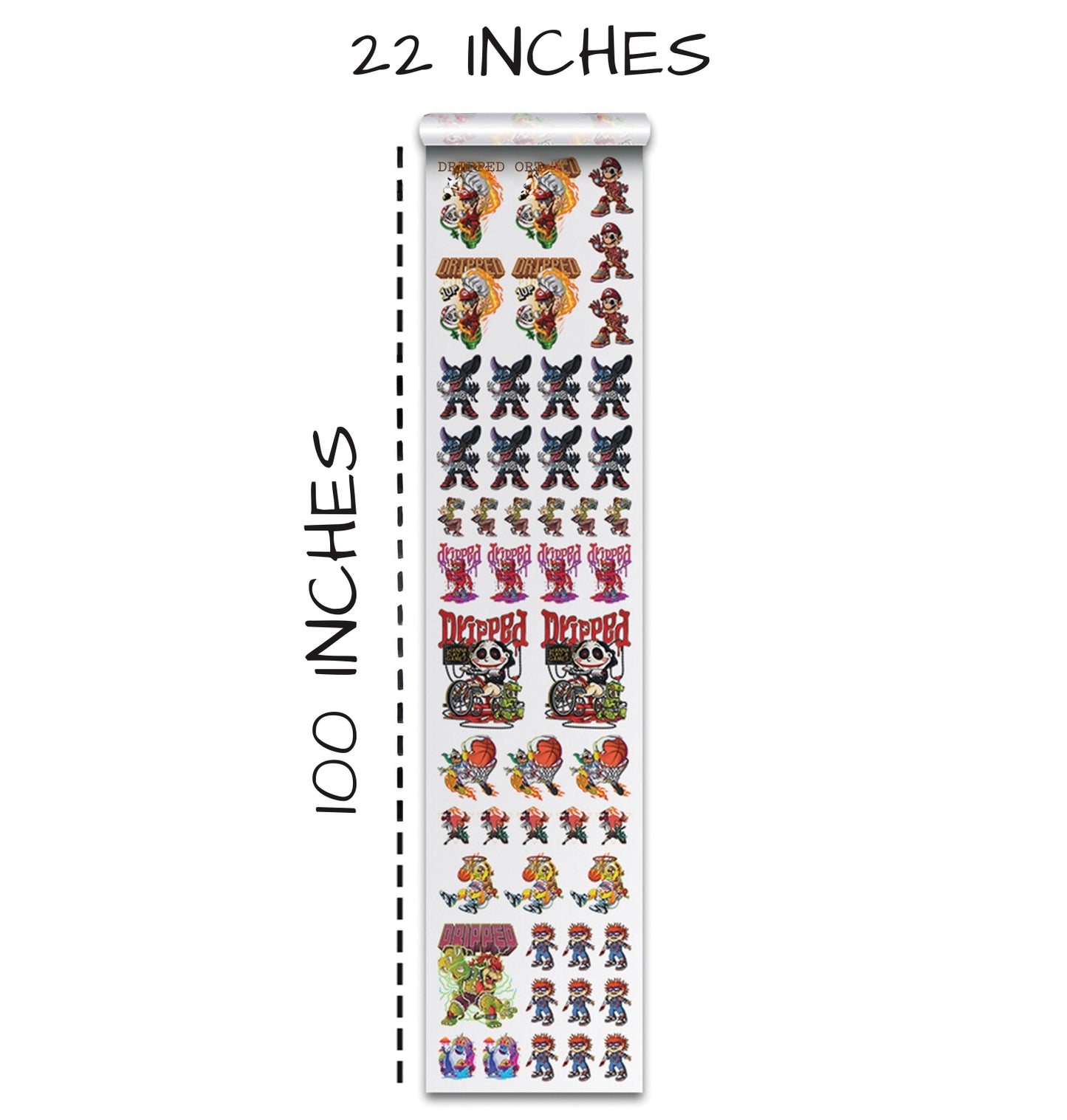
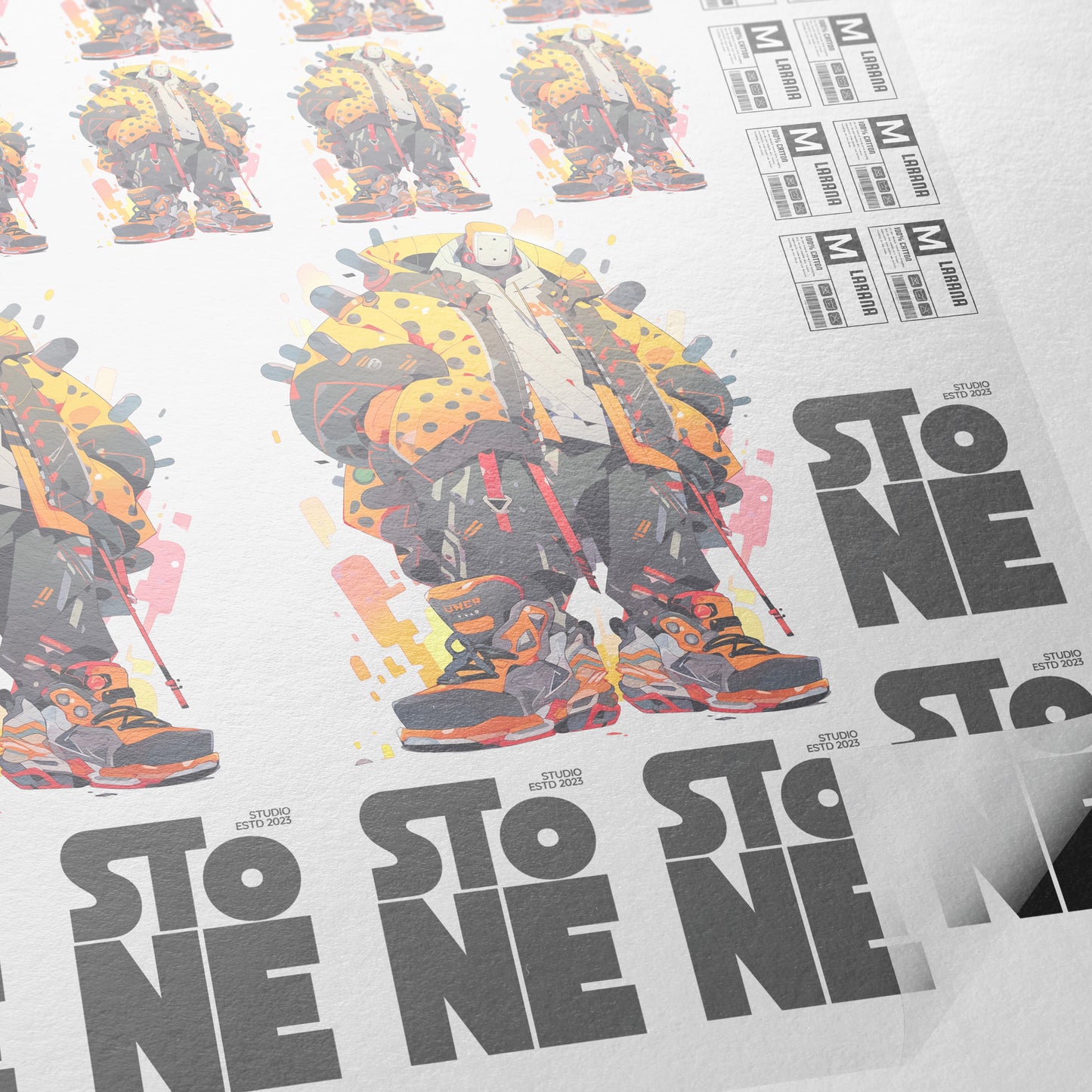
Gang sheets allow us to fit multiple copies of the same design onto one sheet of transfer film.
Instead of printing one image at a time, we can duplicate the artwork across the available space.
Benefits include:
- Lower printing costs
- Less wasted film
- Faster production
- Multiple transfers from one print
Carefully arranging the images helps maximize every inch of printable space.
Even small adjustments to spacing can often fit another design onto the sheet.
Why Image Quality Matters in DTF Printing
Crystal artwork contains many tiny highlights and sharp edges.
Poor image quality can reduce those details.
Low-quality files may show:
- Jagged edges
- Soft reflections
- Blurry facets
- Color banding
- Pixelation
High-resolution artwork preserves the illusion of real crystal.
When printed properly, the lettering appears much sharper and more premium.
Printing the Crystal Design
After submitting the gang sheet, the DTF transfer is printed and cured.
Before pressing it onto a garment, it's worth inspecting the transfer closely.
Look for:
- Sharp edges
- Clean reflections
- Smooth gradients
- Bright colors
- No visible pixelation
If everything looks crisp on the transfer, it's ready for pressing.
Choosing the Right Hoodie
Dark garments often make crystal effects stand out even more.
The example uses a Lane Seven hoodie, whose color complements the bright blue gemstone effect.
When choosing apparel, consider how the shirt color affects the artwork.
Crystal lettering often looks excellent on:
- Black
- Charcoal
- Navy
- Deep green
- Burgundy
These darker backgrounds increase contrast and make the highlights appear brighter.
Position the Design Correctly
Before pressing, center the transfer carefully.
Alignment tools make positioning much easier.
Taking a few extra seconds here prevents crooked designs and uneven placement.
Many print shops also use heat-resistant tape to hold the transfer in place during pressing.
This is especially helpful when working with:
- Hoodies
- Sweatshirts
- Heavy garments
- Large graphics
Tape reduces movement while the press closes.
Why Heat Press Pillows Help
Hoodies contain thick seams around the pocket and chest.
Those raised areas can reduce pressure across the design.
A heat press pillow helps compensate for uneven surfaces by lifting the printable area above surrounding seams.
Benefits include:
- More even pressure
- Better adhesion
- Cleaner transfers
- Reduced lifting
Using a pillow is a small step that often improves print quality significantly.
Heat Press Settings
The transfer in this demonstration was pressed using:
- Temperature: 300°F
- Time: 10 seconds
- Firm pressure
The press used operated in five-second intervals, making ten seconds the preferred setting.
Always follow the recommendations for the specific transfer film being used, as manufacturers may have slightly different instructions.
Peeling the Transfer
After pressing, allow the transfer to cool briefly before peeling.
Waiting around 15 seconds helps avoid accidental burns while also allowing the adhesive to stabilize.
The transfer should release cleanly from the carrier sheet, revealing the finished crystal lettering.
At this stage, the artwork already displays:
- Bright reflections
- Crisp edges
- Deep colors
- Smooth surfaces
The crystal illusion becomes especially noticeable once the carrier sheet is removed.
Should You Perform a Second Press?
Many DTF printers recommend a second press.
A finishing press improves durability by helping the adhesive bond more securely with the fabric.
However, there's a trade-off.
Additional pressing can sometimes reduce the glossy appearance of certain specialty designs.
If preserving maximum shine is the priority, use caution with extended pressing.
A protective sheet can also help reduce direct heat exposure during the finishing press.
Why Crystal Effects Work So Well for Apparel
Crystal typography instantly attracts attention.
Its combination of depth, reflections, and vibrant colors creates a premium appearance that works well across many apparel categories.
Popular uses include:
- Fashion brands
- Streetwear
- Concert merchandise
- Sports apparel
- Birthday shirts
- Event clothing
- Small business branding
Because AI generates each design quickly, creating multiple variations becomes simple.
Tips for Better AI Crystal Designs
We can improve our results by following a few best practices.
Keep Words Short
Shorter words often generate cleaner layouts with better spacing.
Use High Contrast Colors
Bright gemstones stand out more against darker apparel.
Always Upscale Before Printing
Higher resolution preserves small crystal details.
Remove Backgrounds
Transparent artwork produces cleaner transfers.
Inspect Before Printing
Zoom into the artwork to ensure edges remain sharp before submitting it.
The Future of AI-Powered DTF Design
AI is making custom apparel more accessible than ever.
Instead of spending hours mastering advanced design software, we can now focus on creativity. A well-crafted prompt allows us to generate realistic materials like crystal, metal, leather, embroidery, and other specialty effects in minutes.
Combined with modern DTF printing, AI gives creators a fast way to turn ideas into wearable products without sacrificing quality.
As image generation continues to improve, we can expect even more realistic textures, sharper details, and faster workflows that help businesses create custom apparel with less effort.
Final Thoughts
Creating a realistic crystal gem print effect no longer requires professional graphic design skills. By combining AI-generated typography with a simple workflow—generating the artwork, improving its resolution, removing the background, arranging it on a gang sheet, and pressing it onto a garment—we can produce striking designs that look polished and professional.
Whether we're creating apparel for ourselves, our customers, or an online store, AI dramatically speeds up the design process while still delivering impressive visual results. With the right prompt and proper DTF preparation, we can transform ordinary text into sparkling gemstone artwork that's ready to wear in just a matter of minutes.
Ready to Embark on your DTF Journey?
Experience DTF Excellence Today! Get your Sample Pack! See the vibrant colors, durability, and precision we offer firsthand before you invest.
Transform Your Style with our DTF Collection!
Ready to Elevate Your Printing Game? Submit your custom order now and experience:
- Superior color accuracy
- Premium durability
- Fast turnaround times
Click here to start your DTF printing journey!