AI-Powered Success: We’re Sharing 7 Simple ChatGPT Hacks for Our Viral T-Shirt Business!
We wanted a better way to make money creating t-shirts. The "print-on-demand" (POD) world is huge, and we realized AI like ChatGPT could change everything. We can now create incredible designs and ideas in seconds. We won't just talk about the screen; we'll show we’re printing these ideas onto real shirts!
We're going to break down seven of our favorite AI design hacks. These tips help us create ideas that go viral. Then, we'll show exactly how we take our best designs and print them using our high-quality Direct-to-Film (DTF) transfers and our special online building tool. We hope everyone gets some ideas from our process.

TABLE OF CONTENTS
- Section 1: Quick & Easy Methods for Finding Profitable Ideas
- Section 2: Advanced Techniques for Complex Graphics
- Section 3: DTF Printing and Our Gang Sheet Builder Tool
- Section 4: From Digital Art to Real Life Apparel
Section 1: Quick & Easy Methods for Finding Profitable Ideas
We start with the easiest hacks—finding catchy words and phrases that practically sell themselves. We believe a funny, relatable phrase is half the business battle.
Hack 1: Generating Funny Niche Phrases for Apparel
We used to spend hours brainstorming what people would actually laugh at and buy. Not anymore! Now, we just ask the AI to do the hard work. We tell it to generate a "short, funny niche phrase that works well on a shirt."
The AI is incredible at this. It gives us whole lists of ideas for different groups: people who love games, pet lovers, foodies, gym fanatics, coffee drinkers, and bookworms. We saw one that made us laugh right away. It was for the gym niche: "Burpees? We thought we said Slurpees." That’s the kind of relatable, funny idea that sells.
We get the phrase first because that’s the gold. While the initial picture the AI gives us might not be what we print, the idea itself is what counts. This hack confirms that AI helps us find catchy concepts people will want to wear.
Hack 2: Our Secret Amazon Merch Listing Generator
Making a great design is only step one. We need people to find our shirts when they search online. Writing a product description that helps with search results (SEO) used to be a long, boring task. Now, we skip that! We use the design from the first hack and ask the AI for an "Amazon Merch listing that is ready to use, compliant product description to sell the design."
The AI delivers a complete, professional listing, ready for us to copy and paste. It includes:
- A strong Title: We get titles like "Burpees, we thought we said Slurpees Funny Workout Gym Fitness Humor T-Shirt."
- A Brand Name: The AI even suggests names, like "Fit and Funny Apparel Company."
- Bullet Points: We get points perfect for fitness fans, great conversation starters, and ideal gifts.
This hack saves us from putting in the boring work. We focus on creating more great designs while the AI writes the sales copy for us.
Hack 3: Transforming Our Design Style
What if we have a basic design idea but want to change the look completely? We don't have to be experts in complex art programs. We ask the AI to transform the art style to make it more realistic, vintage, or modern.
We took a simple neon pink design and asked the AI to change the style to look like a "realistic painting." The AI transformed the neon concept into a design that looked like someone had actually drawn it with crayons and paint. The difference was phenomenal. The design still kept its original feeling, but it looked more high-end and detailed. This transformation shows us how easily we can make a simple graphic look like a piece of art that attracts more buyers.
Hack 4: Creating New T-Shirt Designs from Scratch
When we need a completely new graphic design, we don’t need to draw anything. We only need to provide the AI with three pieces of information:
- Niche: The main topic.
- Audience: Who will wear it.
- Style: The artistic look we want.
We simply put these three ideas together in a request. For example, we put: "Create a unique original t-shirt design by using the niche of skateboarding with the audience of skateboarders and a style of anime." People love anime, and we've seen many skateboarders wearing anime shirts. The result was a cool, unique character design that we never could have thought up ourselves. We think designing from nothing is hard, but the AI makes it easy and fun.
Section 2: Advanced Techniques for Complex Graphics
These next hacks let us create more complicated and unique designs by mixing images and generating multiple versions of our favorite concepts.
Hack 5: Combining Proven Design Concepts
Instead of only building an idea from nothing, we can take two separate images we like and ask the AI to combine them. This is a great way to mix popular ideas and create something fresh and new.
We took two different images—we believe they were from a template—and asked the AI to combine them. We wanted them to look like they were about to fight. We loved the layout the AI gave us. It made the images look like a UFC stand-in photo, where the two characters are meeting and looking at each other before the match. The style of the design was fantastic, and we decided right away that this one was going onto a shirt. Combining successful ideas often leads to a winning new product.
Hack 6: Heavy Lifting for Multiple Design Variations
Once we have a winning design—like our face-off image—we need variations for our store. We want to see it in different styles and settings. This is where we ask the AI to do the "heavy lifting" by creating multiple versions all at once.
We asked the AI to use our base image and apply different looks, such as "Cyberpunk Neon Clash," "Apocalyptic Desert Showdown," or "Futuristic Metallic Duel." We had to be very clear with the AI. It only gave us one at a time at first, so we had to tell it exactly: "Please give us four in one go." We learned we have to communicate with the AI clearly, and once we did, it understood! It gave us four unique images that followed the style names we asked for. This hack saves us many hours of manual work and gives us a bigger product catalog quickly.
Hack 7: Using Best-Seller Screenshots for Inspiration
We don't like guessing what people want to buy. This hack uses real-world proof of what sells. We take a screenshot of a top-selling t-shirt from a big online store. Then, we ask the AI to "Use these top selling tees as inspiration to make a fresh original t-shirt design."
The AI looked at the feel of the best-sellers (shirts like "We want to drink wine and save animals and take a nap") and created a new, similar design that we think would sell just as well: "We want to quit our job and sit alone at the lake." The AI even matched the font and the style. This proves that AI understands the idea behind a successful product and can create a new version for us to sell.
Section 3: DTF Printing and Our Gang Sheet Builder Tool
After we use AI to create all these amazing designs, we hit the biggest problem: the images are often too small and low-resolution. They might be just 3 inches high with only 72 DPI (dots per inch), which is not good for a professional print. When we try to make a small image bigger, we get a blurry, black outline that shows "terrible resolution." This is why we created our Transfer Superstars DTF Gang Sheet Builder tool.
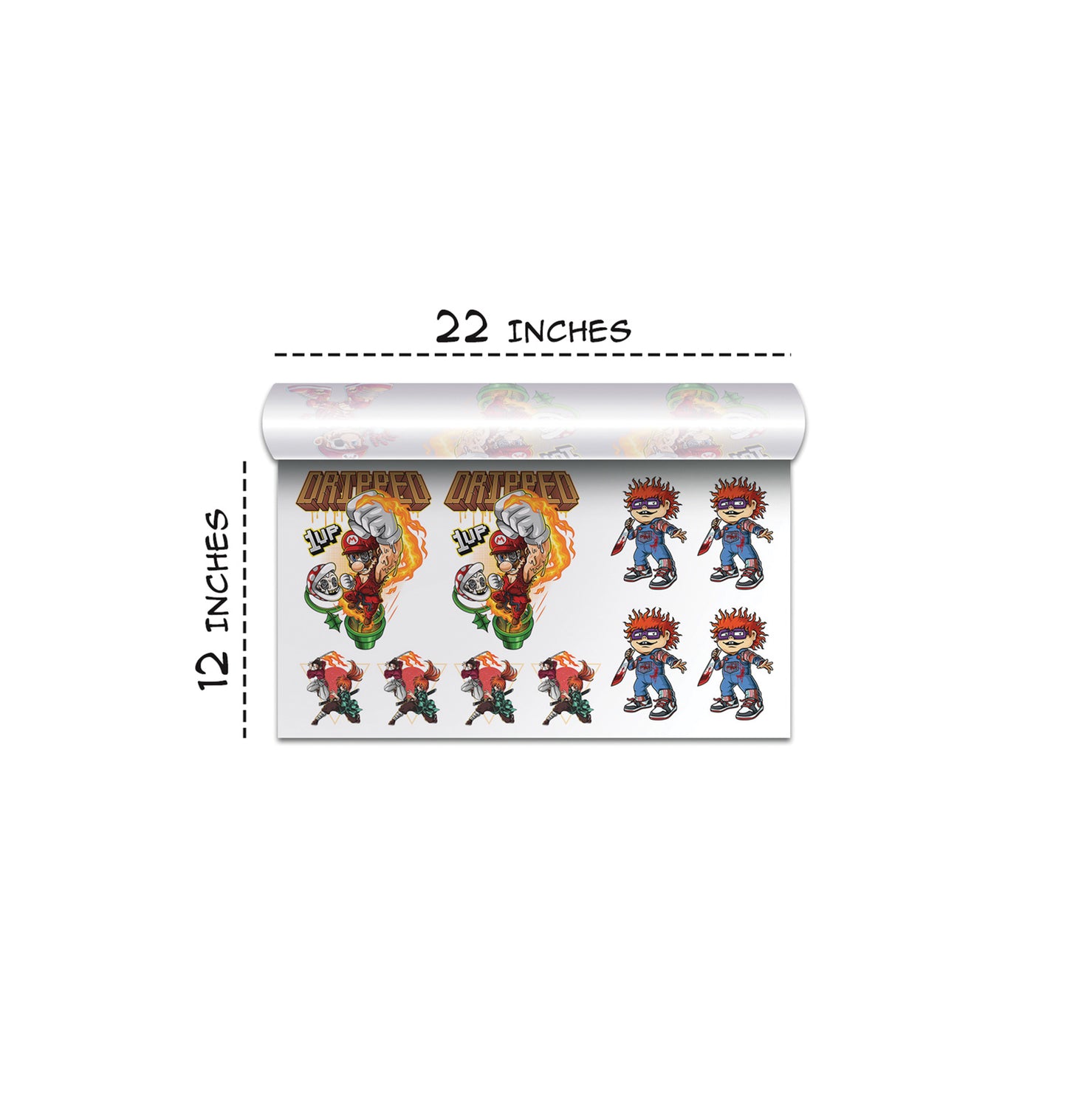
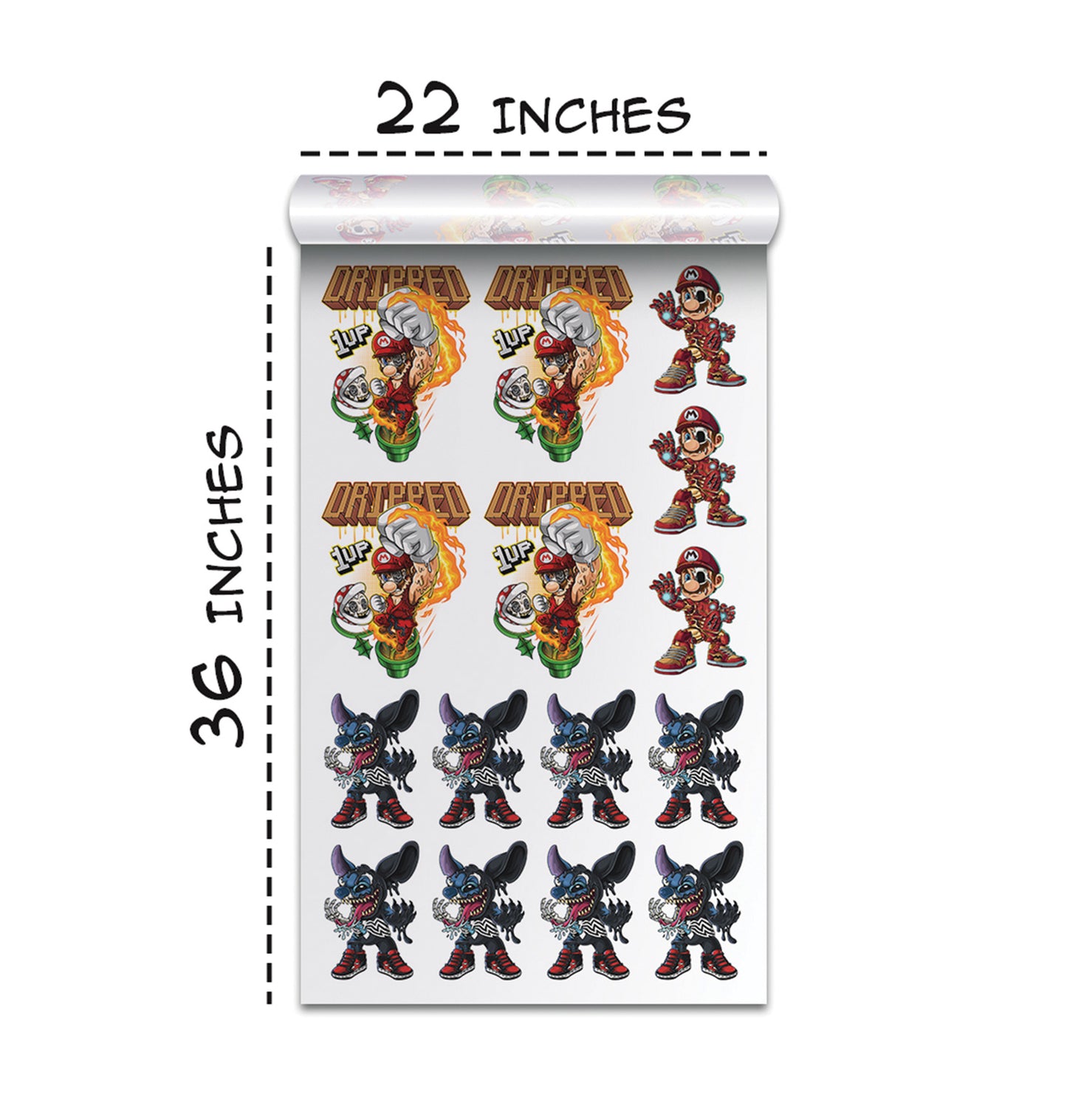
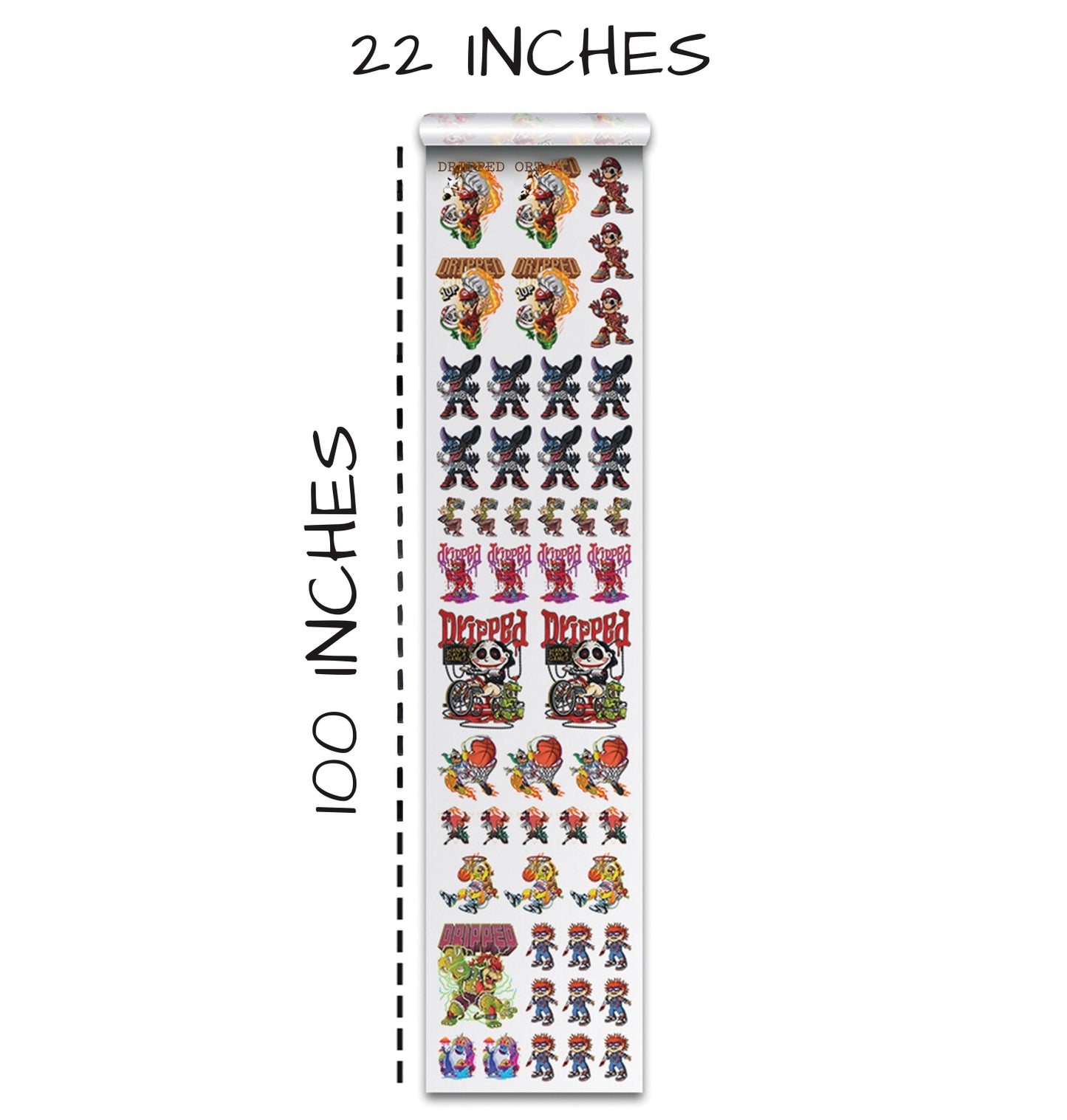
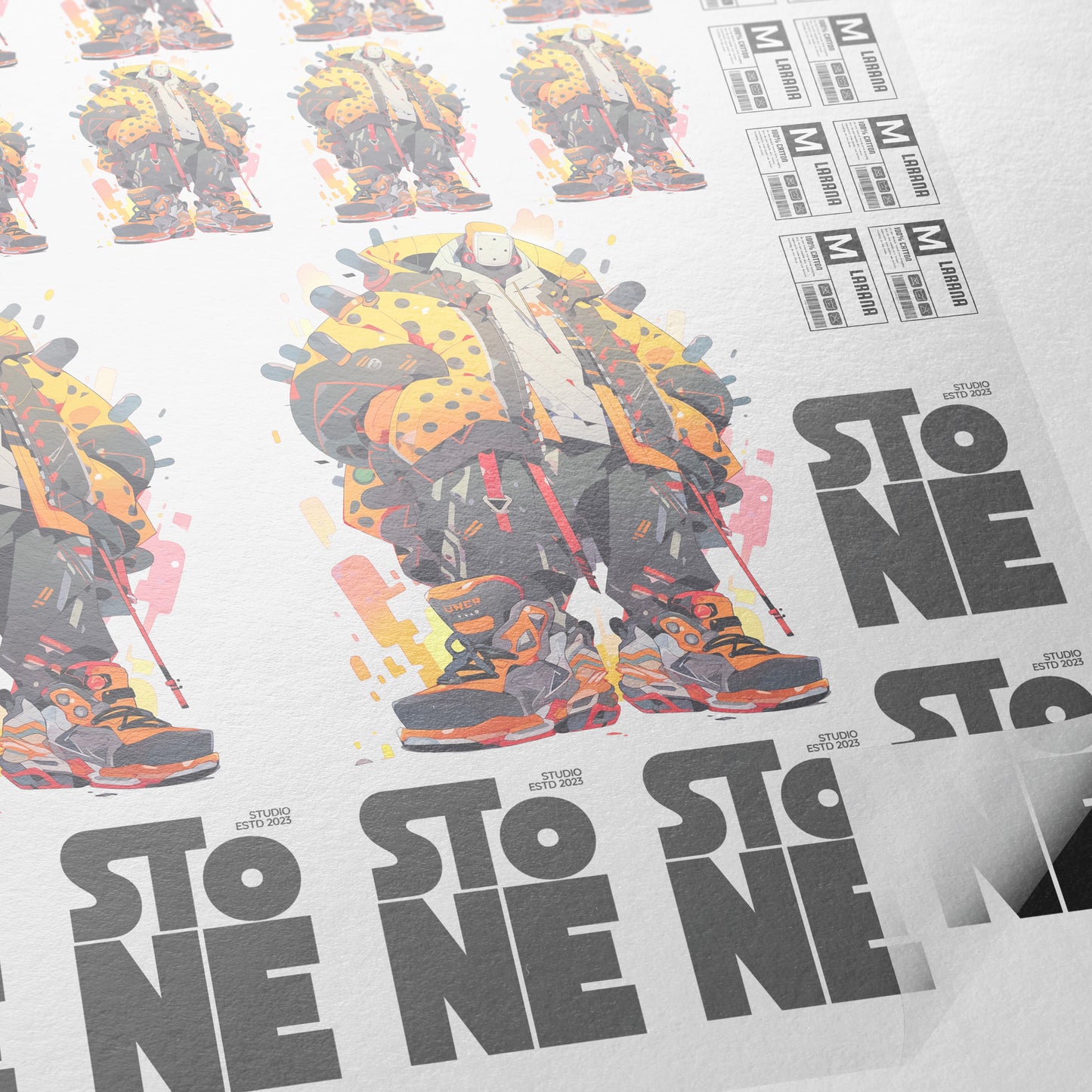
We sell high-quality transfers, and we needed a simple online tool to fix our low-quality images. The Gang Sheet Builder lets us combine all our designs onto one large sheet—a "gang sheet"—which saves us money on printing.
Essential Tools for High-Quality DTF Transfers
Our online builder has a few powerful features that every t-shirt creator needs:
Upscale Quality:
This is our favorite feature. When we upload that low-quality image, we just hit the "Upscale Quality" button. The tool immediately uses special technology to clean up the resolution. It turns that terrible black outline into a green outline, which tells us the image is now clean, 300 DPI, and ready to be printed perfectly, even at a large size like 11 inches.
Remove Background:
Sometimes the AI gives us a design with a background we don't want. We don't want to open expensive, complicated design software. Our Gang Sheet Builder can "Remove the background" with one click. This cleans up our design perfectly, ready for us to put on any color shirt.
Perfect Color Knockouts:
This is a game-changing technique. A color knockout means removing a specific color from the design so the actual color of the t-shirt shows through instead. This makes the final shirt much softer and more breathable for the person wearing it—it removes that thick plastic feel.
We go to "Color Tools," select the color we want to remove (we can select black if we are printing on a black shirt), and hit "Remove." Our tool performs a "perfect color knockout" instantly. This advanced feature makes our DTF transfers look incredible, especially on dark shirts.
Section 4: From Digital Art to Real Life Apparel
The final step is taking our high-quality DTF transfer from the gang sheet and pressing it onto a shirt. We use our durable, bright DTF transfers. We chose two black shirt blanks to show off the final result.
How We Apply Our DTF Transfers
Once we cut our transfers from the gang sheet, we follow a simple process with our heat press:
- Alignment: We line up the shirt on our heat press, making sure we get the placement exactly right.
- Placement: We place the transfer on the shirt. We always bend a small piece to help us align the edges perfectly.
- First Press: We set the heat press to 300 degrees for a quick 7-second press.
- Peel: Our DTF transfers are a "hot and cold peel," meaning we can peel the transfer film off the shirt right away after the first press.
- Second Press for Texture: To give the design a smooth, professional feel (a "matte finish"), we use a matte finishing sheet for a second press. This final step adds a great texture to the print.
Reviewing the Final Printed T-Shirts
Both of the final shirts we printed looked great.
- The Face-Off Design: We loved the knockout we did on this one. It made the graphic feel very breathable—we couldn't feel much of a plastic texture. The image was sharp, and the whole design gave off a cool, intense feeling.
- The Anime Skateboarder Design: We love the whole style of this graphic. However, we learned a small lesson here: we should have knocked out the black outline on this design, too. Since we didn't, the black outline on the transfer didn't perfectly match the black color of the shirt fabric, making the edge look slightly incomplete up close. But, from a normal distance, the shirt still looked really good.
This process proves that we can create any design we want using AI and then use our DTF technology to bring it to life on a high-quality shirt! We had fun making this one, and we hope we gave everyone great ideas for their own creations.
Ready to Embark on your DTF Journey?
Experience DTF Excellence Today! Get your Sample Pack! See the vibrant colors, durability, and precision we offer firsthand before you invest.
Transform Your Style with our DTF Collection!
Ready to Elevate Your Printing Game? Submit your custom order now and experience:
- Superior color accuracy
- Premium durability
- Fast turnaround times
Click here to start your DTF printing journey!